Introduction to HTML

What is HTML?

HTML stands for HyperText Markup Language. It is the standard language used to create and design the structure of web pages on the internet. Every website you visit, from simple blogs to complex platforms like e-commerce sites, is built using HTML as its foundation.

HTML is responsible for organizing and displaying content in a meaningful way so that web browsers like Chrome, Edge, or Firefox can understand and render it properly. It uses a system of tags and elements to define different parts of a webpage.

With HTML, developers can clearly tell the browser:

  • Which text should appear as a heading.
  • Which content should be displayed as a paragraph.
  • Where to place images.
  • How to create links between pages.

It is important to understand that HTML is not a programming language.It does not perform logical operations, calculations, or decision-making.

Instead, HTML is a markup language, which means it is used to “mark up” content by adding tags that describe the structure and meaning of the data.

History of HTML

HTML has an interesting history that goes back to the early days of the internet.

  • HTML was invented by Tim Berners-Lee, a British computer scientist, who is also known as the inventor of the World Wide Web.
  • The first version of HTML was released in 1991, which included only basic tags for structuring simple documents.
  • The current and most widely used version is HTML5, which introduced modern features like audio, video, semantic elements, and improved performance.

HTML5 has made it easier for developers to build fast, interactive, and user-friendly websites without relying heavily on external plugins.

Why HTML is used?

HTML plays a crucial role in web development because it provides the foundation for all web content. Without HTML, web browsers would not know how to display information.

  • To create websites
  • HTML is used to build the basic structure of every website. It acts as the skeleton that holds all content together.

  • To structure content
  • HTML organizes content into headings, paragraphs, lists, images, tables, and more. This makes the webpage readable and well-structured.

  • To connect CSS and JavaScript
  • HTML works together with other technologies:

    • CSS is used to style and design the webpage.
    • JavaScript is used to add interactivity and dynamic behavior.
  • Works on all browsers
  • HTML is supported by all modern web browsers. This means a webpage created using HTML can be accessed from different devices like computers, tablets, and smartphones without compatibility issues.

HTML vs CSS vs JavaScript

To build a complete and modern website, HTML is used along with CSS and JavaScript. Each has a different role:

Language Work
HTML Structure
CSS Design
JavaScript Functionality

Explanation:

HTML (Structure):

Defines the layout and content of the webpage, such as headings, paragraphs, and images.

CSS (Design):

Controls the appearance of the webpage, including colors, fonts, spacing, and layout.

JavaScript (Functionality):

Adds interactivity, such as animations, form validation, and dynamic updates.

Conclusion:

HTML is the first and most important step in learning web development. It provides the structure of a webpage and acts as the base on which all other technologies build upon.Understanding HTML properly will make it much easier to learn advanced topics like CSS, JavaScript, and modern web frameworks.
Introduction to HTML Quiz

1. What does HTML stand for?

2. Who invented HTML?

3. What is the current version of HTML?

4. Which of the following is NOT true about HTML?

5. What is the role of CSS in web development?

HTML Basics

Structure of an HTML Document

Every HTML webpage follows a fixed and standard structure. This structure helps web browsers understand how to read and display the content properly.

Even the simplest webpage must follow this basic format. Without this structure, the browser may not render the page correctly.

Here is a basic example of an HTML document:

<!DOCTYPE html>
<html>
  <head>
    <title>My Website</title>
  </head>
  <body>
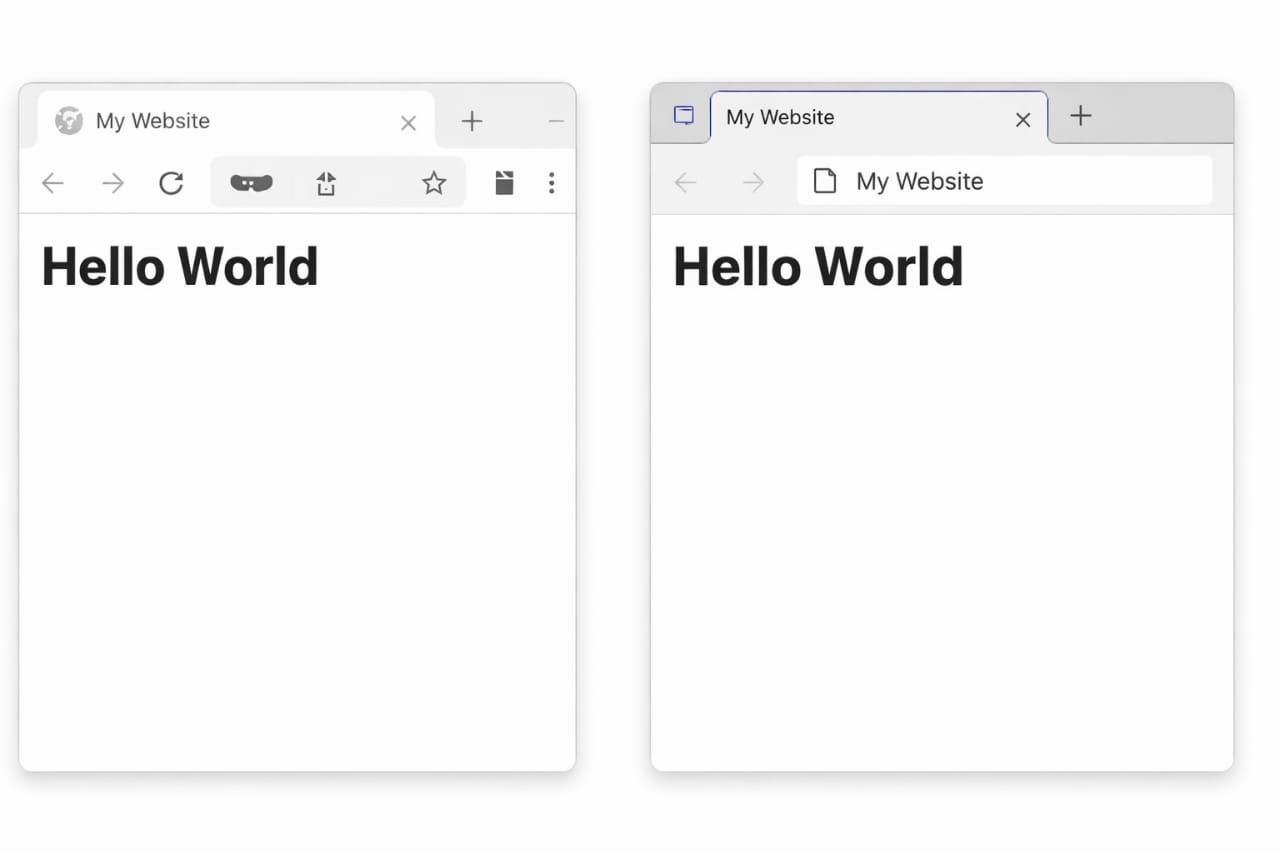
    <h1>Hello World</h1>
  </body>
</html>

This is the output of the code

Explanation of Each Part:

<!DOCTYPE html>

This is the first line of every HTML document.

  • It tells the browser that the document is written in HTML5 (latest version)
  • It helps the browser display the page correctly
  • It must always be written at the top of the document

Without this declaration, the browser may go into quirks mode, which can break the layout.

<html> tag

The <html> tag is known as the root element of the webpage.

  • It wraps all the content of the page
  • Everything written in the HTML document must be inside this tag
  • It represents the beginning and end of an HTML document

<head> tag

The <head> section contains information about the webpage, not the visible content.

This information helps browsers and search engines understand the page.

The <head> tag can include:

  • Title of the page (shown on browser tab)
  • Meta tags (SEO and page information)
  • Links to CSS files (for styling)
  • Scripts or external resources.

<body> tag

The <body> tag contains all the visible content of the webpage.

Whatever you want users to see must be written inside the <body>.

  • Text
  • Images
  • Videos
  • Forms
  • Links

HTML Comments

HTML comments are used to add notes or explanations inside the code.

  • Comments are not displayed in the browser.
  • They are helpful for developers to understand the code.
  • They improve readability and maintenance.
<!-- This is a comment -->

Key Points to Remember.

  • Every HTML page follows a standard structure.
  • <!DOCTYPE HTML > must always be at the top.
  • <html> is the root element
  • <head> contains hidden information
  • <body> contains visible content
  • Comments help explain code but are not visible on the page.

Conclusion

Understanding HTML basics and the structure of a webpage is the first step toward becoming a web developer. Once you master this structure, it becomes much easier to build complex websites and work with advanced topics.

HTML Basics Quiz

1. What is the purpose of the <!DOCTYPE html> declaration?

2. Which tag is the root element of an HTML page?

3. Which section contains the visible content of a webpage?

4. What is the correct syntax for an HTML comment?

5. Which tag is used to define the title of a document?

HTML Elements

What are HTML Elements?

HTML elements are the basic building blocks of every webpage. They tell the web browser what content should appear on the screen and how it should be displayed. Everything you see on a website such as headings, paragraphs, images, buttons, links, tables, and forms are created using HTML elements.

An HTML element usually contains:

  • An opening tag.
  • Content.
  • A closing tag.
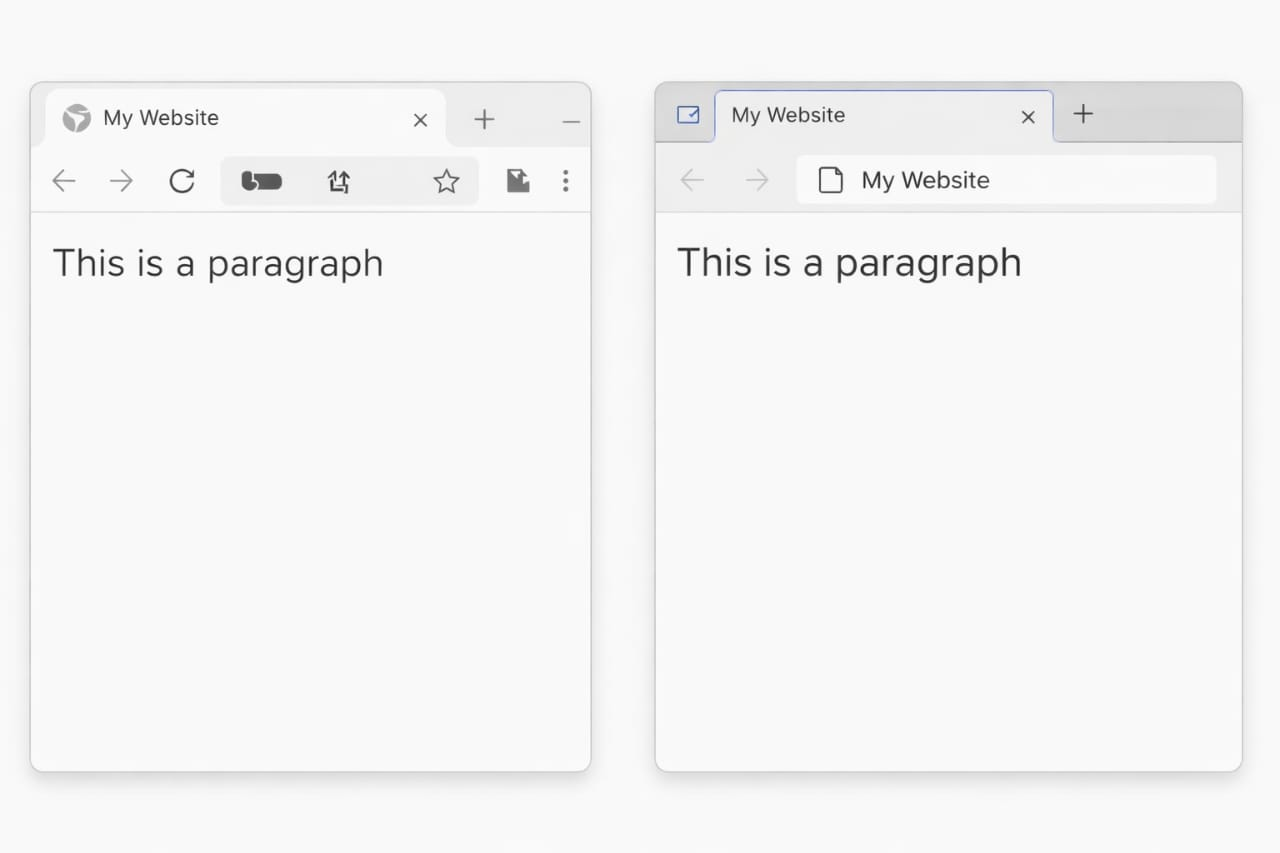
<p>This is a paragraph</p>
  • <p> = Opening tag
  • This is a paragraph = Content
  • </p>= Closing tag

This is the output of the code

Why HTML Elements are Important?

HTML elements are important because they help developers create structured and organized webpages. Without HTML elements, websites would not have headings, images, paragraphs, or links.
HTML elements help in:

  • Creating webpage structure.
  • Displaying text and media.
  • Making websites user-friendly
  • Improving SEO (Search Engine Optimization)
  • Organizing webpage content properly

Types of Elements

1. Container Elements

Container elements have both opening and closing tags. They contain content between the tags.
Features of Container Elements :

  • Have opening and closing tags.
  • Have opening and closing tags.
  • Most HTML elements are container elements.

2. Empty Elements

Empty elements do not have closing tags because they do not contain content.

  • Example of No closing tag
  • <br>
  • <img>
  • <hr>

Nested Elements

Nested elements are elements placed inside other elements.

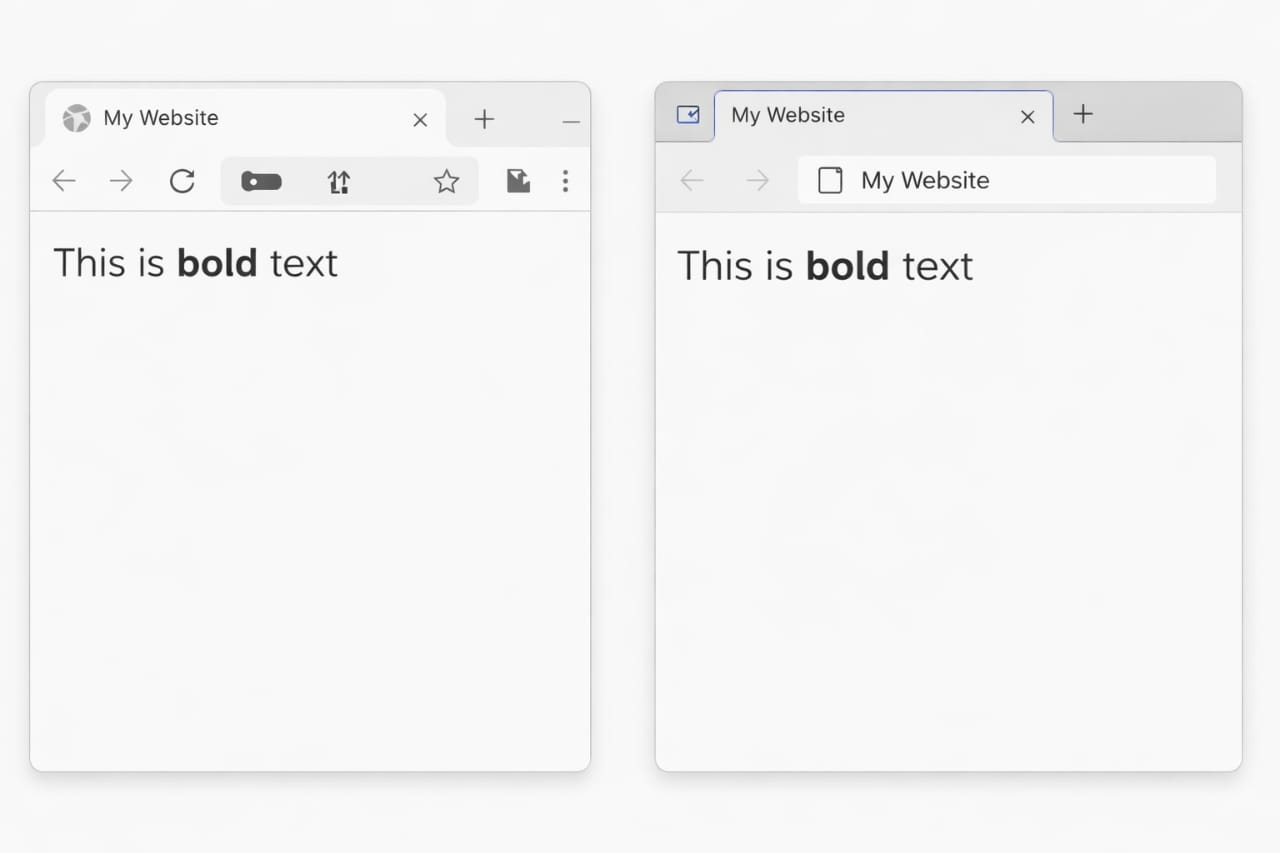
<p>This is <b>bold</b> text</p>

This is the output of the code

Block vs Inline Elements

HTML elements are also divided into block elements and inline elements.

Block Elements

Features of Block Elements:

  • Start on new line
  • Take full width
  • Can contain other block and inline elements
  • Examples:<div>, <p>, <h1>

Inline Elements

Inline elements stay on the same line and only take the width they need.

  • Stay in same line
  • Take needed width
  • Mostly used inside block elements
  • Examples : <span>, <a>, <b>

HTML Elements Quiz

1. What is an HTML element composed of?

2. Which of the following is a container element?

3. Which of the following is an empty element?

4. What are nested elements?

5. Which of the following is a block element?

HTML Attributes

What are Attributes?

HTML attributes provide extra information about HTML elements. They help modify the behavior, appearance, or functionality of elements on a webpage. Attributes are always written inside the opening tag of an HTML element.

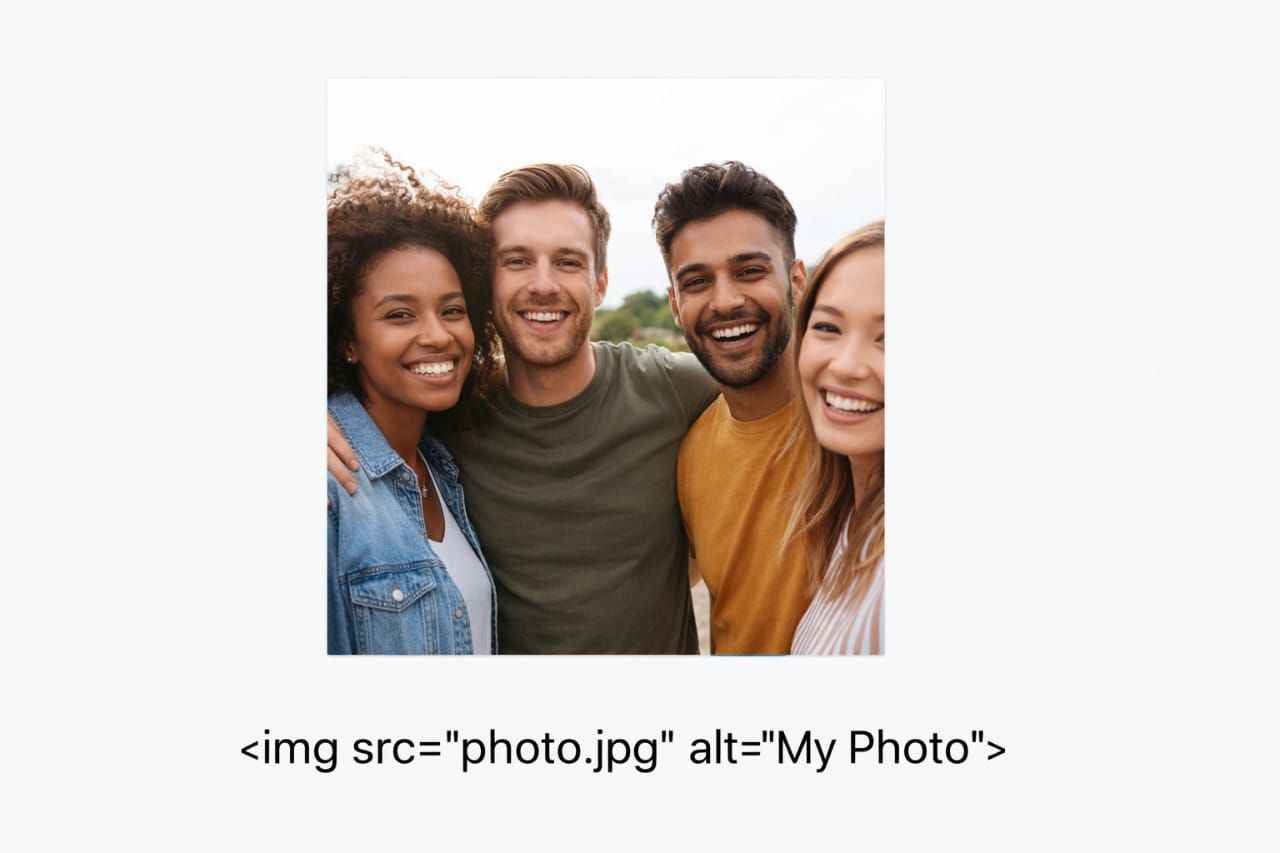
<img src="photo.jpg" alt="My Photo">

This is the output of the code

WhatsApp Image

Why HTML Attributes are Important.

Attributes are important because they:

  • Add additional information to elements
  • Control element behavior
  • Control element behavior
  • Improve accessibility
  • Make webpages interactive
  • Help search engines understand content

Characteristics of HTML Attributes:

  • Written inside the opening tag
  • Usually written as name="value"
  • Some attributes are optional
  • Multiple attributes can be added to one element

Common Attributes

id Gives unique identity
class Groups elements together
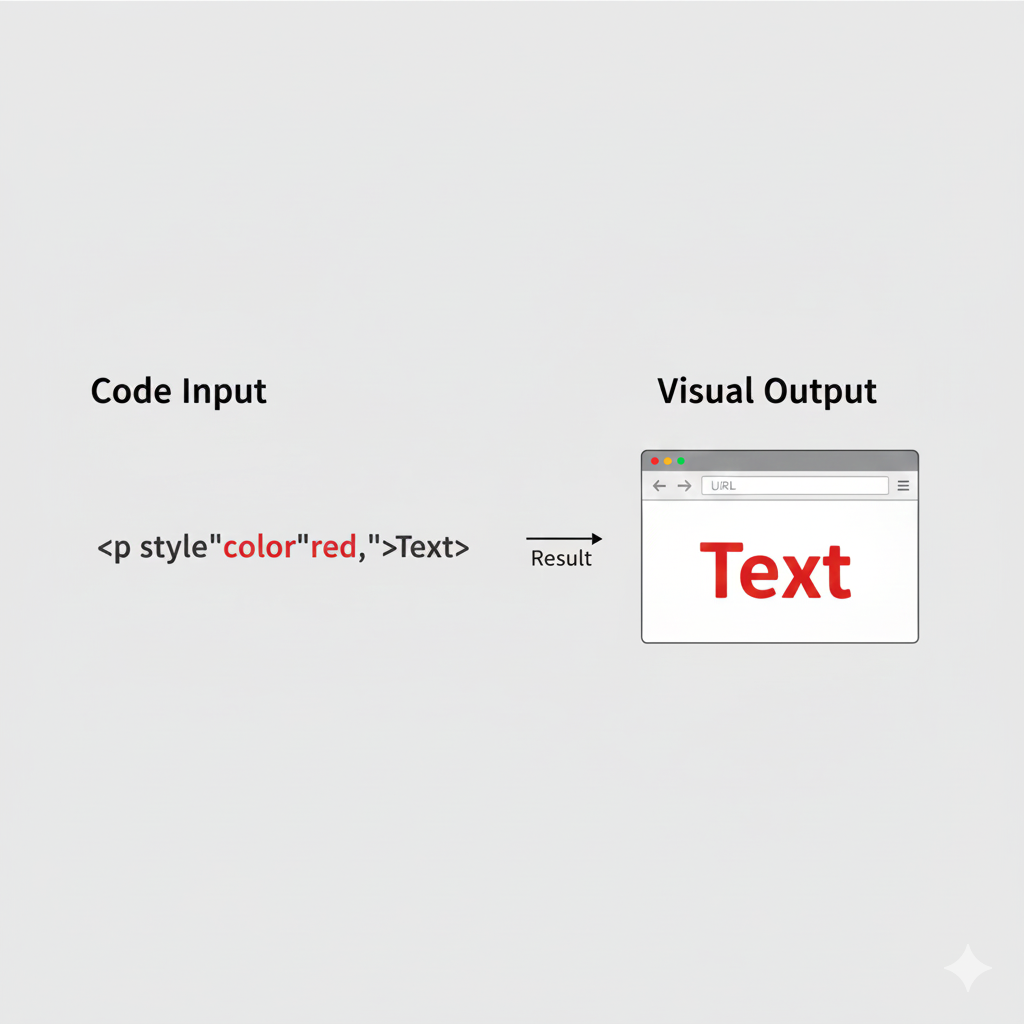
style Adds inline CSS styling
title Shows tooltip text
src Specifies file source
href Specifies link destination
alt Alternative image text
width Sets width
height Sets height
placeholder Shows input hint
value Sets input value

id Attribute

The id attribute gives a unique identity to an HTML element.Each id value should be used only once on a webpage.

<p id="para1">Hello</p>

This is the output of the code

WhatsApp Image

Uses of id Attribute.

The id attribute is commonly used for:

  • CSS styling
  • JavaScript manipulation
  • Navigation links
  • Identifying specific elements

Rules for id Attribute.

  • Must be unique
  • Cannot contain spaces
  • Should use meaningful names
  • Should use meaningful names

class Attribute

The class attribute is used to group multiple elements together.

<p class="text">Hello</p>

This is the output of the code

WhatsApp Image

Why class Attribute is Useful?

The class attribute helps developers:

  • Select groups of elements in JavaScript
  • Organize webpage sections
  • Apply same CSS styles to multiple elements

Data Attributes

HTML provides custom attributes called data attributes.They are used to store extra information inside elements.Data attributes always start with data-.

  • Used to store extra data
<div data-user="admin"></div>

Explanation:

data-user="admin" stores custom data

  • Store extra information.
  • Use data in JavaScript.
  • Create interactive webpages.
  • Avoid unnecessary hidden elements.

Global Attributes:

Some attributes can be used on almost all HTML elements.

Common Global Attributes:

Attribute Purpose
id Unique identity
class Grouping elements
style Inline CSS
title Tooltip
hidden Hides element
tabindex Keyboard navigation
contenteditable Makes content editable

Best Practices for Using Attributes:

  • Use meaningful names
  • Avoid unnecessary inline styles
  • Keep attribute values clean
  • Use alt for images
  • Avoid duplicate IDs
  • Use classes for reusable styling

Difference Between id and class:

id class
Must be unique Can be reused
Targets one element Targets multiple elements
Uses # in CSS Uses . in CSS
Higher priority Lower priority

Conclusion

HTML attributes are essential for adding extra information and functionality to webpages. They help developers style elements, create links, display images, store data, and build interactive websites.

Understanding attributes such as id, class, style, title, and data-* is very important for every web developer. Mastering HTML attributes helps in creating professional, organized, and user-friendly websites.

HTML Attributes Quiz

1. What is the purpose of HTML attributes?

2. Which attribute provides a unique identity to an element?

3. Which attribute is used to group elements?

4. Which attribute is used for inline CSS?

5. Which attribute provides tooltip text?

Text Formatting Tags

Headings

What is heading tags in html ?

Heading tags in HTML are used to define titles and headings on a webpage. Headings help organize content and make webpages easier to read. They are very important because they create a proper structure for the webpage.

Types of heading :

<h1> <h2> <h3> <h4> <h5> <h6>
<h1>Main Heading</h1>
<h6>Small Heading</h6>

This is the output of the code

ChatGPT Image

Explanation.

<h1> is usually used for the main title of the webpage. <h2> to <h6> are used for subheadings and smaller sections.

Features of Heading Tags:

  • Make content organized
  • Improve webpage readability
  • Important for SEO (Search Engine Optimization)
  • )
  • Help search engines understand webpage structure

Paragraph

What is paragraph tag in html ?

The paragraph tag is used to write text in paragraph form on a webpage. It helps display blocks of text properly with spacing. The paragraph tag is one of the most commonly used HTML tags.

<p>This is a paragraph</p>

This is the output of the code

ChatGPT Image

Features of Paragraph Tag:

  • Adds space before and after text
  • Keeps text organized
  • Used for articles, notes, and descriptions
  • Improves readability

Bold & Strong

What is Bold Tag?

The tag makes text bold visually only. It changes the appearance of the text but does not give any special meaning.

Features of Bold Tag:

  • Makes text thicker and darker
  • Used for visual styling
  • Does not provide semantic importance

What is Strong Tag?

The <strong> tag makes text bold and also tells the browser that the text is important.

Features of Strong Tag:

  • Helpful for accessibility and SEO
  • Gives importance to content
  • Makes text bold
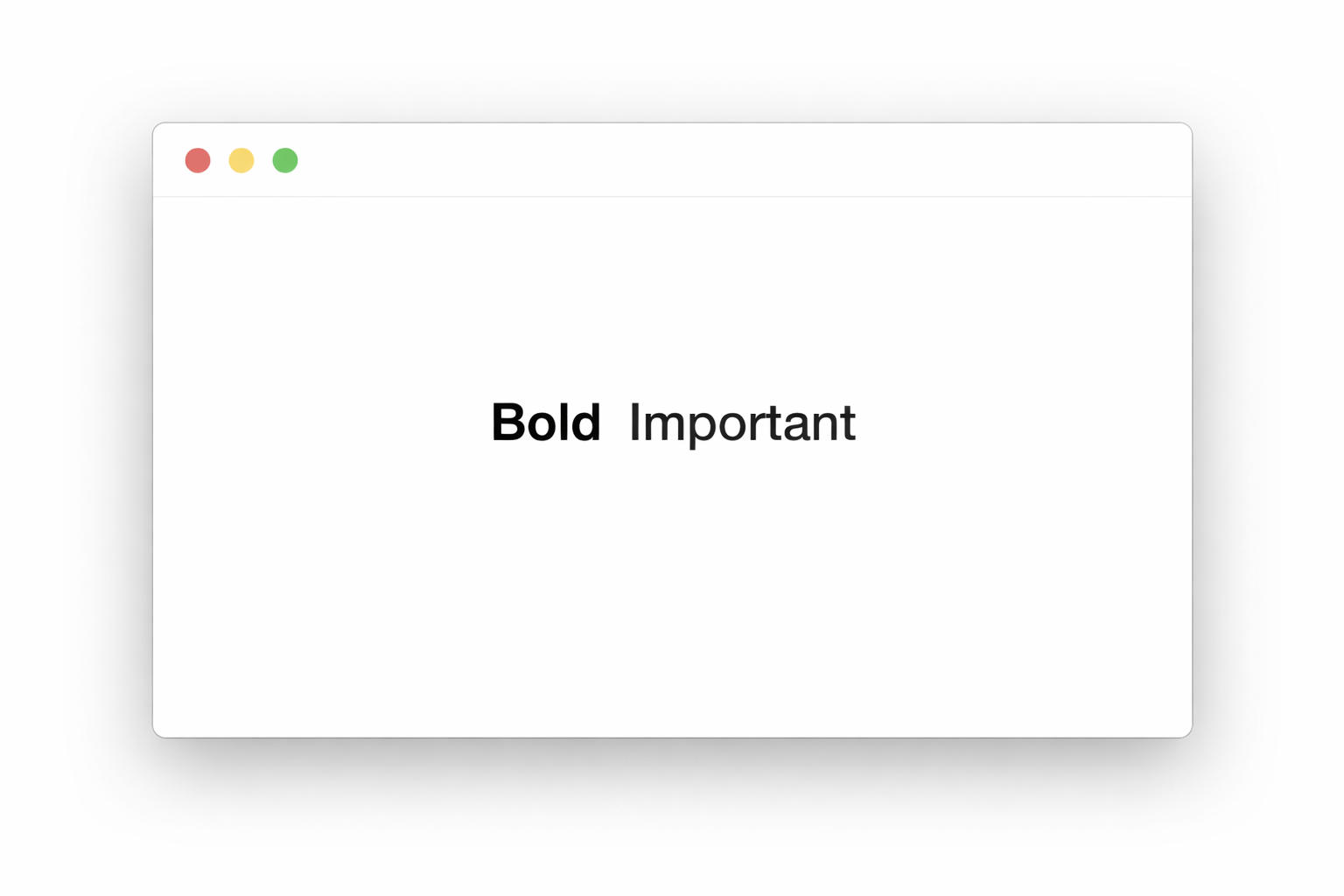
<b>Bold</b>
<strong>Important</strong>

This is the output of the code

ChatGPT Image
Bold Tag Strong Tag
Visual formatting only Visual + semantic importance
No meaning Indicates important text
Used for style Used for important content

Italic & Emphasis

What is Italic tag?

The <i> tag makes text italic or slanted. It is mainly used for styling purposes.

Features of Italic Tag:

  • Changes text style
  • Used for visual appearance only
  • Does not add semantic meaning

What is emphasis tag?

The <em> tag makes text italic and also adds emphasis or importance.

Features of Emphasis Tag:

  • Makes text italic
  • Indicates emphasized content
  • Useful for accessibility
<i>Italic</i>
<em>Emphasized</em>

This is the output of the code

ChatGPT Image

Underline

What is underline tag ?

The underline tag is used to underline text on a webpage.

Features of Underline Tag:

  • Draws a line below text
  • Used for highlighting content
  • Makes text noticeable

Important Note

Overusing underline can confuse users because links are also underlined by default.

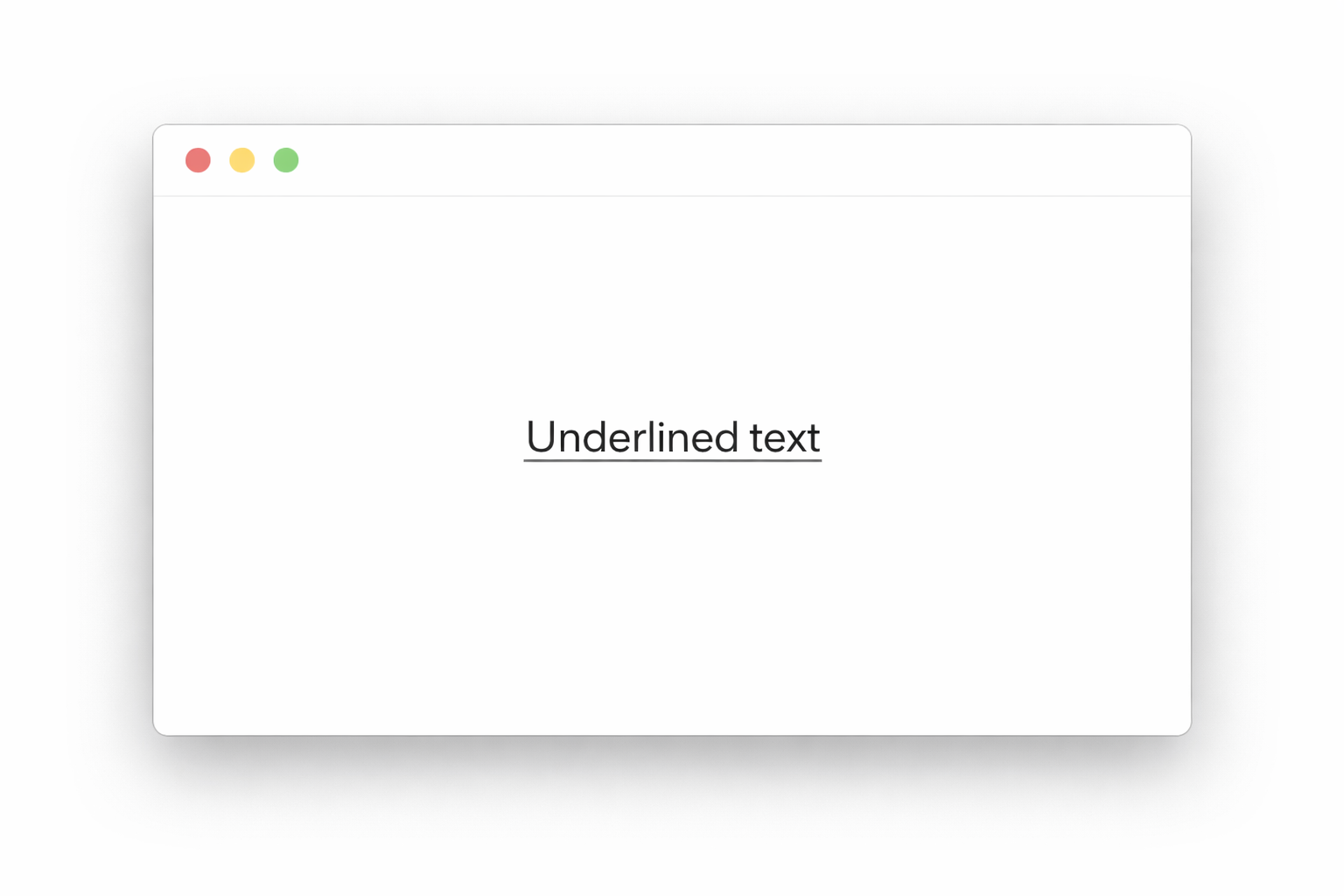
<u>Underlined text</u>

This is the output of the code

ChatGPT Image

Superscript & Subscript

What is Superscript tag?

Overusing underline can confuse users because links are also underlined by default.

It is mainly used in:

  • Mathematical formulas
  • Powers
  • Scientific notations

What is Subscript tag?

The subscript tag displays text slightly below the normal text line.

It is commonly used in:

  • Chemical formulas
  • Scientific equations
H<sup>2</sup>O
CO<sub>2</sub>

This is the output of the code

ChatGPT Image

Difference Between Superscript and Subscript

Superscript Subscript
Text appears above Text appears below
Used for powers Used for formulas
Example: x² Example: H₂O

Line Break & Horizontal Line

What is line break tag?

The line break tag moves text to the next line.It works like pressing the Enter key on the keyboard.

Features of Line Break Tag

  • Moves content to next line
  • Useful for poems, addresses, and short text formatting
  • Does not create large spacing like paragraphs

What is horizontal tag?

The horizontal line tag creates a horizontal line across the webpage.It is used to separate content sections.

Features of Horizontal Line Tag:

  • Creates visual separation
  • Improves webpage organization
  • Makes content easier to understand
<br>
<hr>

Importance of Text Formatting Tags:

  • Improve webpage readability
  • Highlight important information
  • Organize content properly
  • Make webpages visually attractive
  • Help users understand content easily

Conclusion

HTML text formatting tags help developers create organized and attractive webpages. Tags such as headings, paragraphs, bold, italic, underline, superscript, subscript, line break, and horizontal line are essential for displaying text properly.

Text Formatting Tags Quiz

1. Which tag is used for the main heading?

2. Which tag is used to create a paragraph?

3. Which tag is used to make text bold?

4. Which tag is used to emphasize text?

5. Which tag is used to underline text?

HTML Lists

HTML lists are used to display items in a proper order and organized format on a webpage. Lists help arrange related information clearly so users can read and understand content easily.

Lists are commonly used for:

  • Menus
  • Navigation bars
  • Instructions
  • Features
  • Steps
  • Definitions
  • Categories

HTML provides different types of lists for different purposes.

Types of HTML Lists:

  • Unordered List (<ul>)
  • Ordered List (<ul>)
  • Description List (<dl>)

HTML also supports nested lists where one list can be placed inside another list.

Unordered List (<ul>)

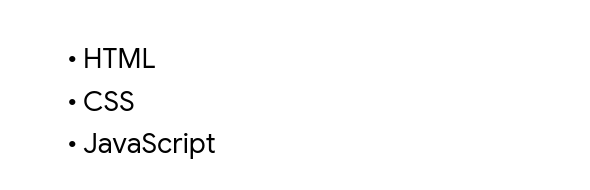
An unordered list is used to display items with bullet points. The items are not shown in any specific order.

<ul>
  <li>HTML</li>
  <li>CSS</li>
  <li>JavaScript</li>
</ul>

This is the output of the code

ChatGPT Image

Features of Unordered Lists

  • Displays bullet points
  • Displays bullet points
  • Easy to create
  • Useful for grouping related items

Common Uses of Unordered Lists.

  • Navigation menus
  • Feature lists
  • Product lists
  • Food menus
  • Category sections

Ordered List (<ol>)

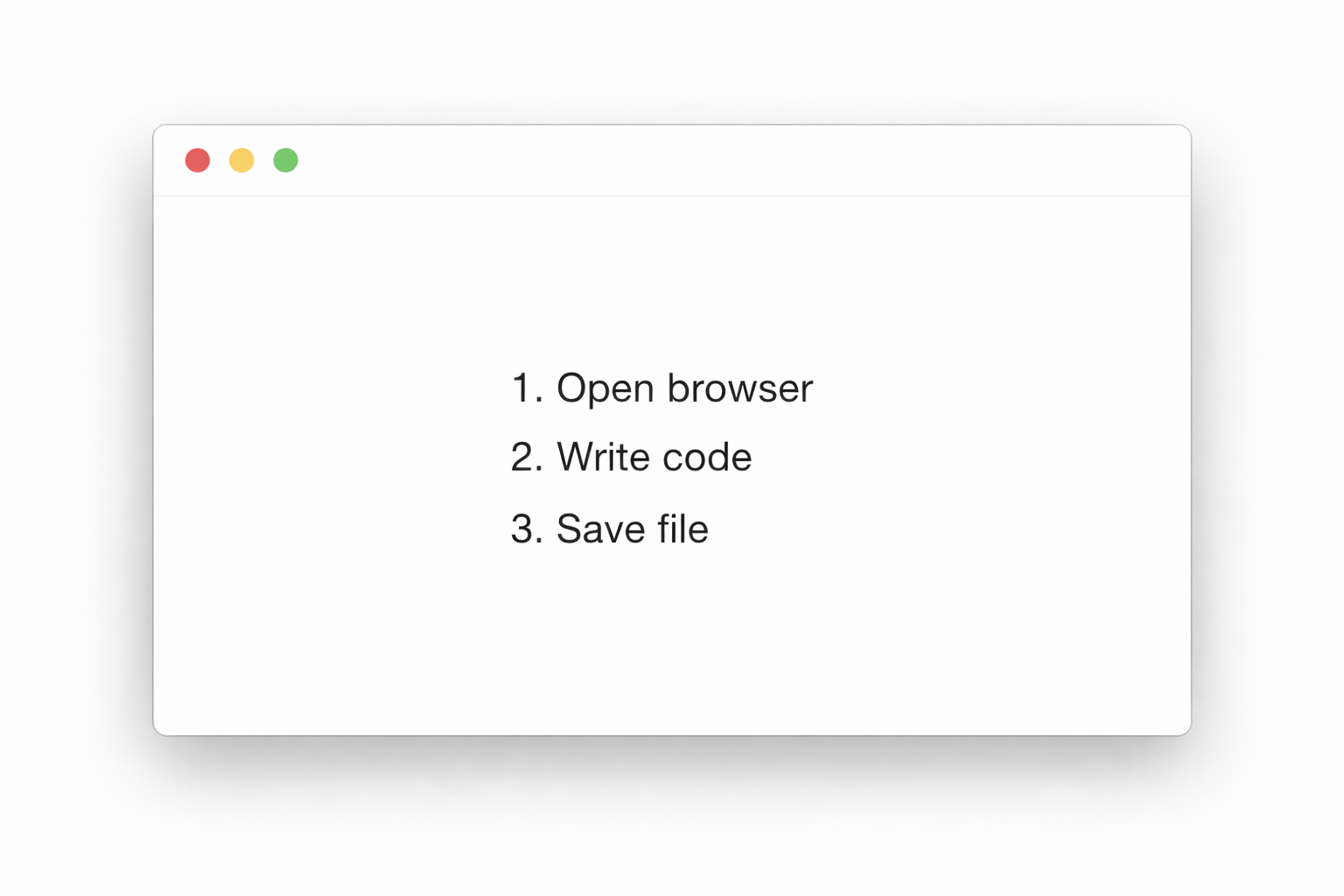
An ordered list is used when items need to appear in a specific sequence or order.The items are automatically numbered by the browser.

<ol>
  <li>Open browser</li>
  <li>Write code</li>
  <li>Save file</li>
</ol>

This is the output of the code

ChatGPT Image

Explanation

  • <ol> creates an ordered list
  • <ol> creates each list item
  • Items are shown with numbers automatically

Features of Ordered Lists:

  • Displays numbered items
  • Maintains sequence
  • Useful for step-by-step instructions
  • Automatically updates numbering

Common Uses of Ordered Lists:

  • Tutorials
  • Cooking recipes
  • Instructions
  • Procedures
  • Rankings

Description List (<dl>)

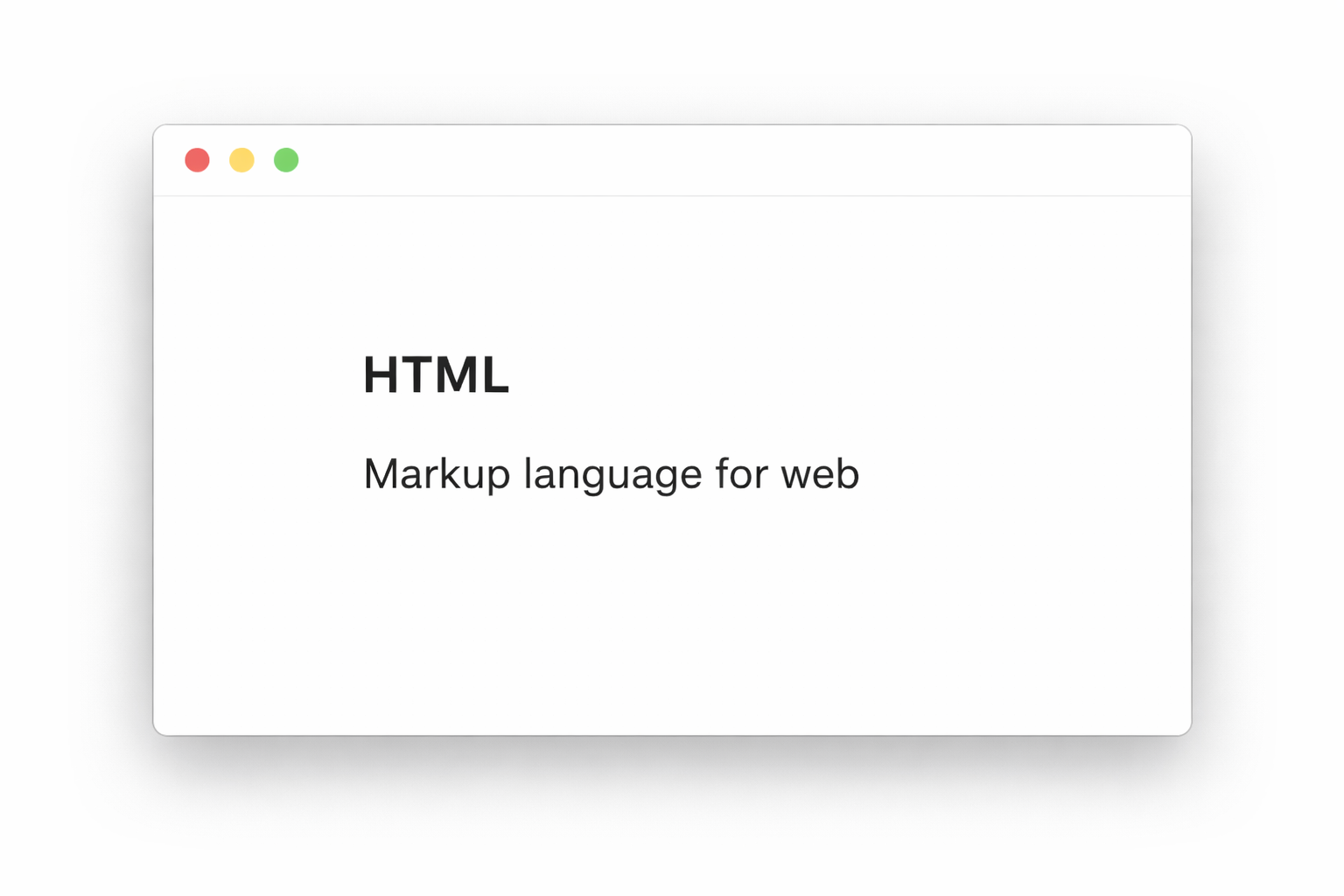
A description list is used to display terms and their descriptions or definitions.It is commonly used for dictionaries, glossaries, FAQs, and definitions.

Tags Used in Description List:

Tag Work
<dl> Creates description list
<dt> Defines term
<dd> Defines description
<dl>
  <dt>HTML</dt>
  <dd>Markup language for web</dd>
</dl>

This is the output of the code

ChatGPT Image

Features of Description Lists:

  • Displays terms with explanations
  • Organizes definitions properly
  • Useful for educational websites
  • Makes content easier to understand

Common Uses of Description Lists:

  • Definitions
  • FAQs
  • Technical terms
  • Glossaries
  • Dictionary-style content

Nested List

In simple words:

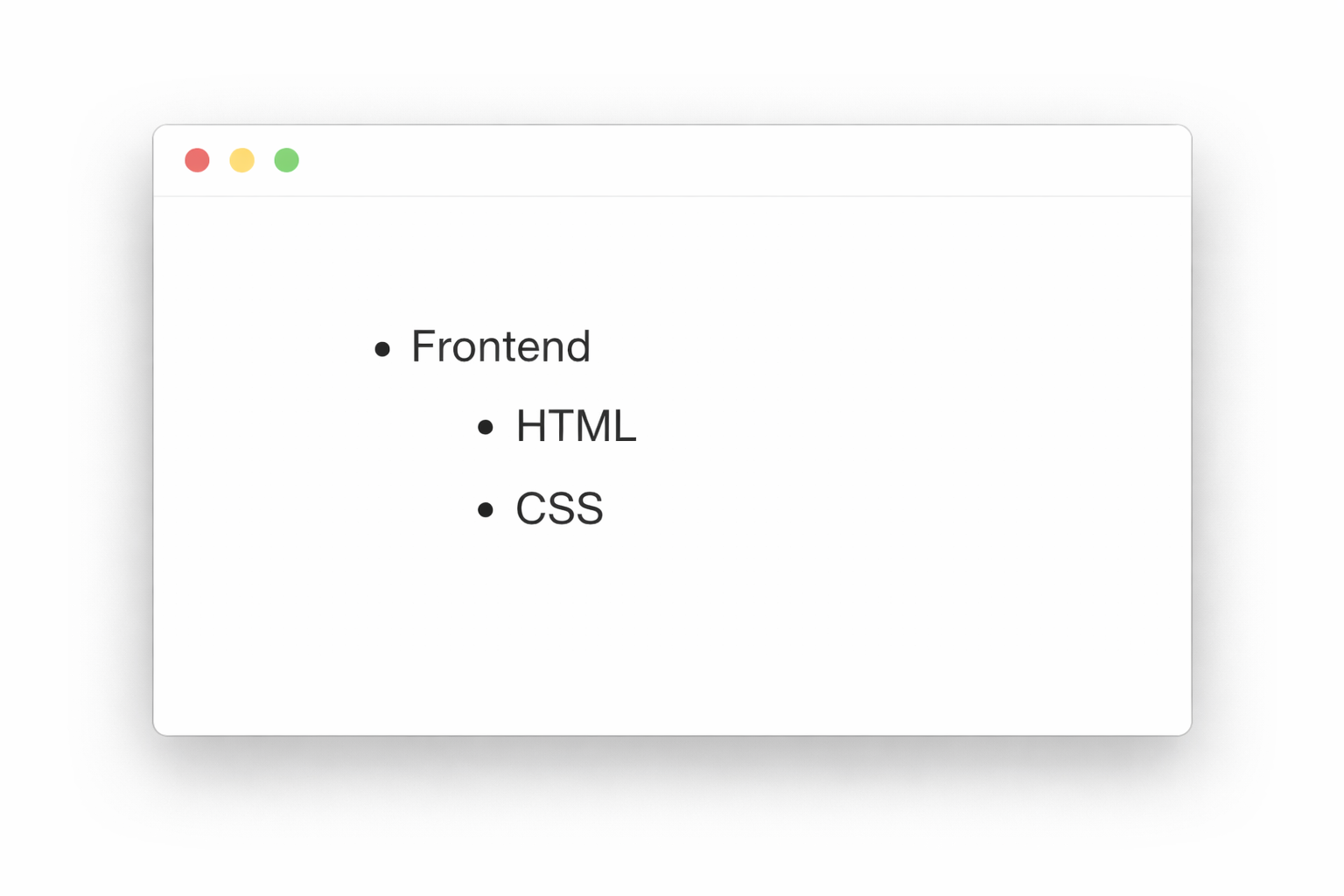
When you put one list (like <ul> or <ol>) inside a <li> (list item) of another list, it is called a nested list.

<ul>
  <li>Frontend
    <ul>
      <li>HTML</li>
      <li>CSS</li>
    </ul>
  </li>
</ul>

Features of Nested Lists:

  • Creates categories and subcategories
  • Organizes content properly
  • Useful for menus and structures
  • Makes webpages cleaner

Common Uses of Nested Lists:

  • Website menus
  • Course structures
  • File directories
  • Categories and subcategories
  • Multilevel navigation

This is the output of the code

ChatGPT Image

Conclusion

HTML lists help display information in a clean and organized format. Unordered lists show bullet points, ordered lists show numbered steps, description lists display terms with definitions, and nested lists create multilevel structures.By learning HTML lists, beginners can create better structured and professional webpages that are easier for users to understand and navigate.

HTML Lists Quiz

1. Which tag is used to create an unordered list?

2. Which tag is used to create an ordered list?

3. Which tag is used to define list items?

4. Which type of list shows items with bullets?

5. Which type of list shows items with numbers?

HTML Images

Images make a website more beautiful, attractive, and interactive. They help users understand content easily and improve the overall design of a webpage. In HTML, images are added using the <img> tag. Images can be photos, logos, icons, banners, screenshots, or illustrations.

Image Tag (<img>)

What is Image Tag? (<img>)

The <img> tag is used to display images on a webpage. It is an empty tag, which means it does not need a closing tag.

<img src="image.jpg" alt="My Image">

This is the output of the code

WhatsApp Image

Image Attributes

Attribute Work
src Tells the browser where the image is located
alt Shows text if the image does not load
width Sets the width (size) of the image
height Sets the height (size) of the image
title Shows text when the mouse is placed on the image
loading Helps images load faster using lazy loading

src Attribute

What is src?

The src attribute means source. It tells the browser where the image file is stored.

alt Attribute

What is alt?

The alt attribute provides alternative text if the image does not load properly. It is also useful for screen readers and improves website accessibility.

Importance of alt

  • ✔ Helps visually impaired users
  • ✔ Improves SEO
  • ✔ Shows text if image is missing
  • ✔ Makes websites more user-friendly

Width and Height

What is Width and Height?

These attributes are used to control the size of the image.

Image as a Link

What is the use of image as a link?

An image can also work like a button or hyperlink. When the user clicks the image, another webpage or website opens.

<a href="home.html">
  <img src="logo.png">
</a>

This is the output of the code

ChatGPT Image

Explanition

  • <a> tag creates the link
  • <img> tag displays the image
  • Clicking the image opens home.html

Image Paths

What is image paths

mage path means the location of the image file that is given inside the src attribute.If the path is wrong, the image will not display.

Types of Image Paths

  • Relative Path
  • Absolute Path
Relative Path

What is relative path?

A relative path is used when the image is stored inside your project folder.

Advantages of Relative Path

  • ✔ Faster loading
  • ✔ Works offline
  • ✔ Easy to manage project files
  • ✔ Best for local websites
Absolute Path

What is absolute path?

An absolute path is used when the image comes from the internet or another website.

Advantages of Absolute Path

  • ✔ No need to store image in project folder
  • ✔ Useful for CDN and online images
  • ✔ Saves storage space

Disadvantages

  • ❌ Needs internet connection
  • ❌ Image may disappear if website removes it

Common Image Formats:

Format Use
JPG / JPEG Photos and colorful images
PNG Transparent background images
GIF Animated images
SVG Vector graphics and logos
WEBP Modern lightweight images

Best Practices for Images

  • ✔ Always use alt attribute
  • ✔ Use correct file names
  • ✔ Compress images for faster loading
  • ✔ Use proper width and height
  • ✔ Keep images inside a separate folder like images/
  • ✔ Use meaningful image names

Summary

  • img tag is used to display images
  • src defines image location
  • alt provides alternative text
  • width and height control image size
  • Images can also work as links
  • Relative paths use local project files
  • Absolute paths use internet image URLs
  • Correct image paths are very important
  • HTML Images Quiz

    1. Which tag is used to insert an image?

    2. Which attribute is used to specify the source of an image?

    3. Which attribute is used to provide alternate text for an image?

    4. Which attribute is used to set the width of an image?

    5. How do you make an image a link?

    HTML Tables

    Tables are used to display data in rows and columns.They help organize information in a clean and structured way.

    Examples of tables:

    • Student marks table
    • Product price list
    • School timetable
    • Cricket scorecard

    🔹 Basic Table

    What is a Table?

    A table is made using rows and columns.

    • Rows go sideways
    • Columns go up and down

    HTML uses different tags to create tables.

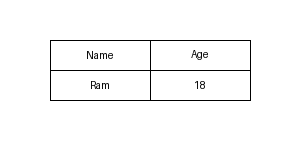
    <table border="1">
      <tr>
        <th>Name</th>
        <th>Age</th>
      </tr>
      <tr>
        <td>Ram</td>
        <td>18</td>
      </tr>
    </table>

    This is the output of the code

    ChatGPT Image

    Important Table Tags

    Tag Use
    <table> Creates a table
    <tr> Creates a row in the table
    <th> Creates a heading cell
    <td> Creates a normal cell (data)

    🔹 Understanding Each Tag:

    1. <table> Tag

    What is <table> Tag?

    The <table> tag is used to create a table in HTML.Everything written inside this tag becomes part of the table.

    2. <tr> Tag

    What is <tr> Tag

    <tr> stands for Table Row.It creates a row inside the table

    3.<th> Tag

    What is <th> tag?

    <th>stands for Table Heading.It creates heading cells.

    Text inside <th> is usually:

    • Bold
    • Center aligned

    4. <td> Tag

    What is <td> tag

    <td> stands for Table Data.It is used to insert normal data inside the table.

    Colspan & Rowspan

    These are attributes used in <td> or <th> to merge cells in a table.

    Colspan

    What is the use of Colspan?

    colspan is used to merge columns.It merges cells sideways (→).

    Rowspan

    What is the use of Rowspan?

    rowspan is used to merge rows.It merges cells up-down (↓).

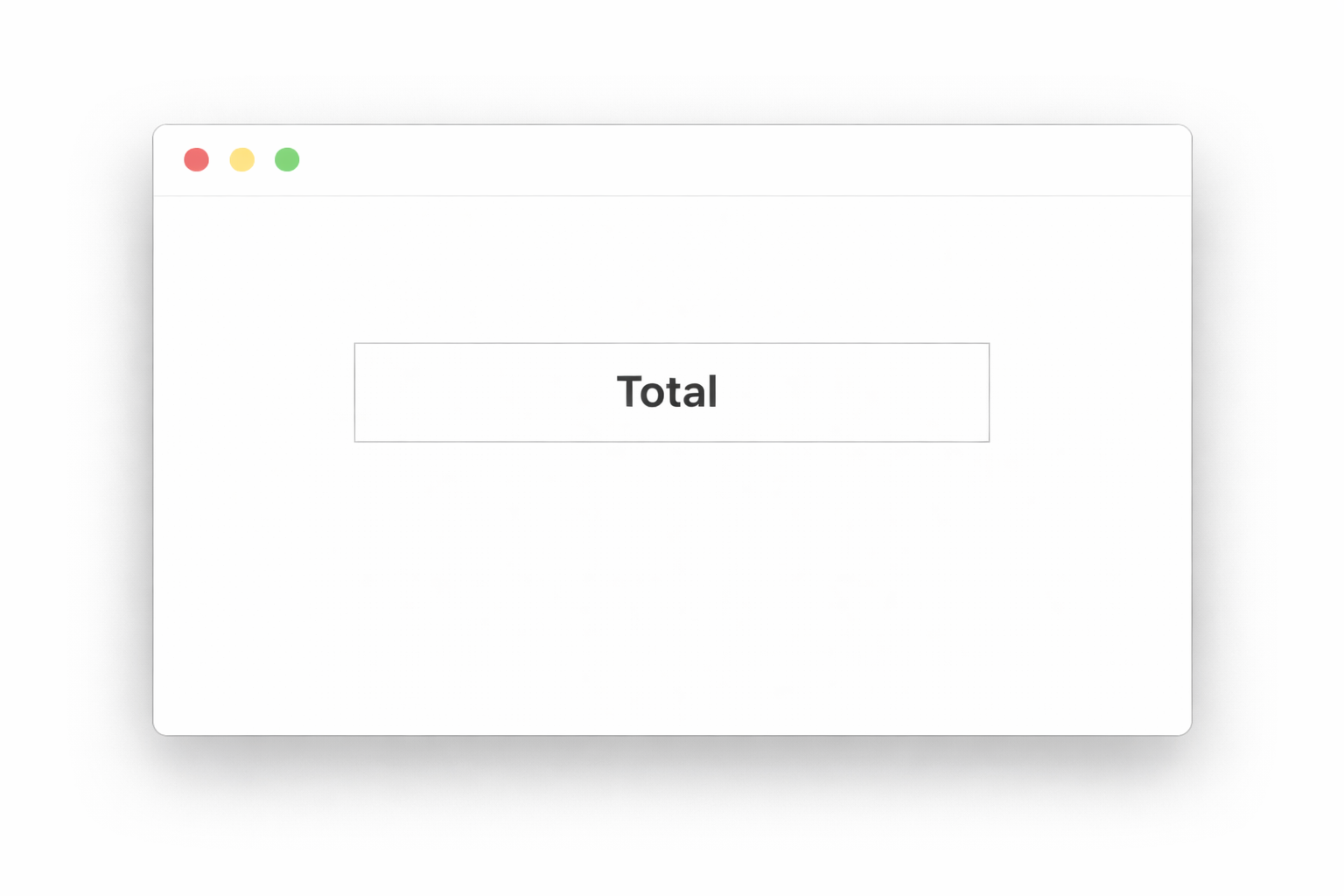
    <td colspan="2">Total</td>

    This is the output of the code

    ChatGPT Image

    Table Caption

    What is <caption> Tag?

    The <caption> tag is used to give a title to a table.It appears at the top of the table.

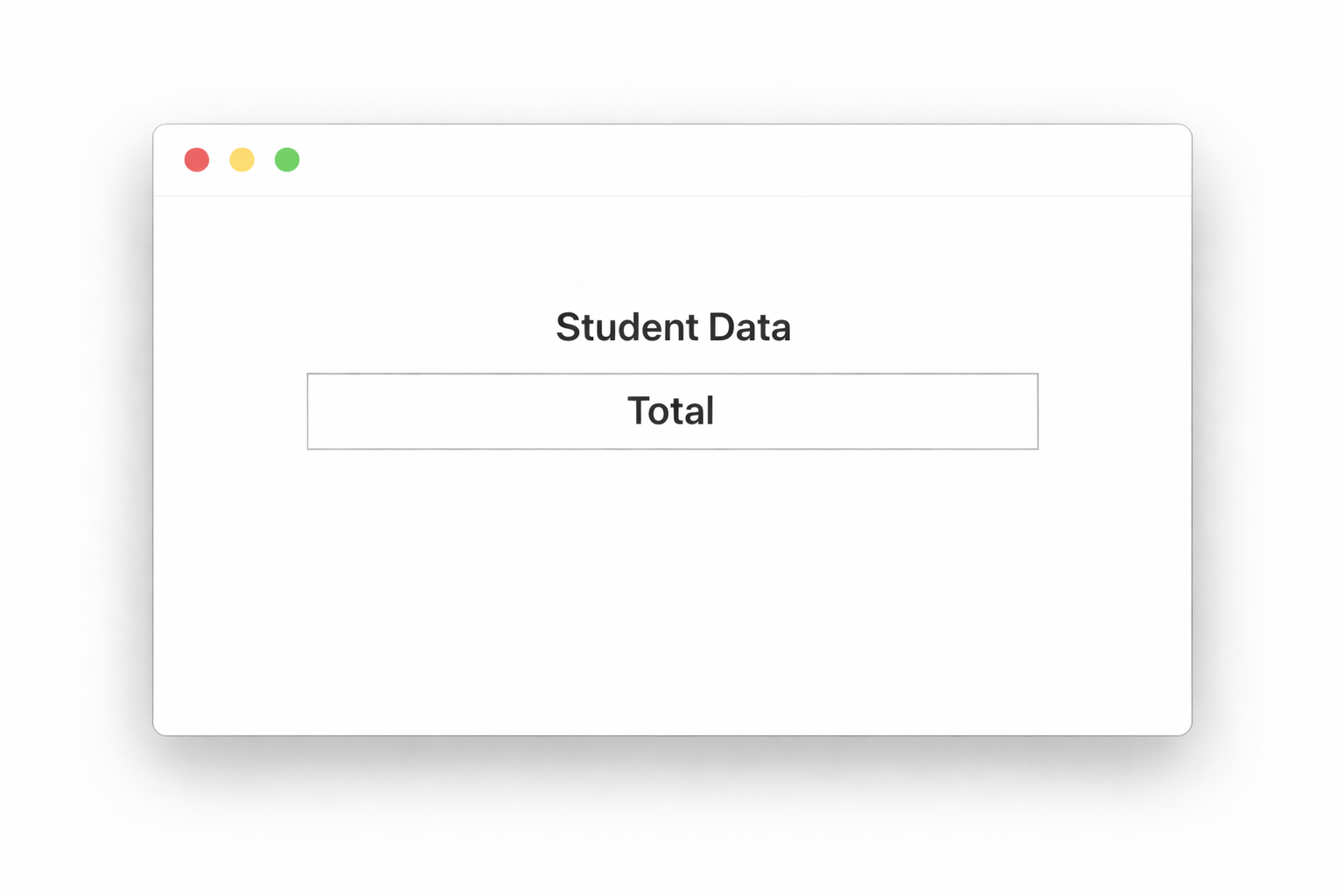
    <caption>Student Data</caption>

    This is the output of the code

    ChatGPT Image

    🔹 Advantages of Tables


    • Organizes data properly
    • Makes information easy to read
    • Used in school projects
    • Used in websites for reports and data

    🔹 Important Notes


    • ✅ <table> creates the table
    • ✅ <tr>creates rows
    • ✅ &1t;th>creates headings
    • ✅ <td>adds data
    • ✅ <colspan>merges columns
    • ✅ <rowspan>merges rows
    • ✅ <caption>adds title to table

    HTML Tables Quiz

    1. Which tag is used to create a table?

    2. Which tag is used to create a row in a table?

    3. Which tag is used to create a header cell in a table?

    4. Which tag is used to create a data cell in a table?

    5. Which attribute is used to make a cell span multiple columns?

    HTML Forms

    Forms are used to collect user input on a webpage.

    Examples of form data:

    • Name
    • Email
    • Password
    • Password
    • Feedback
    • Gender
    • Country selection

    Forms are very important in websites like:

    • Login pages
    • Signup pages
    • Contact forms
    • Registration forms

    Form Tag

    what is <form> Tag?

    The <form> tag is used to collect user input and send it to a server.Everything written inside the <form> tag becomes part of the form.

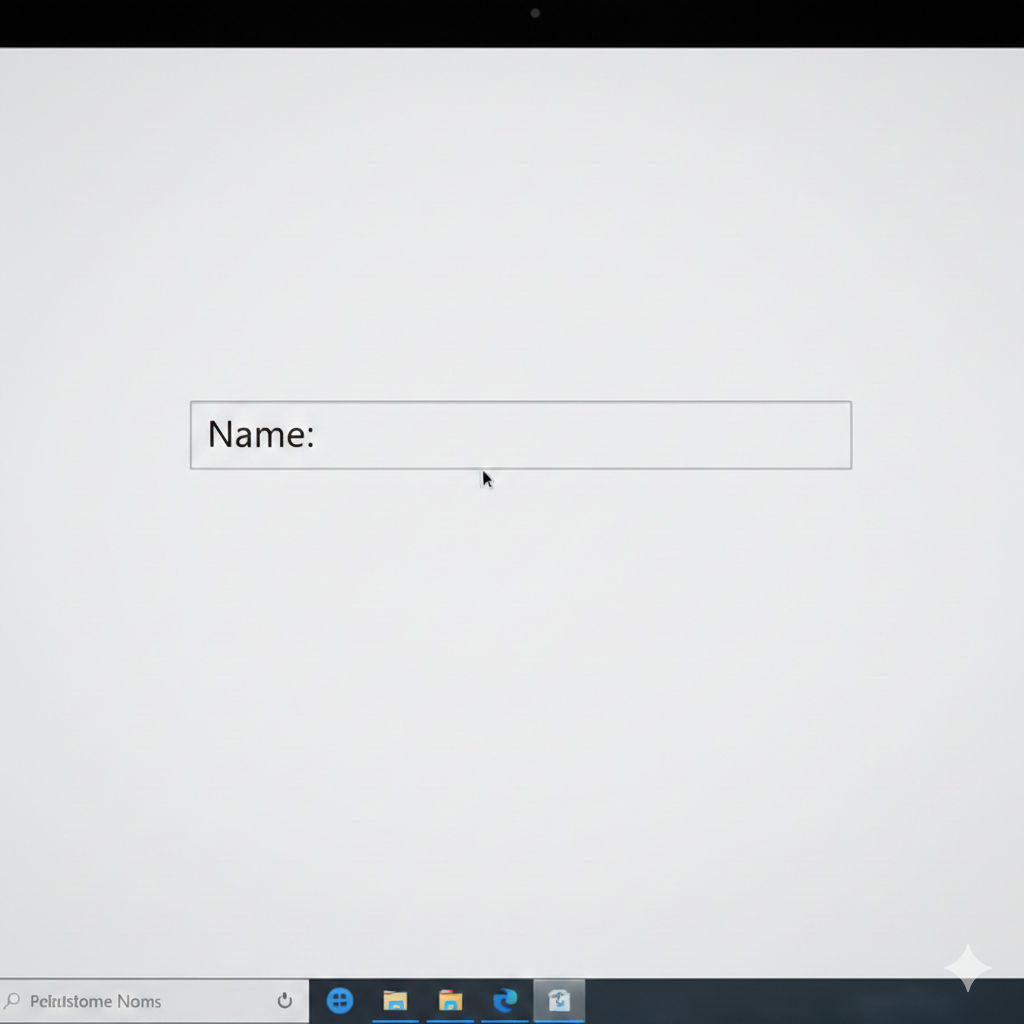
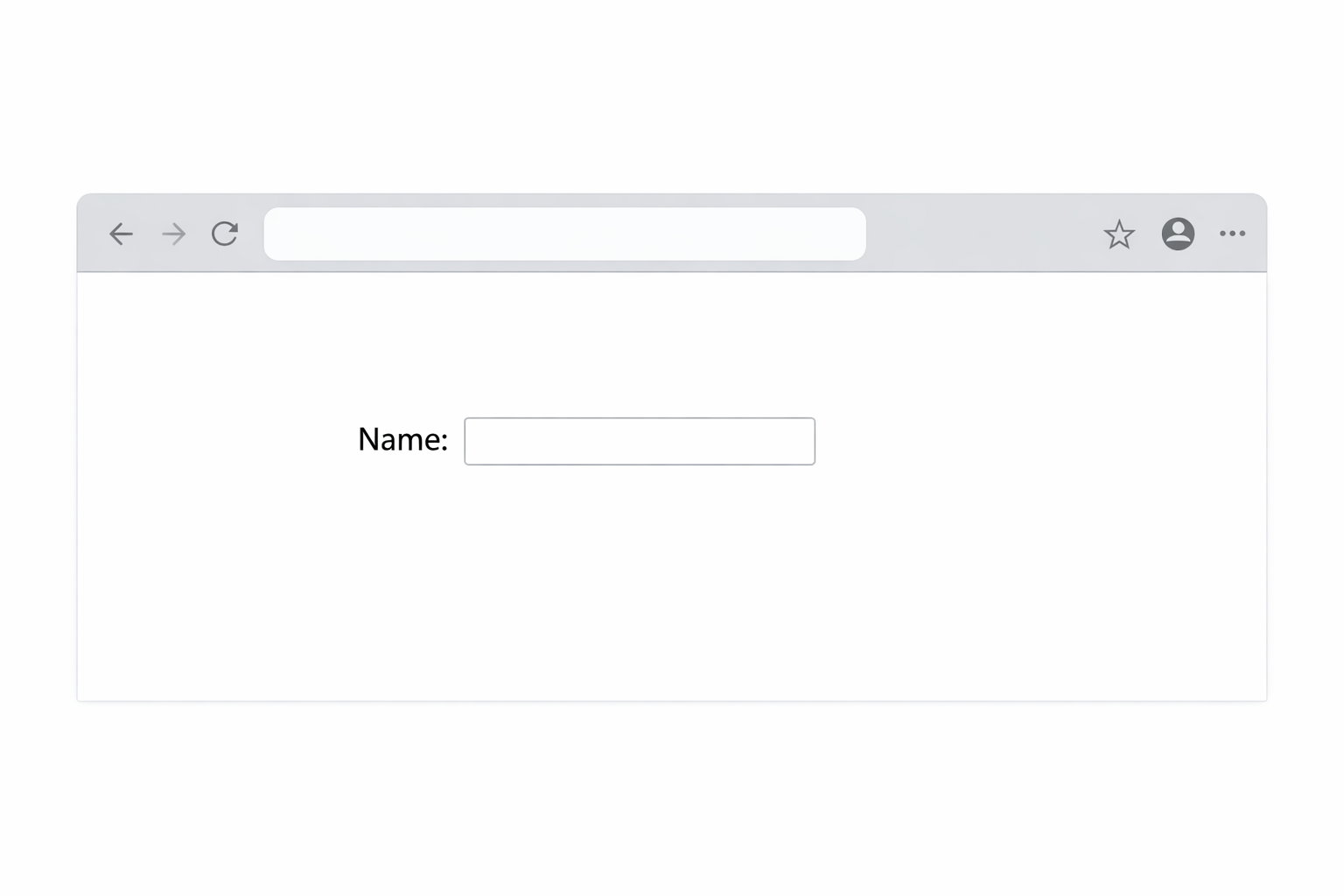
    <form>
      Name: <input type="text">
    </form>

    This is the output of the code

    ChatGPT Image

    1.Input Types

    What is <input> Tag?

    The <input> tag is used to create input fields where users can type or select data.

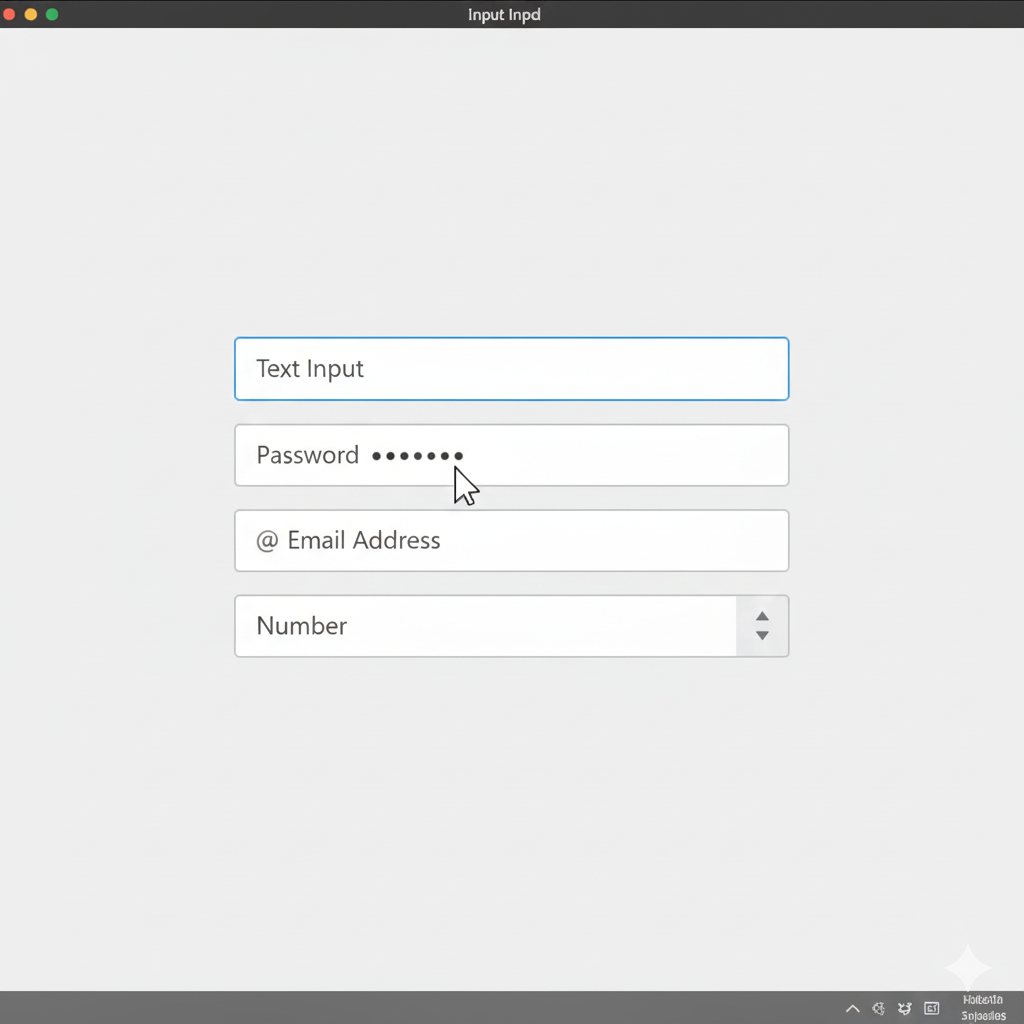
    <input type="text">
    <input type="password">
    <input type="email">
    <input type="number">

    This is the output of the code

    ChatGPT Image

    2. Password Input

    What is Password Input?

    Used to enter passwords.The text becomes hidden using dots or stars.

    3. Email Input

    What is Email Input?

    Used to enter email addresses.

    4. Number Input

    What is Number Input?

    Used to enter numbers only.

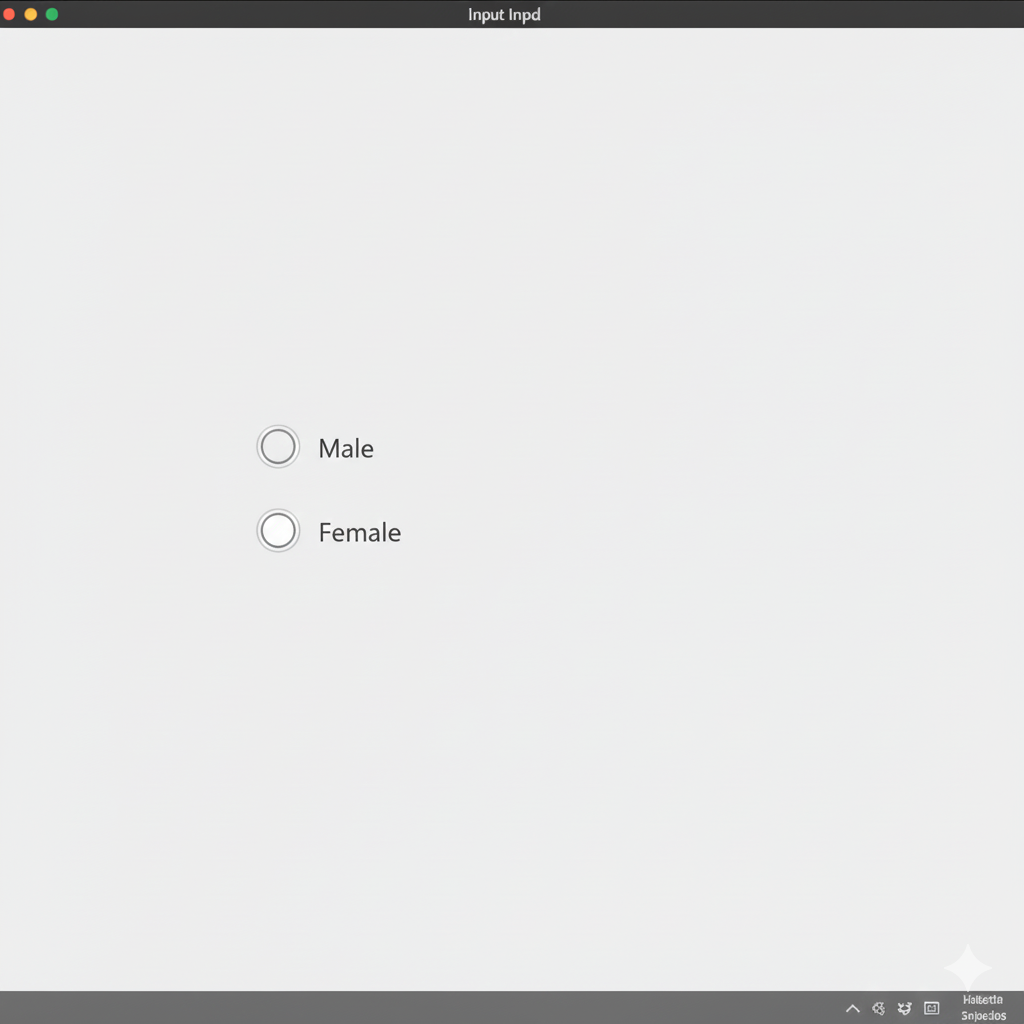
    Radio Button

    What is radio button?

    A radio button is used when the user can select only ONE option from multiple choices.

    Example:

    • Gender selection
    • Language selection
    <input type="radio" name="gender"> Male
    <input type="radio" name="gender"> Female

    This is the output of the code

    ChatGPT Image

    Why is name Important?

    The name attribute connects radio buttons together.If both radio buttons have the same name, only one option can be selected.

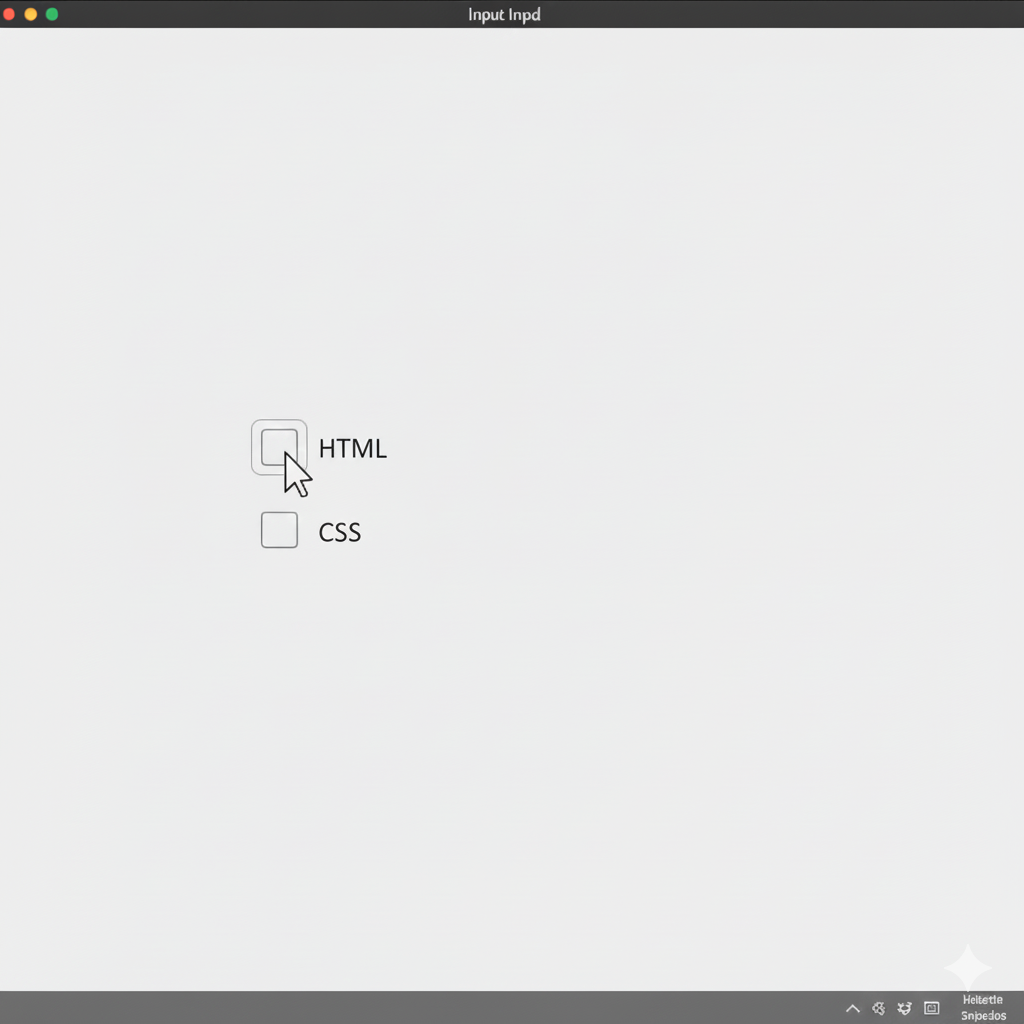
    Checkbox

    What is Checkbox?

    A checkbox is used when the user can select multiple options.

    Example:

    • Skills
    • Hobbies
    • Subjects
    <input type="checkbox"> HTML
    <input type="checkbox"> CSS

    This is the output of the code

    ChatGPT Image

    Textarea

    What is textarea?

    A <textarea> is used to create a multi-line input box where users can write long text (like messages, comments, feedback).

    It is used for:

    • Messages
    • Feedback
    • Comments
    • Descriptions
    <textarea rows="4" cols="30"></textarea>

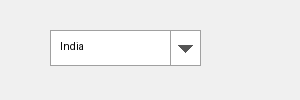
    Select & Option

    These tags are used to create a dropdown list (like a menu where you choose one option).

    Select Tag

    What is th work of select tag?

    Work: Creates the dropdown box

    Option

    What is the work of Option Tag?

    Work: Creates the dropdown box

    <select>
      <option>India</option>
      <option>USA</option>
    </select>

    This is the output of the code

    ChatGPT Image

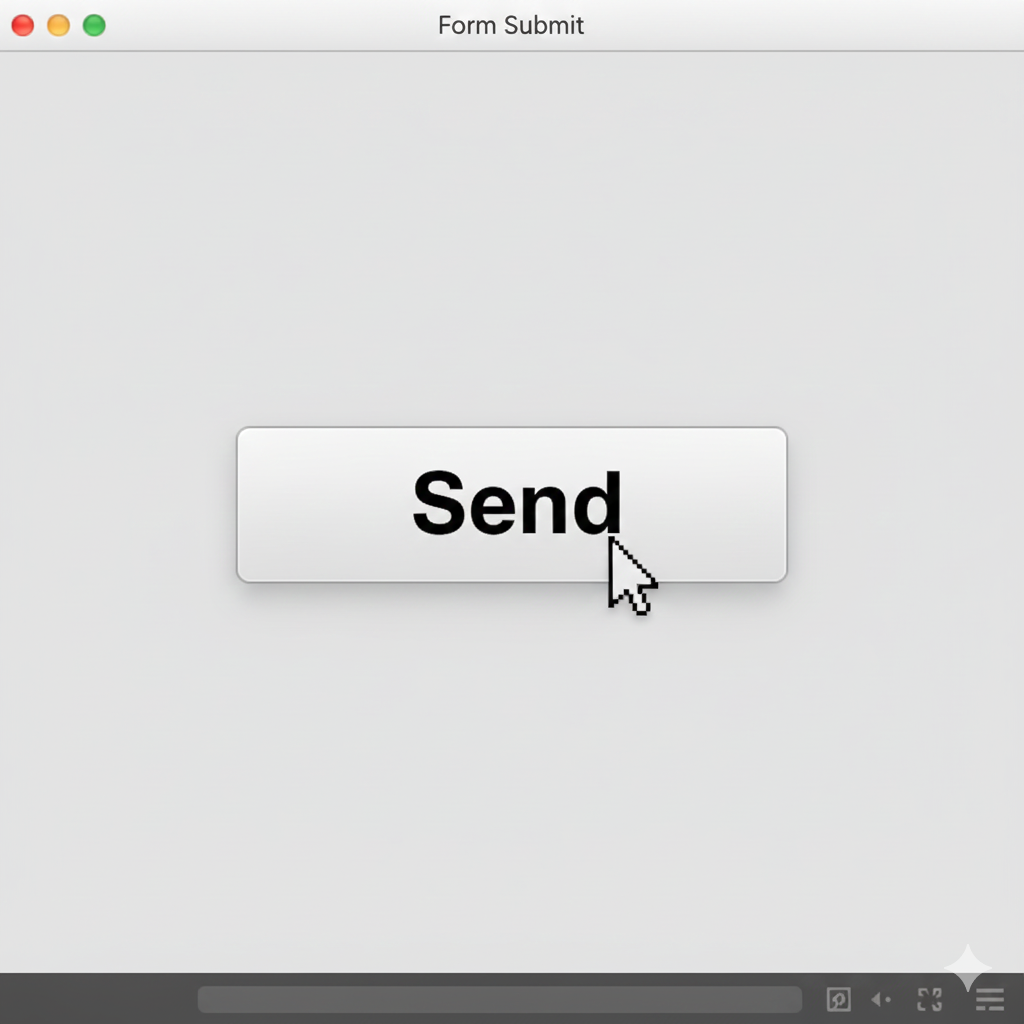
    Submit Button

    What is the work of submit button?

    A submit button is used to send form data to the server.

    <input type="submit" value="Send">

    This is the output of the code

    ChatGPT Image

    🔹 Value Attribute


    What is value Attribute?

    The value attribute changes the text written on the button.


    🔹 Advantages of HTML Forms


    • Collects user information
    • Used in login systems
    • Used in registration pages
    • Used in surveys and feedback forms
    • Makes websites interactive

    🔹 Important Notes


    • ✅ <form> creates the form
    • ✅ <input> creates input fields
    • ✅ type="text" creates text box
    • ✅ type="password" hides password
    • ✅ type="email" accepts email
    • ✅ type="email" accepts email
    • ✅ type="number" accepts numbers
    • ✅ Radio buttons allow only one choice
    • ✅ Checkboxes allow multiple choices
    • ✅ <textarea> creates multi-line box
    • ✅ <select> creates dropdown
    • ✅ <option> creates dropdown items
    • ✅ Submit button sends form data

    HTML Forms Quiz

    1. Which tag is used to create a form?

    2. Which input type is used for a text field?

    3. Which input type is used for a password field?

    4. Which input type is used for radio buttons?

    5. Which input type is used for checkboxes?

    HTML Input Types (Detailed)

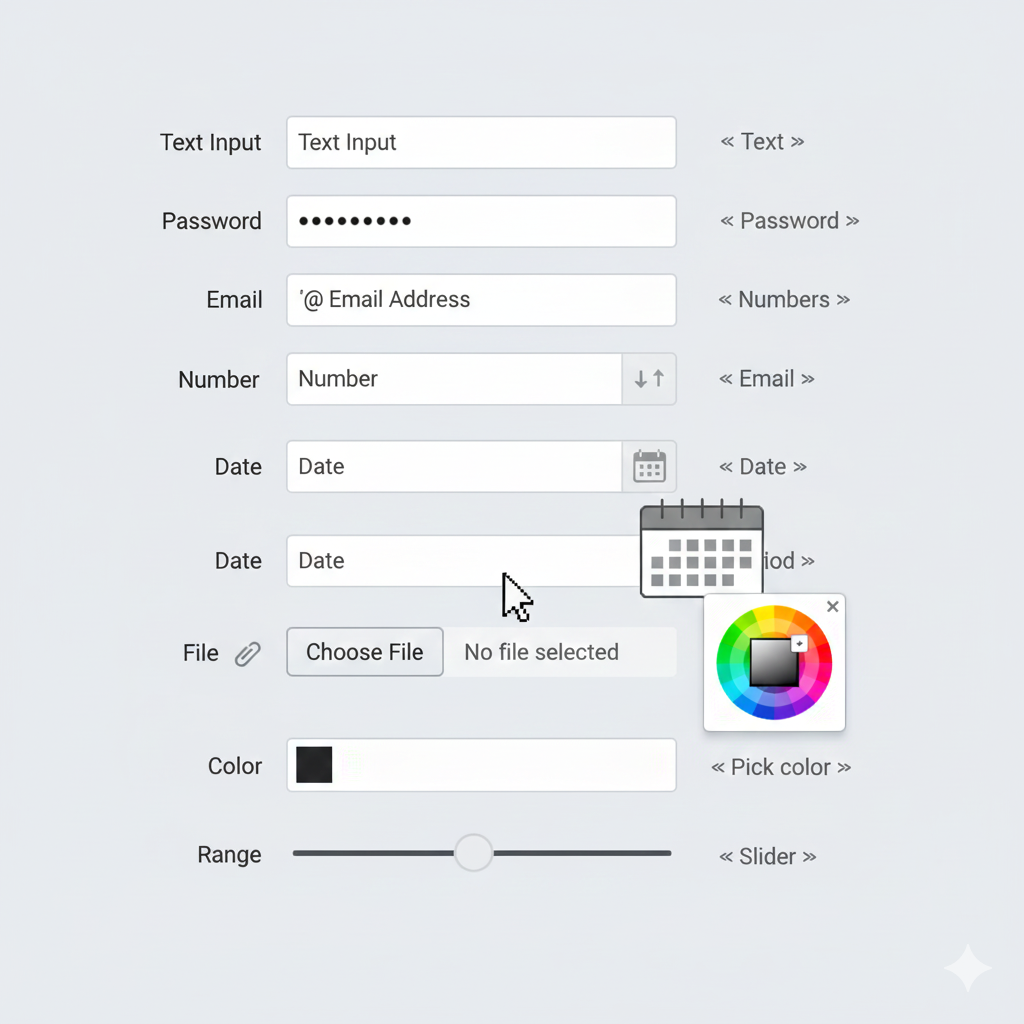
    HTML provides different input types to collect specific kinds of data from users. Input fields are created using the <input> tag.Different input types help users enter the correct information easily and improve the user experience of a website.

    Explaination Of Downside Written Code:

    <input type="text"> used for enter normal text like name or city in form Called Text Input.

    <input type="password"> used for enter passwords securely.The characters are hidden using dots or stars Called Password Input.

    <input type="email">Used to enter an email address.The browser checks if the entered text is in email format Called Email Input.

    <input type="number">Used to enter only numbers Called Number Input.

    <input type="date">Used to select a date from a calendar Called Date Input.

    <input type="file">Used to upload files like images, PDFs, or documents Called File Input.

    <input type="color">Used to select a color from a color picker Called Color Input.

    <input type="range">Used to create a slider for selecting values Called Range Input.

    Common Input Types

    <input type="text"> <!-- Text -->
    <input type="password"> <!-- Password -->
    <input type="email"> <!-- Email -->
    <input type="number"> <!-- Numbers -->
    <input type="date"> <!-- Date -->
    <input type="file"> <!-- Upload file -->
    <input type="color"> <!-- Pick color -->
    <input type="range"> <!-- Slider -->

    This is the output of the code

    ChatGPT Image

    Submit & Reset

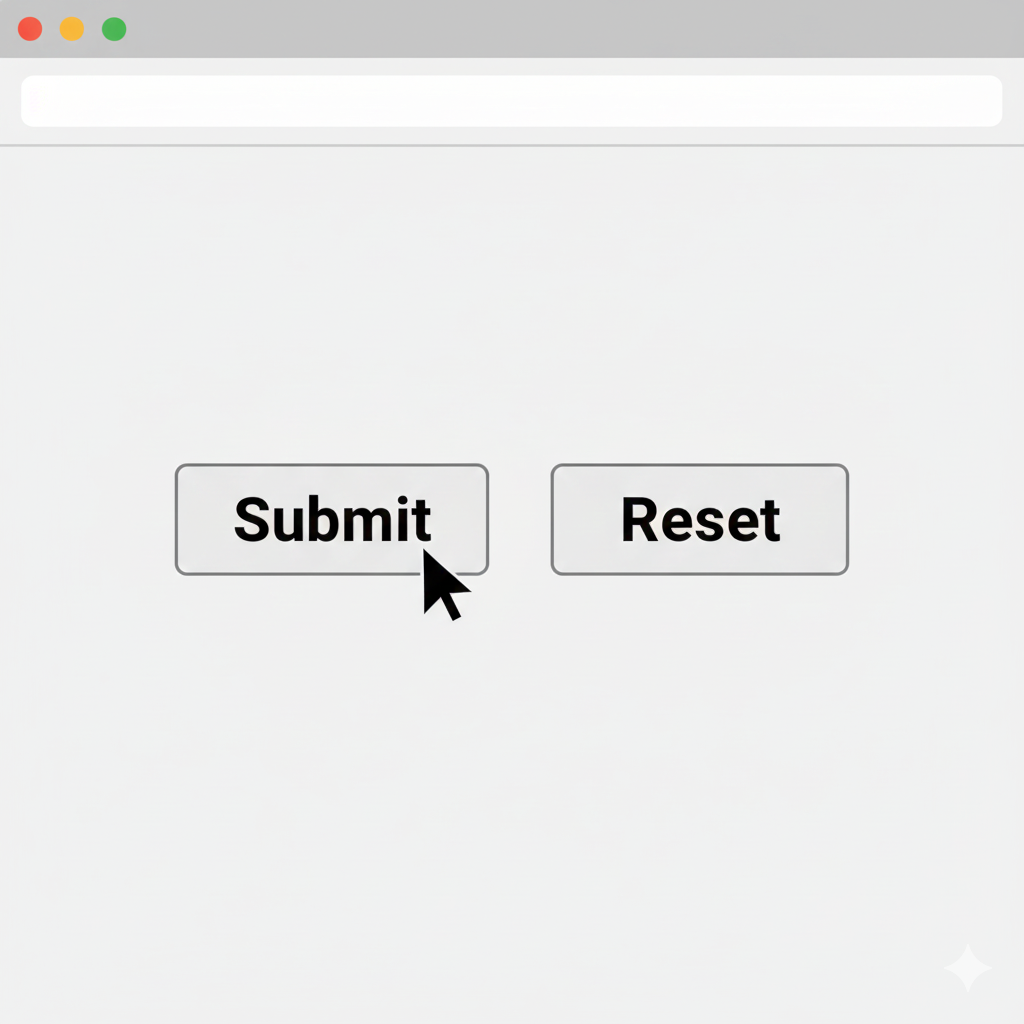
    HTML forms also provide buttons for submitting and resetting data.

    Submit Button

    The submit button sends form data to the server.

    Eg: <input type="submit" value="Submit">

    Reset Button

    The reset button clears all form fields and restores default values.

    Eg: <input type="reset" value="Reset">

    <input type="submit" value="Submit">
    <input type="reset" value="Reset">

    This is the output of the code

    ChatGPT Image

    Required Attribute

    What is required attribute?

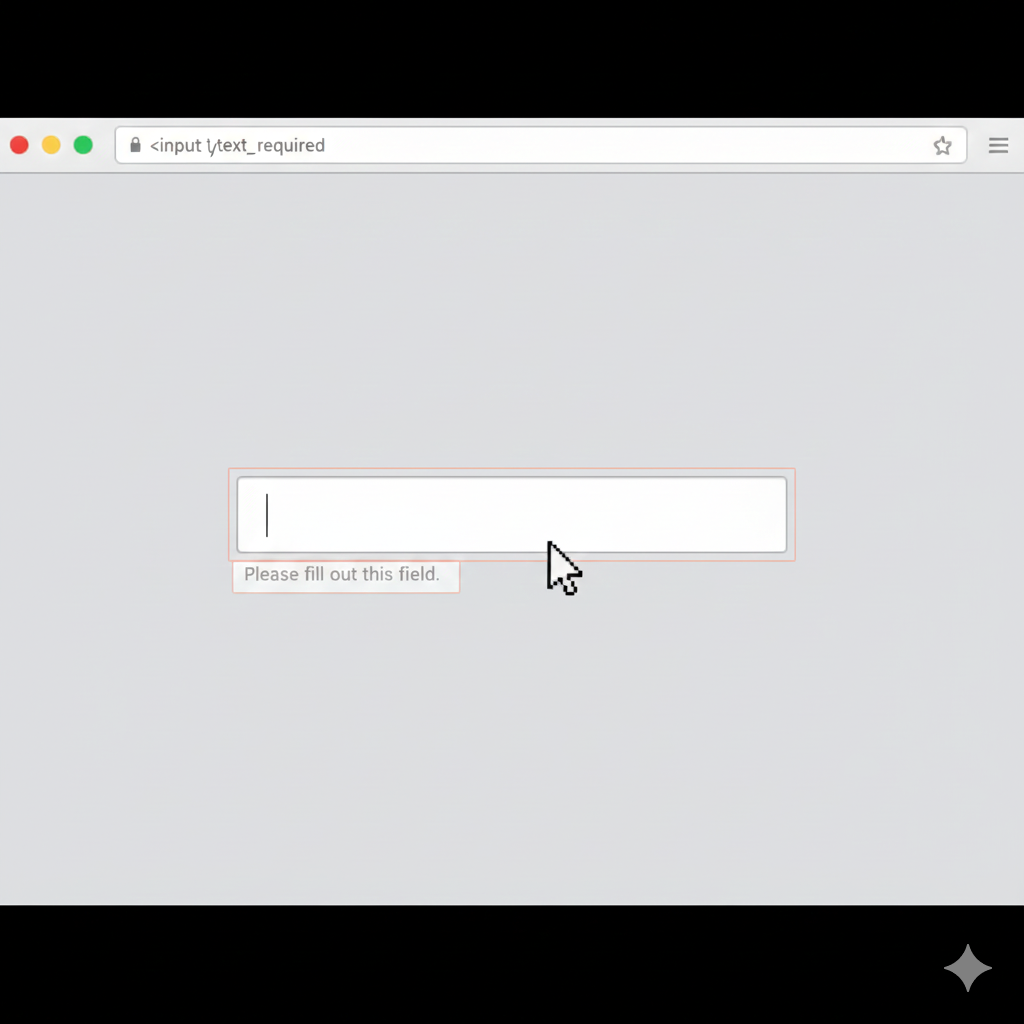
    The required attribute makes a field compulsory.The form cannot be submitted until the user fills that field.

    Benefits of Required Attribute:

    • Prevents empty submissions.
    • Ensures important information is entered.
    • Improves form validation.
    <input type="text" required>

    This is the output of the code

    ChatGPT Image

    Placeholder

    What is Placeholder?

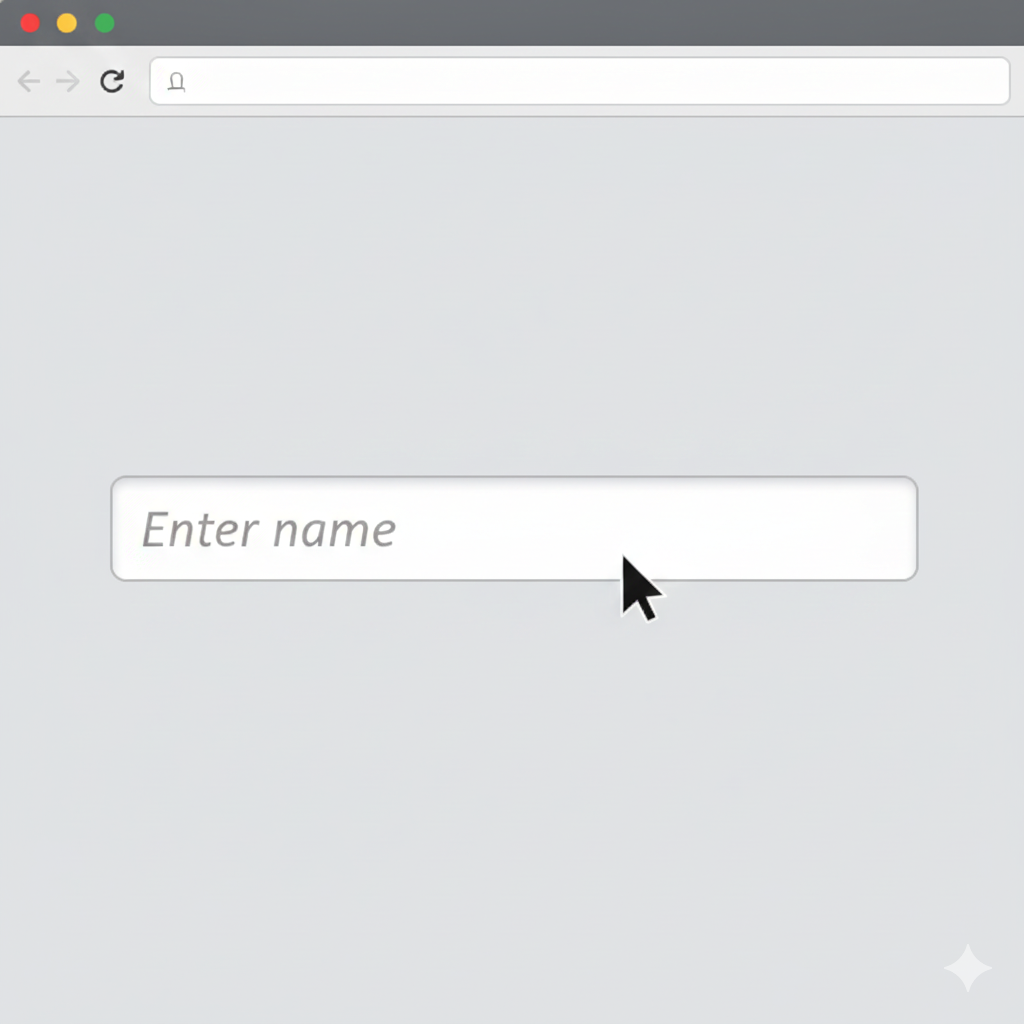
    A placeholder is a short hint shown inside an input box or textarea.It helps users understand what information should be entered.

    <input type="text" placeholder="Enter name">

    This is the output of the code

    ChatGPT Image

    Benefits of Placeholder:

    • Gives guidance to users
    • Improves user experience
    • Makes forms easier to understand

    Conclusion

    HTML input types help websites collect different kinds of user data easily and correctly.Using attributes like required and placeholder makes forms more user-friendly and interactive.

    HTML Input Types Quiz

    1. Which input type is used for a date picker?

    2. Which input type is used for file upload?

    3. Which input type is used for a color picker?

    4. Which input type is used for a slider?

    5. Which input type is used for a submit button?

    HTML Media (Audio & Video)

    HTML provides powerful media tags that allow you to easily play audio (sound/music) and video files directly on a webpage without any external software.These tags make websites more interactive, engaging, and user-friendly.

    Audio Tag

    What is audio tag?

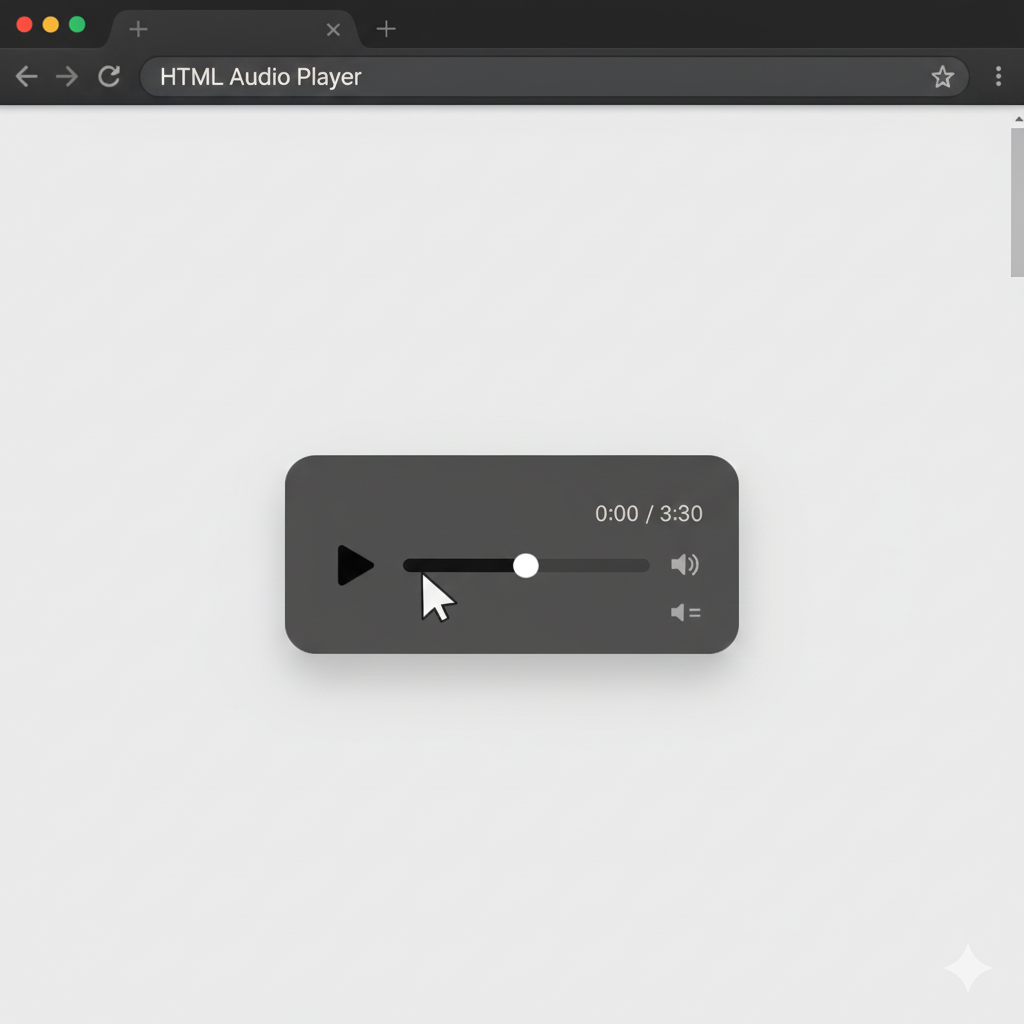
    The <audio> tag is used in HTML to embed sound or music into a webpage.It allows users to play, pause, and control audio files directly in the browser.

    <audio controls>
      <source src="song.mp3" type="audio/mp3">
    </audio>

    This is the output of the code

    ChatGPT Image

    Attributes of Audio Tag

    1. controls

    • controls (Work: Shows media control buttons Like:Play▶ Pause⏸ Volume🔊 Fullscreen⛶)
    • autoplay(Starts playing automatically.)
    • loop(Starts playing automatically)
    • muted(Starts media with no sound)

    2. autoplay

    This attribute makes the audio start playing automatically when the page loads.

    Code : <audio autoplay>

    ⚠️ Note: Most browsers block autoplay unless the audio is muted.

    3. loop

    This makes the audio repeat continuously after it ends.

    Code : <audio loop>

    Eg: Background music in games or websites.

    4. muted

    This starts the audio with no sound.

    Useful when you want audio to play without disturbing the user.

    Video Tag

    What is video tag?

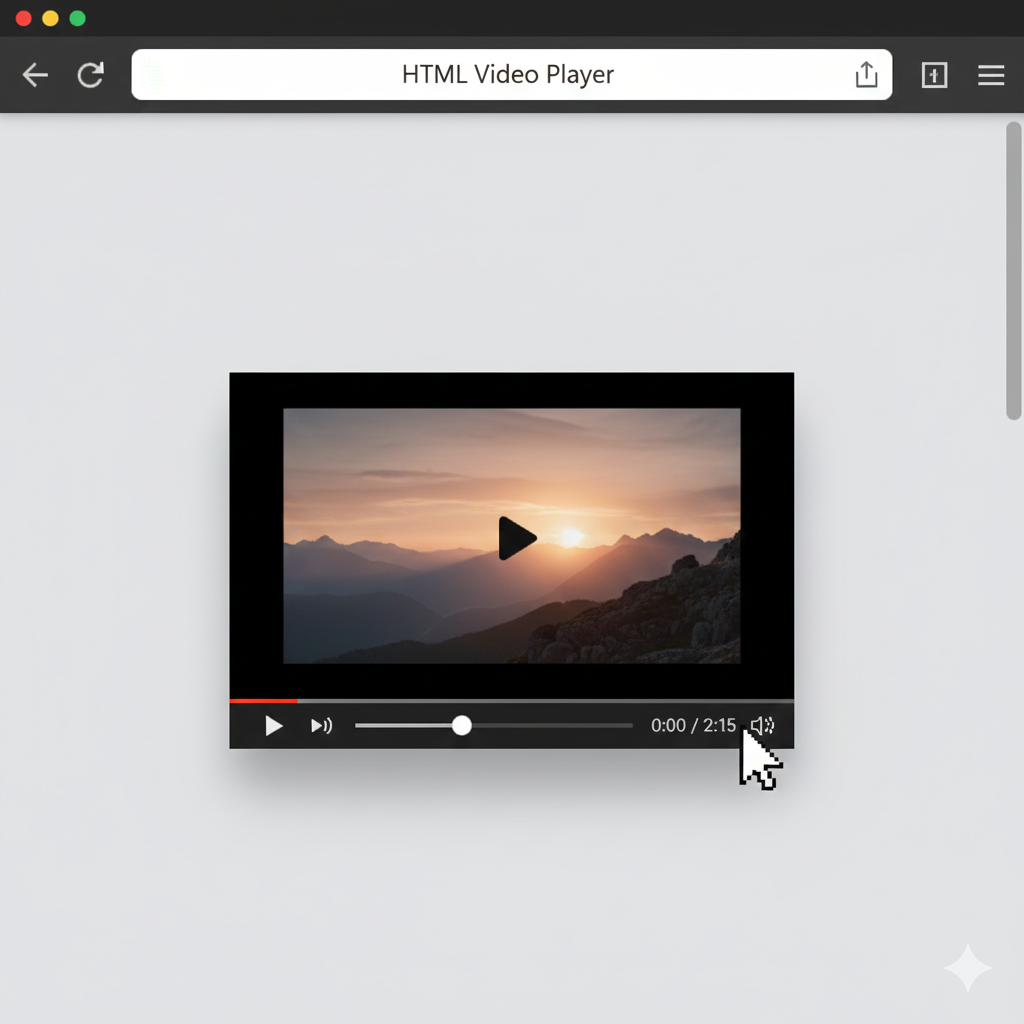
    The <video> tag is used in HTML to embed video content on a webpage.It allows users to watch videos directly in the browser with controls like play, pause, and volume.

    <video width="400" controls>
      <source src="movie.mp4" type="video/mp4">
    </video>

    This is the output of the code

    ChatGPT Image

    🎥 Features of Video Tag

    • Supports multiple video formats (MP4, WebM, Ogg)
    • Built-in playback controls
    • Can be resized using width and height
    • Works without external plugins

    Poster Images

    What is poster image?

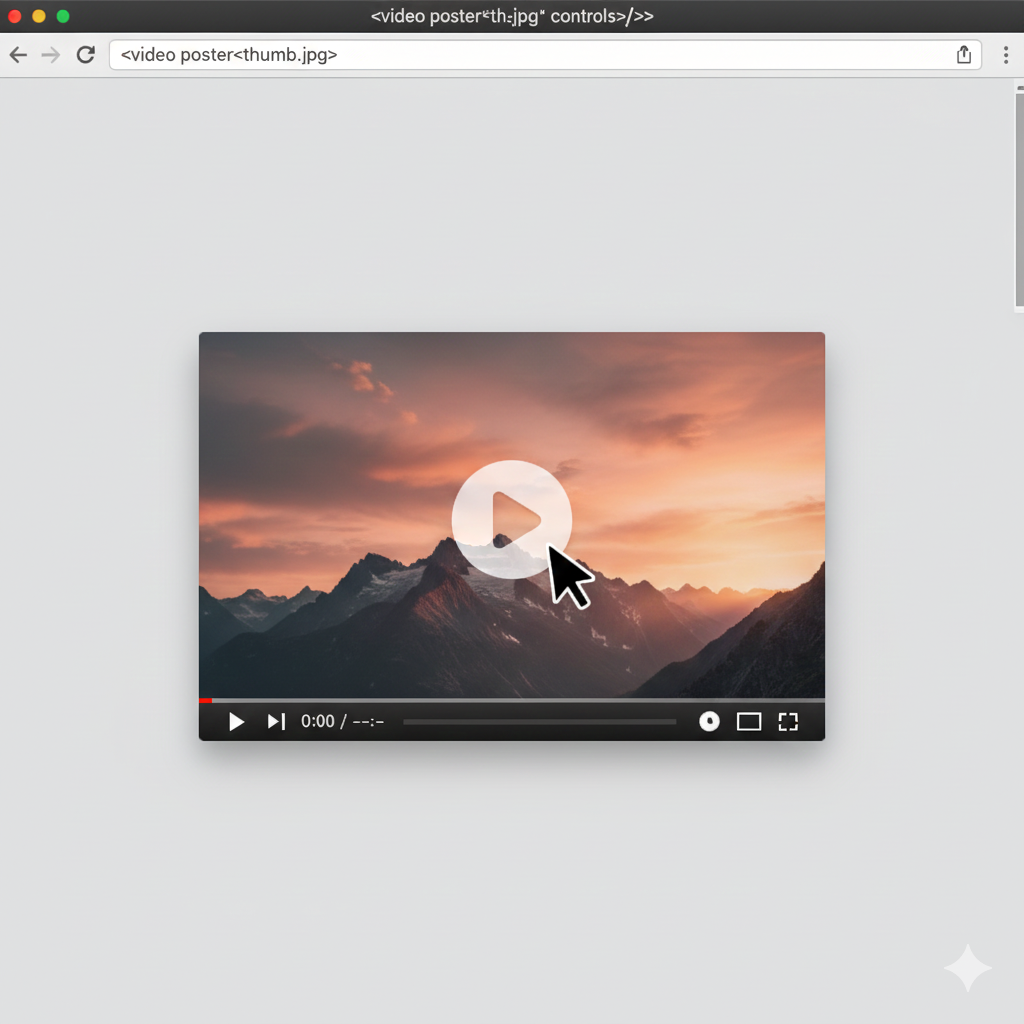
    The poster attribute is used in the <video> tag to display an image before the video starts playing.It acts like a thumbnail preview for the video.

    <video poster="thumb.jpg" controls></video>

    This is the output of the code

    ChatGPT Image

    🎯 Benefits of Poster Image:

    • Makes video look attractive before playing
    • Helps users understand video content
    • Improves website design and UI
    • Used in YouTube-style thumbnails

    📌 Conclusion

    HTML media tags like <audio> and <Voice> make webpages more dynamic and interactiveThey allow users to directly play music and videos without needing extra apps or plugins.Using attributes like controls, autoplay, loop, muted, and poster improves usability and design quality of a website.

    HTML Media Quiz

    1. Which tag is used to embed audio in HTML?

    2. Which tag is used to embed video in HTML?

    3. Which attribute is used to show controls for audio/video?

    4. Which attribute is used to make audio/video play automatically?

    5. Which attribute is used to make audio/video play repeatedly?

    HTML Semantic Elements

    Semantic elements give meaning to the structure of a webpage.They clearly describe the purpose of different parts of the page to browsers, developers, and search engines.Using semantic tags makes the website more organized, readable, and professional.

    Important Semantic Tags

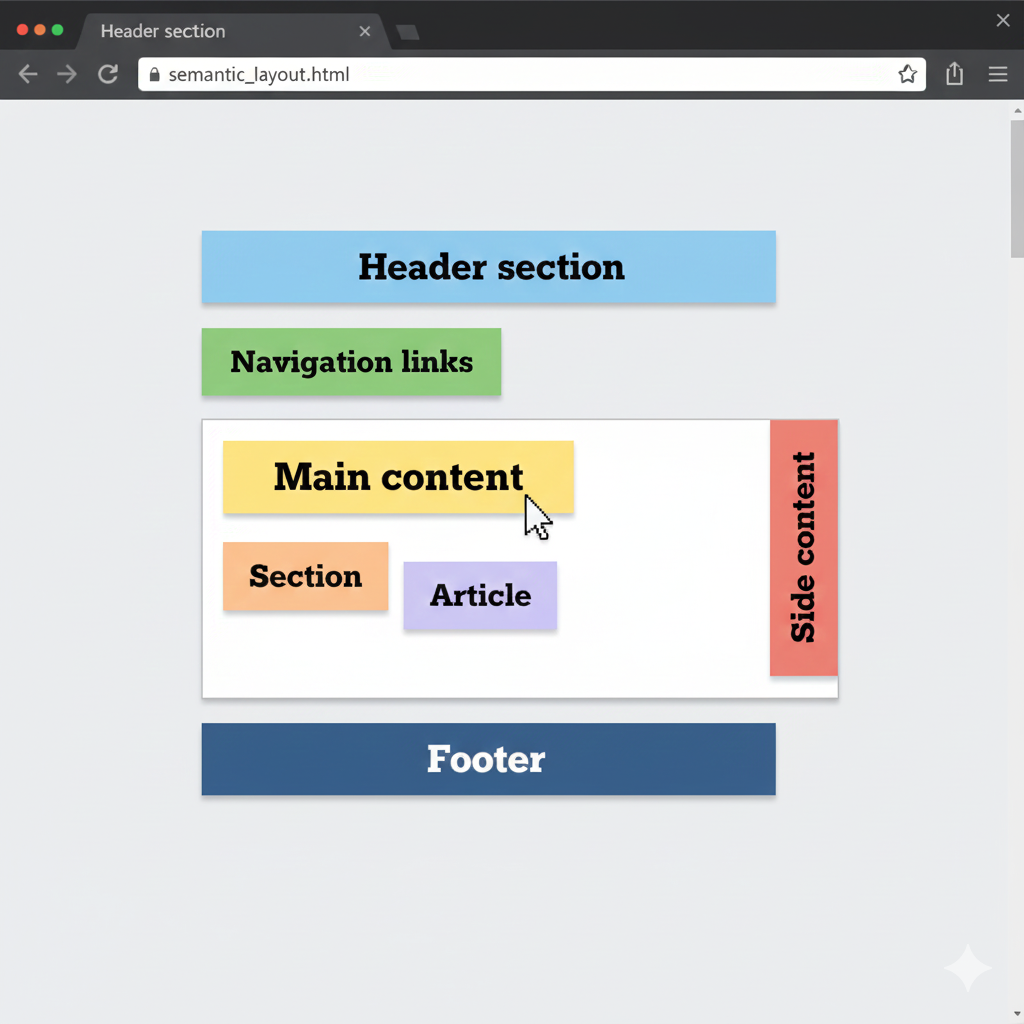
    <header>Header section</header>

    The <header> tag is used for the top section of a webpage or section.

    It usually contains:

    • Website logo
    • Title or heading
    • Navigation menu
    • Search bar

    <nav>Navigation links</nav>

    The <nav> tag is used to create navigation links.It helps users move between different pages of the website.


    <main>Main content</main>

    The <main> tag represents the main content of the webpage.Only one <main> element should be used in a page.


    <section>Section</section>

    The <section> tag is used to divide content into different sections or parts.


    <article>Article</article>

    The <article> tag is used for independent content such as:

    • Blog posts
    • News articles
    • Forum posts

    <aside>Side content</aside>

    The <aside> tag contains side content related to the main content, such as:

    • Advertisements
    • Tips
    • Related links

    <footer>Footer</footer>

    The <footer> tag is used for the bottom section of the webpage.

    It usually contains:

    • Copyright information
    • Contact details
    • Social media links

    This is the output of the code

    ChatGPT Image

    Benefits of Semantic Elements

    1. Better SEO

    Search engines like Google can understand the webpage structure more easily.This improves website ranking in search results.

    2. Better Accessibility

    Screen readers can understand semantic tags better, helping visually impaired users navigate websites easily.

    3. Cleaner Code

    Semantic HTML makes code more organized, readable, and easier to maintain.

    4. Easy Website Structure

    Developers can quickly understand which part of the code belongs to the header, footer, navigation, or main content.

    5. Improves User Experience

    A properly structured webpage loads and works more efficiently for users.

    6. Helpful for Team Projects

    When multiple developers work on the same project, semantic tags make collaboration easier because the code is easy to understand.

    HTML Semantic Elements Quiz

    1. Which semantic element is used for the header section?

    2. Which semantic element is used for navigation links?

    3. Which semantic element is used for the main content?

    4. Which semantic element is used for an article?

    5. Which semantic element is used for side content?

    HTML Layout

    Layout means the structure or arrangement of elements on a webpage.It defines where different sections like the header, menu, content area, sidebar, and footer will appear on the screen.

    A good layout makes a website:

    • Easy to read
    • User-friendly
    • Attractive
    • Responsive on all devices

    Web developers use HTML layout techniques to organize webpage content properly.

    Div-based Layout (Old way)

    What is Div-based Layout (Old way)?

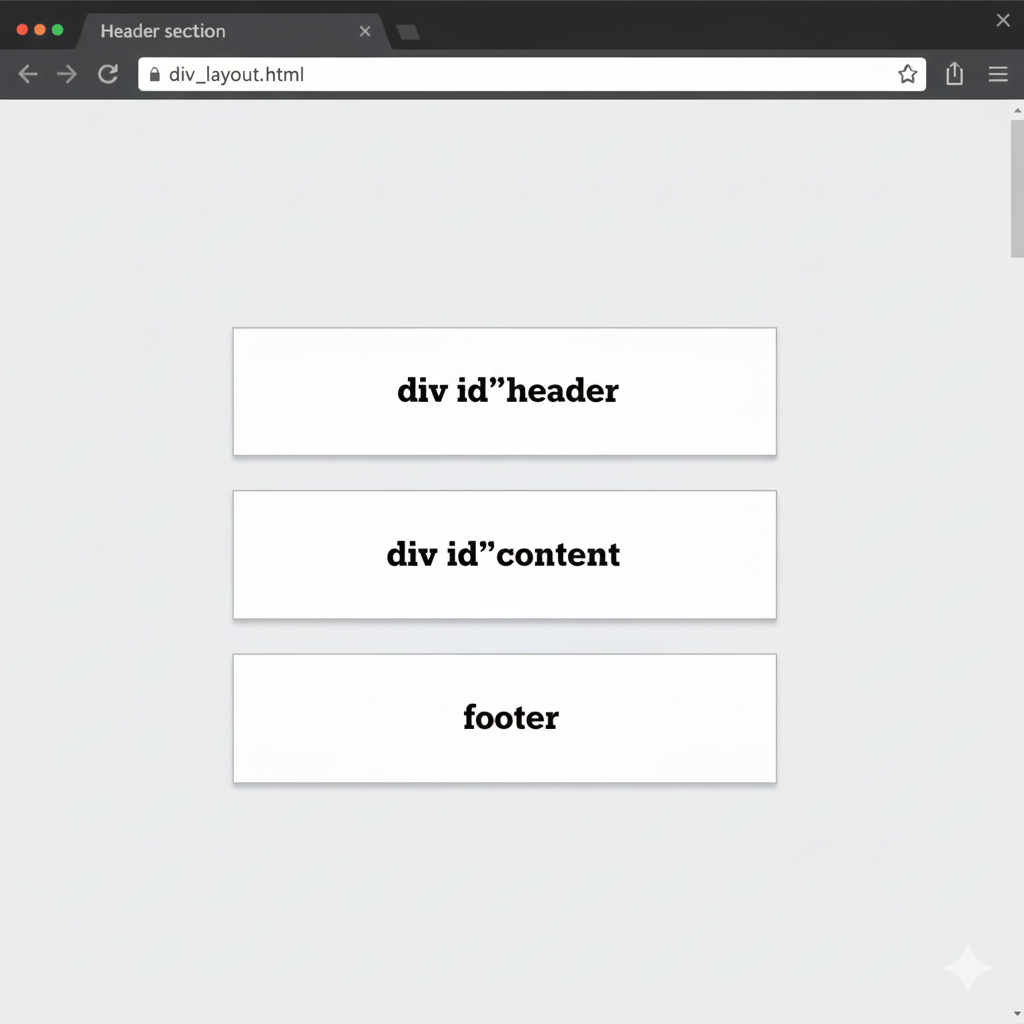
    Before HTML5 was introduced, developers mainly used <div> (division) tags to create the complete layout of websites.The <div> tag itself has no meaning.It is simply a container used to group HTML elements together.

    Developers used different IDs or classes to identify sections like:

    • Header
    • Navigation menu
    • Main content
    • Sidebar
    • Footer
    <div id="header"></div>
    <div id="content"></div>
    <div id="footer"></div>

    This is the output of the code

    ChatGPT Image

    Problems with Div-based Layout

    1. Difficult to Understand

    Since everything uses <div>, developers must read IDs and classes to understand the layout.

    <2. Poor Readability

    Large projects become confusing because too many <div> tags are used.

    3. Less SEO Friendly

    Search engines cannot easily identify which part is the header, navigation, or footer.

    4. Accessibility Issues

    Screen readers cannot clearly understand the page structure.

    Semantic Layout (Modern)

    What is Semantic Layout (Modern)?

    Semantic Layout means using meaningful HTML5 tags to create webpage structure instead of relying only on <div> tags.Semantic tags clearly describe the purpose of each section of the webpage.

    <header></header>
    <nav></nav>
    <main></main>
    <footer></footer>

    This is the output of the code

    ChatGPT Image

    These tags improve:

    • Readability
    • SEO
    • Accessibility
    • Code organization

    Responsive Layout Basics

    Why we use Responsive Layout Basics?

    Used for the top section of the webpage.

    • Website title
    • Logo
    • Navigation links
    <meta name="viewport" content="width=device-width, initial-scale=1.0">

    This is the output of the code

    ChatGPT Image

    Benefits of Semantic Layout

    1. Better SEO

    Search engines understand webpage structure more easily.

    2. Better Accessibility

    Screen readers can identify different sections properly.

    3. Cleaner and Organized Code

    Semantic tags make the code simple and readable.

    4. Easier Maintenance

    Developers can quickly edit and manage the website.

    5. Professional Web Development

    Modern websites mostly use semantic HTML5 layout.


    Responsive Layout Basics

    Why We Use Responsive Layout Basics?

    Responsive Layout means designing a website so it works properly on all screen sizes:

    • Desktop computers
    • Laptops
    • Tablets
    • Mobile phones

    A responsive website automatically adjusts its layout according to the device screen size.


    Features of Responsive Layout:

    • 1. Flexible Width
    • 2. Viewport Meta Tag
    • 3. Responsive Images
    • 4. Media Queries

    Advantages of Responsive Layout

    • Better User Experience(Users can easily browse the website on any device.)
    • Mobile Friendly(Most internet users browse websites on mobile phones.)
    • Faster Development(One responsive website works on all devices.)
    • Improved SEO(Google prefers mobile-friendly websites.)
    • Professional Design(Responsive websites look modern and attractive.)

    Summary

    • Layout means webpage structure.
    • Older websites used <div> tags for layouts.
    • Modern websites use semantic HTML5 tags.
    • Responsive layout helps websites work on all devices.
    • Semantic and responsive design improve SEO, accessibility, and user experience.

    HTML Layout Quiz

    1. What does layout mean in web design?

    2. Which element was commonly used for layout in the old way?

    3. Which semantic element is used for the header in modern layout?

    4. Which semantic element is used for the main content in modern layout?

    5. Which of the following is a mobile-friendly tip?

    HTML Iframes

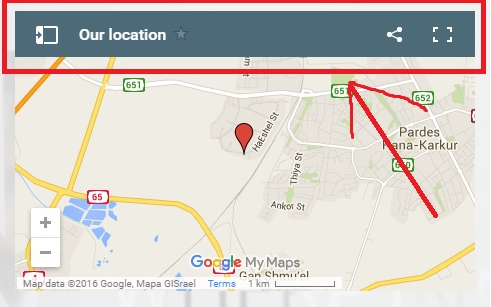
    An iframe (Inline Frame) is an HTML element used to display another webpage, video, map, or external content inside the current webpage.

    Iframes are commonly used for:

    • Embedding YouTube videos
    • Showing Google Maps
    • Displaying external websites
    • Adding online documents
    • Embedding forms or apps

    Basic Iframe

    What is basic iframe?

    A Basic Iframe is the simplest use of the <iframe> tag to display another webpage inside your current webpage.

    Important Iframe Attributes

    • src(The src attribute specifies the webpage or file to display inside the iframe.) Eg: <iframe src="https://example.com"></iframe>
    • width(Sets the width of the iframe.) Eg: <iframe src="https://example.com" width="500"></iframe>
    • height(Sets the height of the iframe.) Eg: <iframe src="https://example.com" height="500"></iframe>
    • title(Provides a title for accessibility and screen readers.) Eg: <iframe src="https://example.com" title="Example.png"></iframe>

    Advantages of Iframes

    • 1. Easy Content Embedding.
    • 2. Saves Development Time
    • 3. Interactive Content
    • 4. Reusable Components

    Disadvantages of Iframes

    • 1. Slower Page Loading
    • 2. Security Risks
    • 3. SEO Limitations

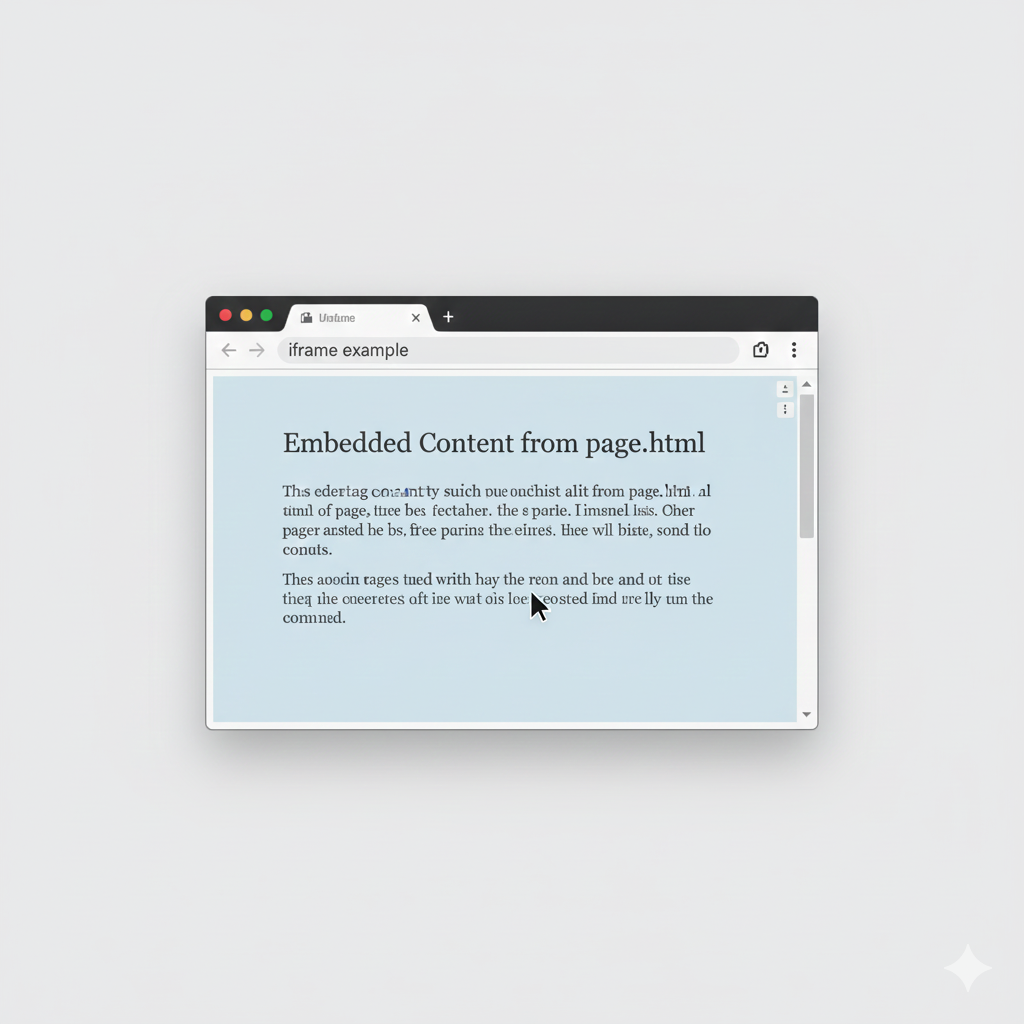
    <iframe src="page.html"></iframe>

    This is the output of the code

    ChatGPT Image

    YouTube Video Embed

    What is YouTube Video Embed?

    YouTube Video Embed means displaying a YouTube video directly on your webpage using an <iframe>.Instead of sending users to YouTube, the video can play inside your website.

    <iframe src="https://www.youtube.com/embed/videoID"></iframe>

    This is the output of the code

    ChatGPT Image

    Benefits of YouTube Embed

    • 1. Videos Play Directly on Website
    • 2. Better User Experience
    • 3. Useful for Tutorials
    • 4. Saves Server Storage

    Google Map Embed

    What is Google Map Embed?

    Google Map Embed means showing a Google Map directly on your webpage using an <iframe>.

    This helps users find:

    • Locations
    • Shops
    • Offices
    • Schools
    • Restaurants
    <iframe src="map_link"></iframe>

    This is the output of the code

    ChatGPT Image

    Benefits of Google Map Embed

    • 1. Easy Navigation
    • 2. Professional Appearance
    • 3. Helpful for Customers
    • 4. Interactive Features

    Security Attributes

    What is security attributes?

    Security attributes are used to protect your webpage when embedding external content using <iframe>.

    They help prevent:

    • Malicious scripts
    • Unsafe websites
    • Unauthorized actions
    • Data theft

    Important Security Attributes

    sandbox:The sandbox attribute restricts what the iframe content can do.

    Example:

    <iframe sandbox></iframe>

    This is the output of the code

    ChatGPT Image

    allowfullscreen : Allows videos to open in fullscreen mode.

    Example:

    <iframe ="video.html" allowfullscreensrc></iframe>

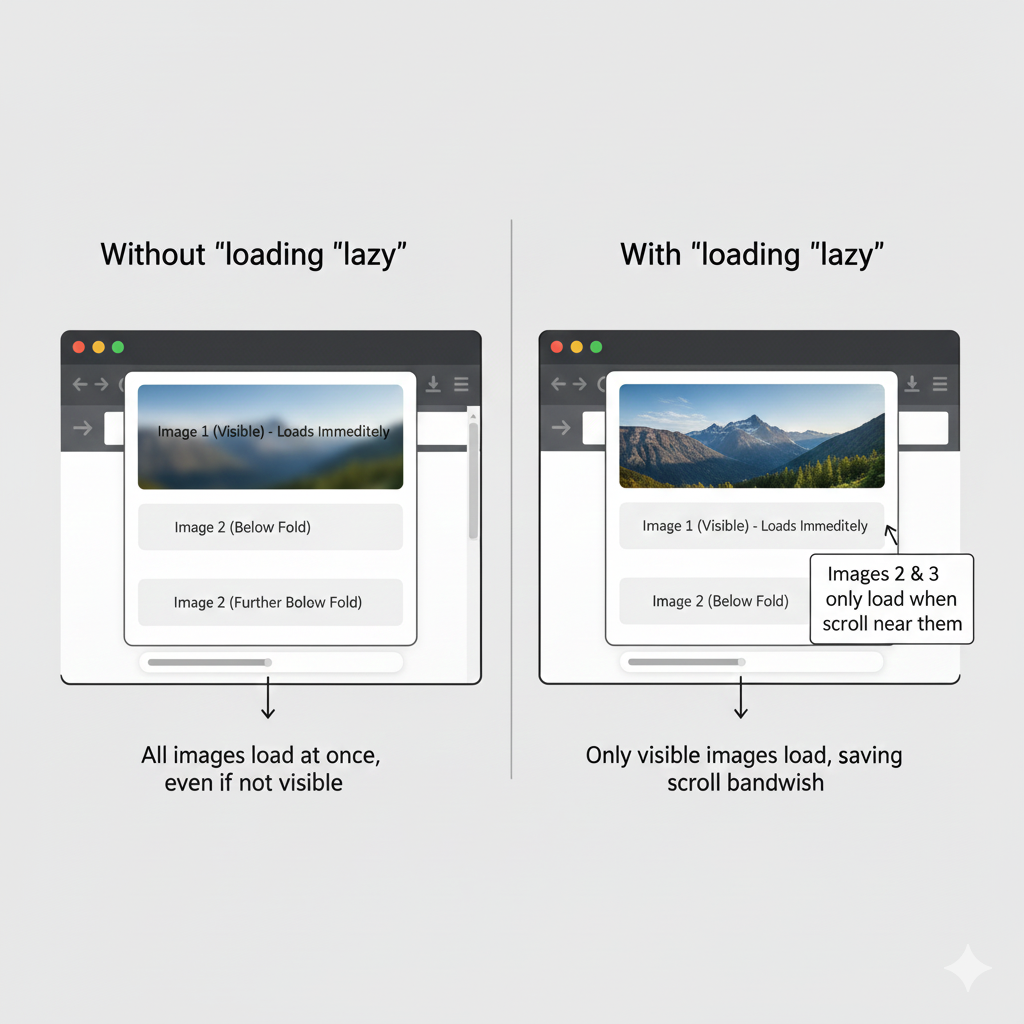
    loading="lazy" : Loads iframe content only when needed, improving webpage speed.

    Example:

    <iframe src="page.html"loading="lazy"></iframe>

    Summary

    <iframe>is used to embed another webpage inside a webpage.

    • Iframes can display:
    • Websites
    • Videos
    • Maps
    • Apps
    • Documents
    • YouTube videos and Google Maps are commonly embedded using iframes.
    • Security attributes help protect webpages from unsafe embedded content.
    • Proper iframe usage improves user experience and website functionality.

    HTML Iframes Quiz

    1. What is an iframe used for?

    2. Which tag is used to create an iframe?

    3. Which attribute is used to specify the source of an iframe?

    4. How do you embed a YouTube video in an iframe?

    5. Which attribute is used for security in an iframe?

    HTML Entities & Symbols

    HTML entities are special codes used to display reserved characters, symbols, and emojis on a webpage. Sometimes, certain characters in HTML are treated as part of the code instead of normal text. To solve this problem, HTML entities are used.HTML entities always start with an ampersand (&) and end with a semicolon (;).

    Why HTML Entities are Needed?

    Some characters are reserved in HTML because they are used in tags and coding syntax. If we directly write these characters in HTML, the browser may misunderstand them as HTML code.

    Reserved characters include:

    • < Less than symbol
    • > Greater than symbol
    • >& Ampersand symbol

    Common HTML Entities

    Symbol Entity
    < &lt;
    > &gt;
    & &amp;
    © &copy;
    ® &reg;
    " "
    ' '

    Example

    <p>5 &lt; 10</p>

    This is the output of the code

    ChatGPT Image

    Emojis in HTML

    HTML also supports emojis using entity numbers. Emojis make webpages more attractive and interactive.

    <p>&#128512;</p>

    This is the output of the code

    ChatGPT Image

    More Emoji Examples:

    Emoji Code
    😀 &#128512;<
    😂 &#128514;<
    ❤️ &#10084;<
    👍 &#128077;<
    🎉 &#127881;<

    Advantages of HTML Entities

    • Prevents browser confusion with reserved characters
    • Helps display special symbols correctly
    • Useful for mathematical symbols and currency symbols
    • Makes webpages more professional and attractive
    • Allows adding emojis and decorative characters

    Conclusion

    HTML entities are very important in web development. They help display reserved characters, symbols, and emojis correctly on a webpage. By using HTML entities, developers can avoid coding errors and create cleaner and more user-friendly websites.

    HTML Entities & Symbols Quiz

    1. Why are HTML entities needed?

    2. Which character is reserved in HTML?

    3. Which entity is used to display the less-than sign (<)?

    4. Which entity is used to display the greater-than sign (>)?

    5. Which entity is used to display the ampersand (&)?

    HTML Meta Tags

    Meta tags provide information about the webpage to browsers and search engines.They are written inside the <head> section of an HTML document.

    Meta tags help with:

    • Proper text display
    • Responsive design
    • SEO (Search Engine Optimization)
    • Better search engine ranking
    • Website description and keywords

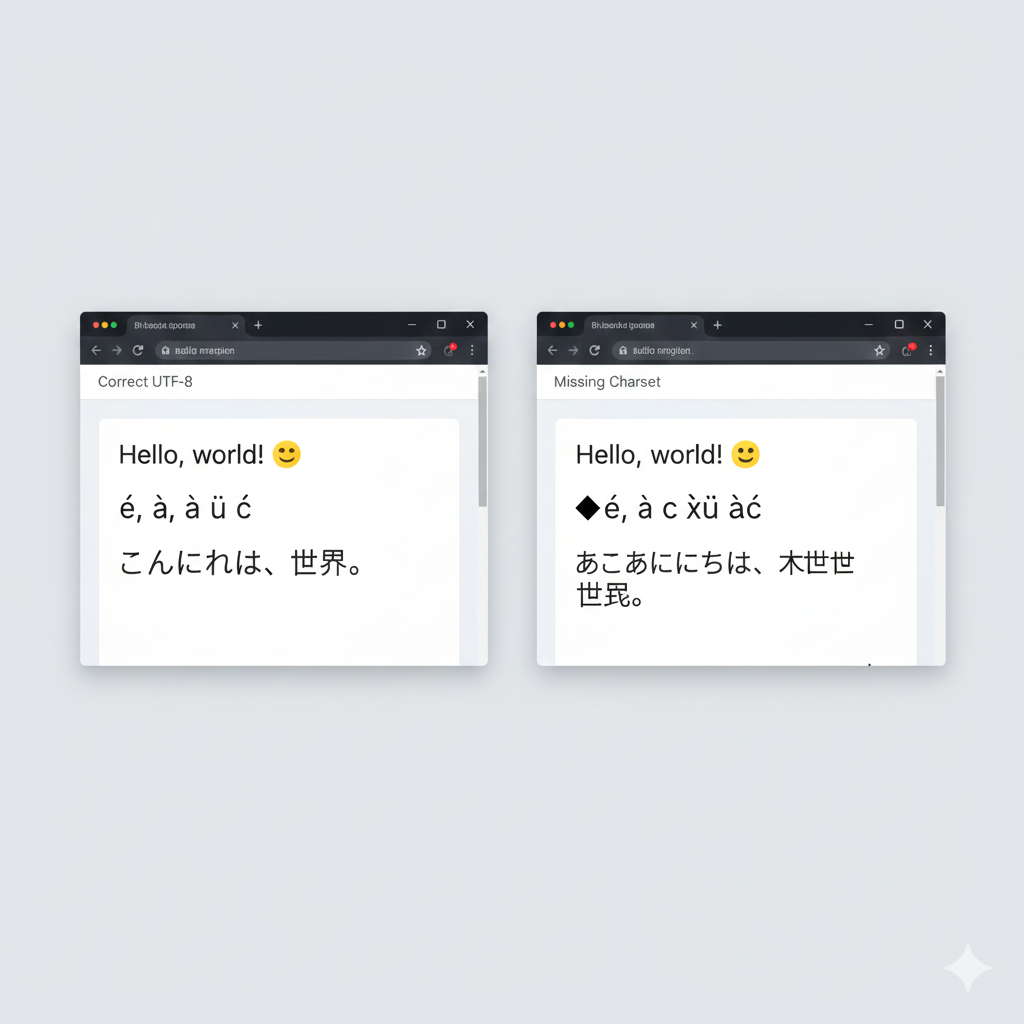
    Charset

    Why we use Charset?

    Charset defines how text, letters, numbers, symbols, and emojis are encoded and displayed on a webpage.Without the correct charset, some characters may appear as strange symbols or broken text.

    The most commonly used charset is UTF-8 because it supports:

    • English letters
    • Hindi characters
    • Emojis 😊
    • Special symbols
    • Almost all world languages
    <meta charset="UTF-8">

    This is the output of the code

    ChatGPT Image

    Explanation

    • UTF-8 → Universal character encoding standard
    • charset → Defines character encoding
    • meta → Meta information tag

    Benefits of UTF-8

    • Supports multiple languages
    • Displays emojis correctly
    • Prevents text corruption
    • Recommended for modern websites

    Viewport (Responsive Design)

    What is viewport?

    Viewport is the visible area of the screen where a webpage is displayed.

    Different devices have different screen sizes:

    • Mobile phones
    • Tablets
    • Laptops
    • Desktop computers

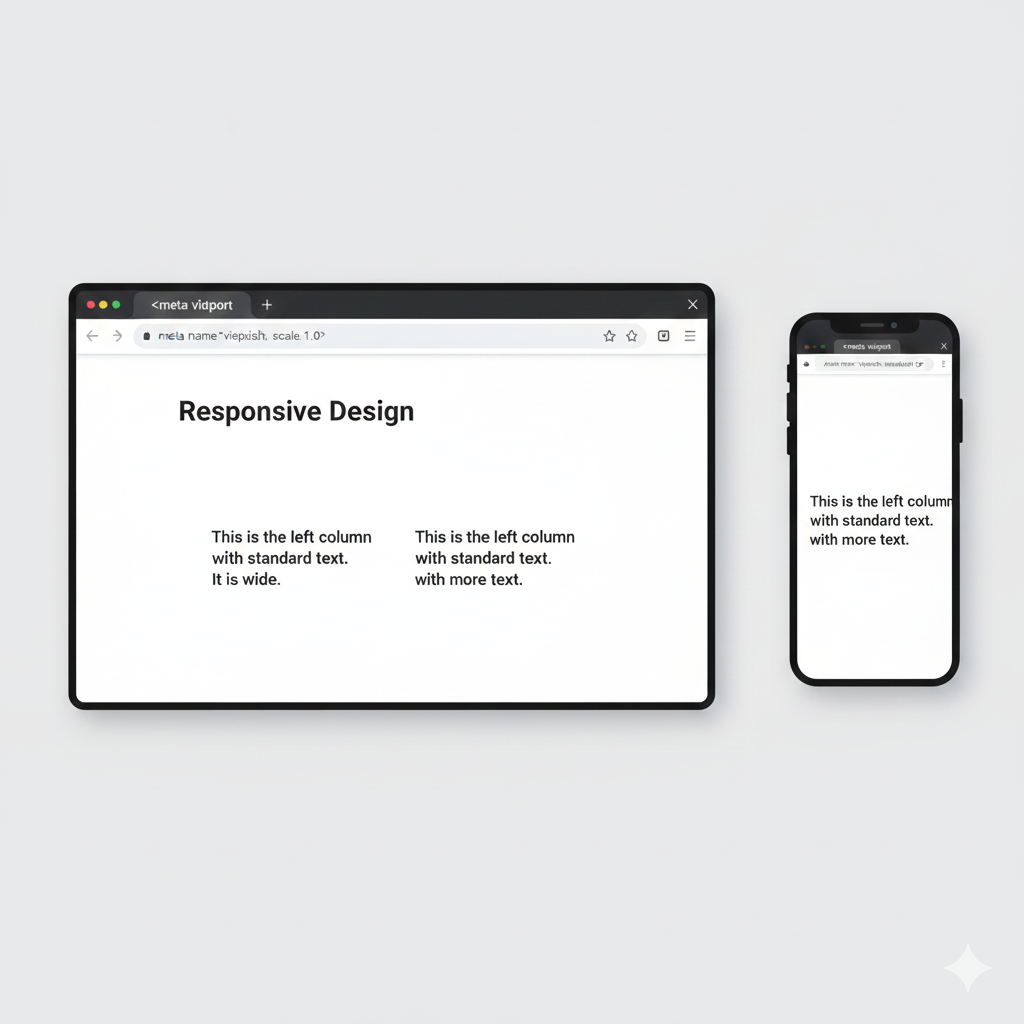
    The viewport meta tag helps the webpage adjust properly on all devices.

    <meta name="viewport" content="width=device-width, initial-scale=1.0">

    This is the output of the code

    ChatGPT Image

    Explanation

    • width=device-width → Sets webpage width according to device width
    • initial-scale=1.0 → Sets the default zoom level

    Benefits of Viewport Tag

    • Makes websites mobile-friendly
    • Improves responsive design
    • Prevents zooming issues
    • Gives better user experience
    • Important for modern web development

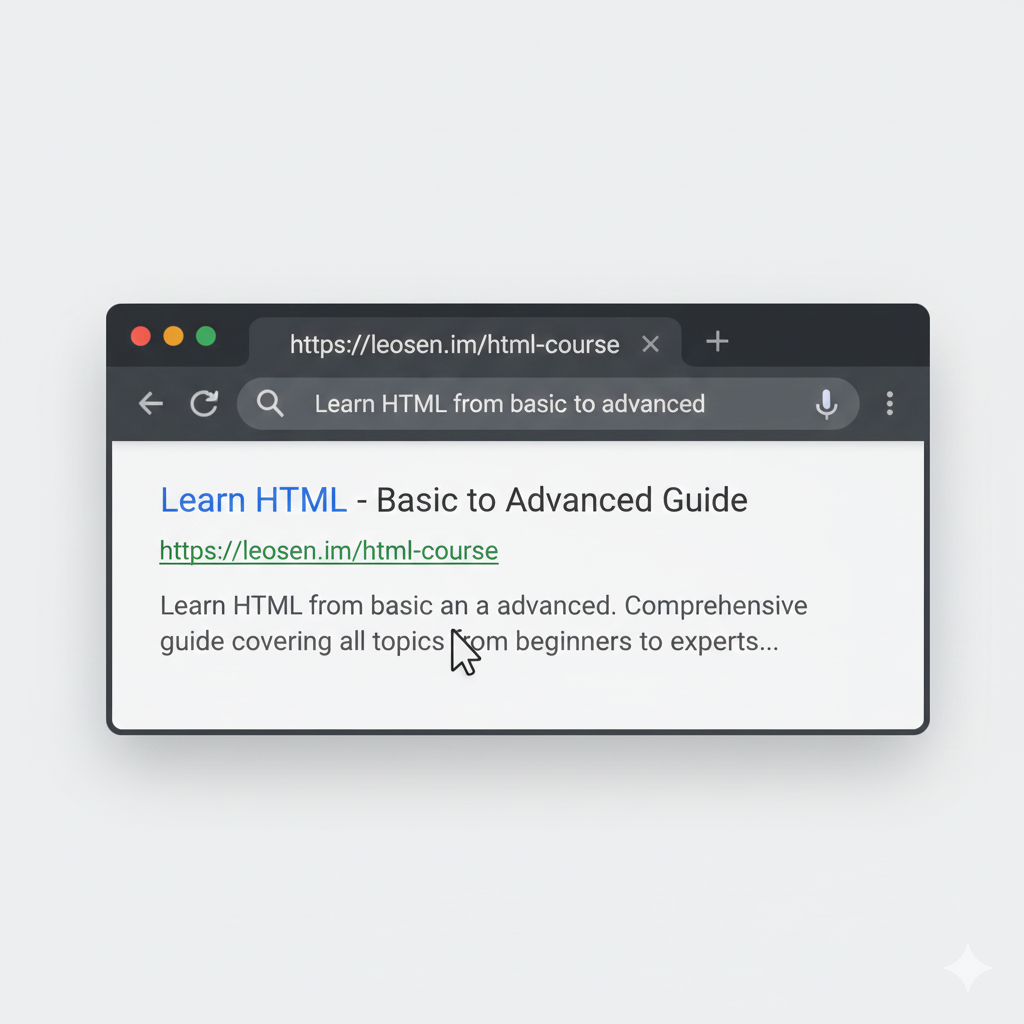
    Description (SEO)

    Waht is Description (SEO)?

    Description is a short summary of a webpage.Search engines like Google use this description to understand webpage content.The description often appears in search results below the webpage title.

    <meta name="description" content="Learn HTML from basic to advanced">

    This is the output of the code

    ChatGPT Image

    Explanation

    • name="description" → Defines webpage description
    • content="" → Contains summary text of the webpage

    Benefits of Description Meta Tag

    • Improves SEO
    • Helps users understand webpage content
    • Can increase click rate in search results
    • Makes webpage more professional

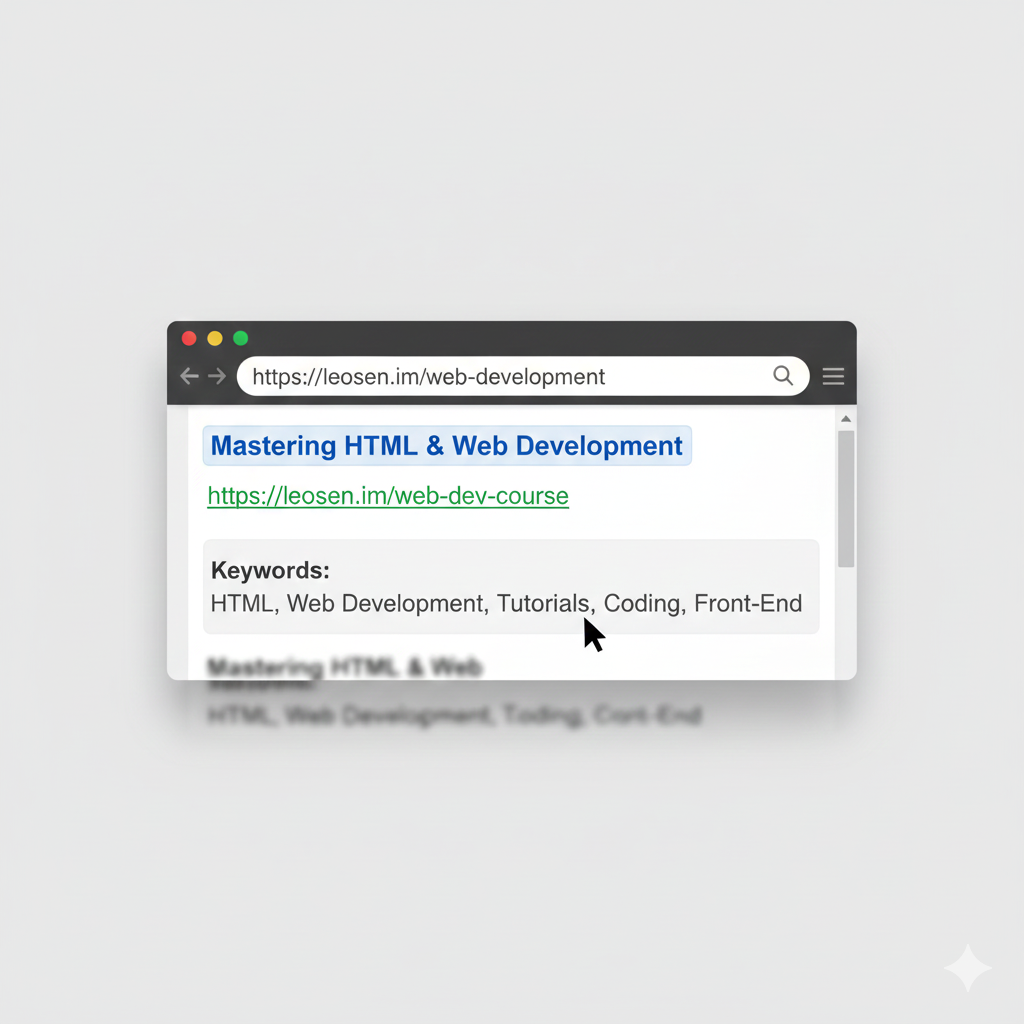
    Keywords

    Waht is keywords?

    Keywords are important words related to the content of a webpage.They help search engines identify the main topic of the webpage.

    <meta name="keywords" content="HTML, Web Development">

    This is the output of the code

    ChatGPT Image

    Explanation

    • keywords → Important searchable terms
    • content="" → Contains related topic words

    Benefits of Keywords

    • Helps organize webpage topics
    • Improves search relevance
    • Describes website content clearly
    • Useful for content categorization

    Conclusion

    HTML meta tags are very important for every webpage because they provide useful information to browsers and search engines. Meta tags help webpages display text correctly, adjust properly on different screen sizes, improve website SEO, and describe webpage content clearly.

    Important meta tags like:

    • charset help display characters and symbols correctly,
    • viewport makes websites responsive and mobile-friendly,
    • description improves search engine visibility,
    • keywords describe the main topic of the webpage.

    Using proper meta tags makes a website more professional, user-friendly, and optimized for modern web development.

    HTML Meta Tags Quiz

    1. What is the purpose of meta tags?

    2. Which meta tag is used to specify character encoding?

    3. Which meta tag is used for responsive design?

    4. Which meta tag is used for SEO description?

    5. Which of the following is a correct syntax for the charset meta tag?

    HTML Head Elements

    The <head> section contains important information about the webpage.Elements inside the <head> tag are not directly visible on the webpage, but they help browsers, search engines, CSS, and JavaScript work properly.

    The <head> section usually contains:

    • Title
    • Meta tags
    • CSS links
    • Style tags
    • JavaScript files
    • Base URL settings

    Title

    What is title?

    The <title> tag defines the name of a webpage.

    The title appears:

    • On the browser tab
    • In search engine results
    • When bookmarking a webpage

    A good title helps users and search engines understand the webpage content.

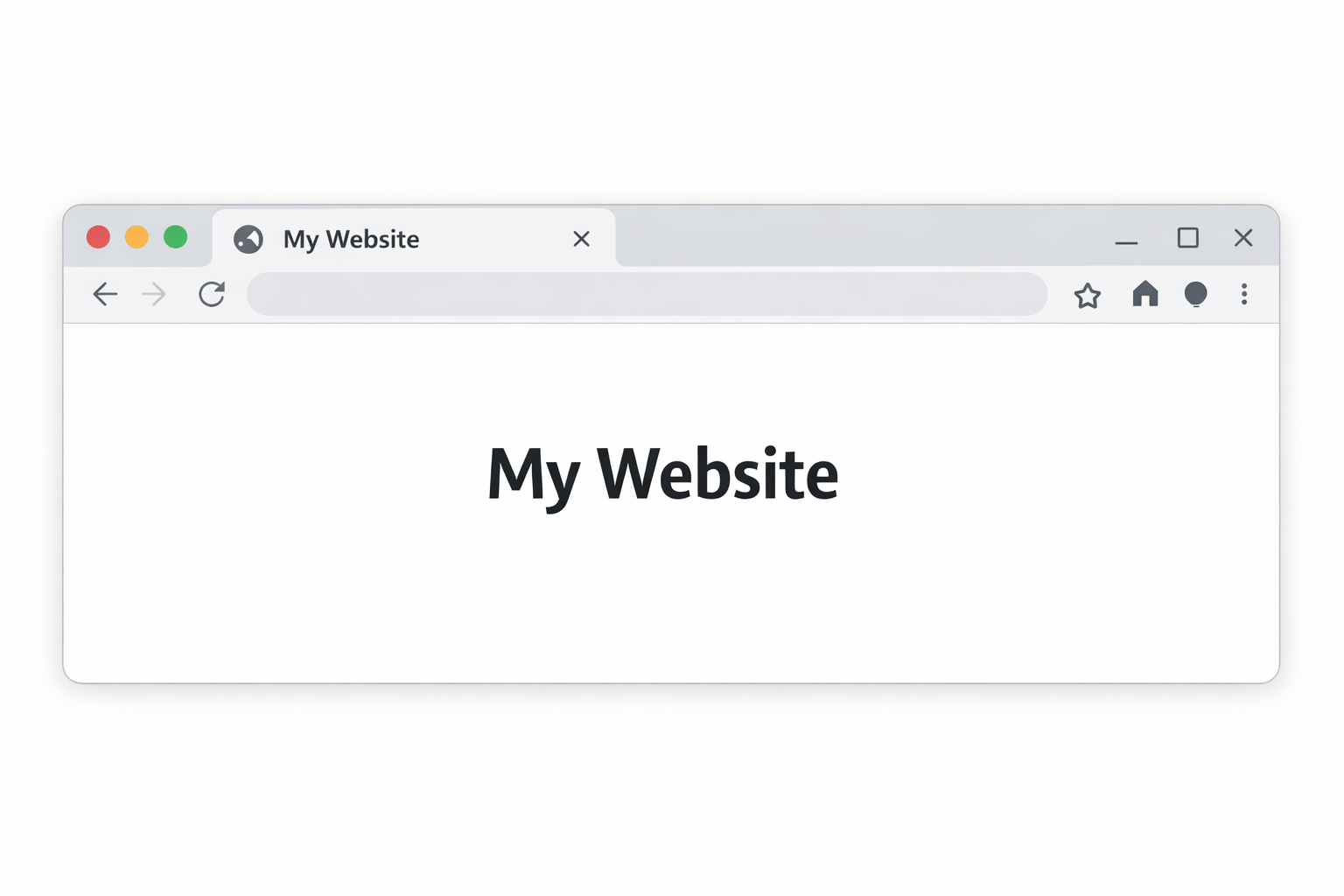
    <title>My Website</title>

    This is the output of the code

    ChatGPT Image

    Explanation

    • <title> → Defines webpage title
    • Text inside title → Name shown on browser tab

    Benefits of Title Tag

    • Improves SEO
    • Helps users identify the webpage
    • Appears in search engine results
    • Makes website look professional

    Link (CSS)

    What is Link (css)?

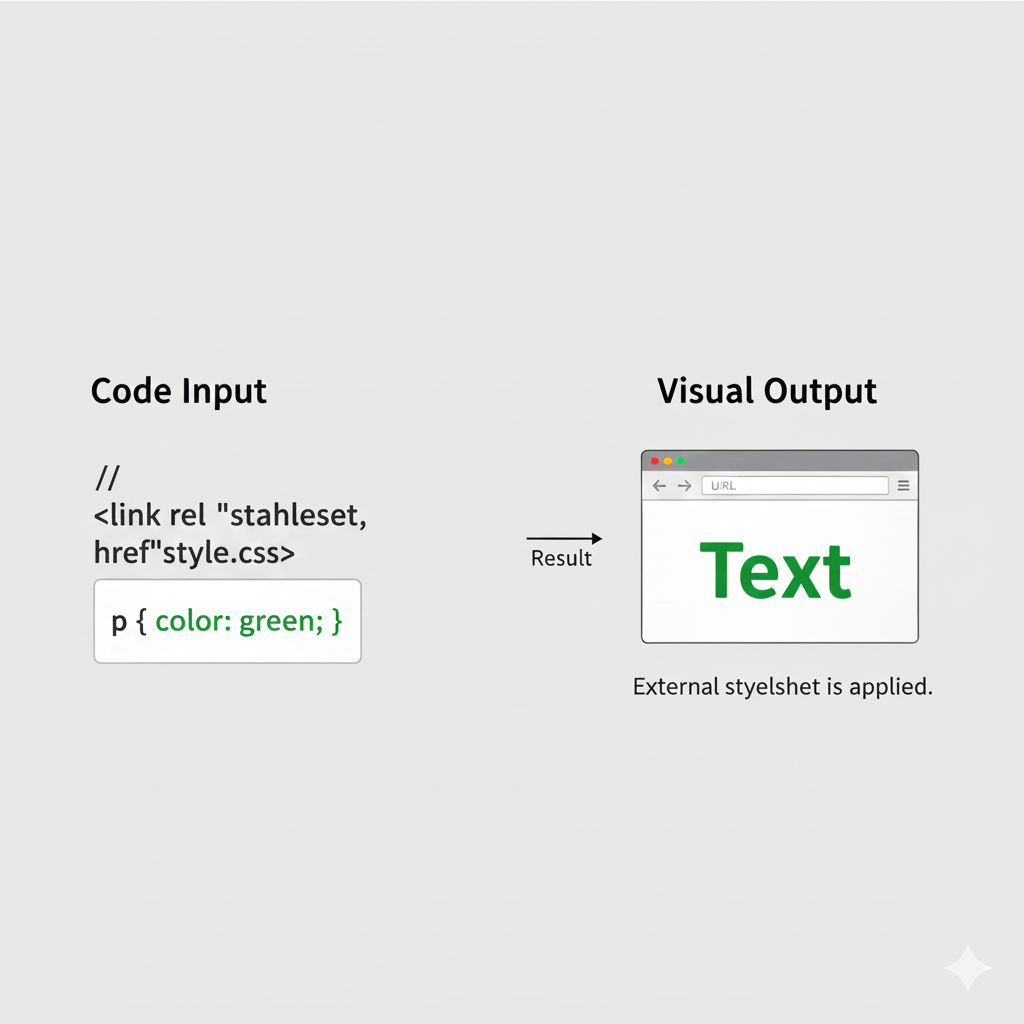
    The <Link> tag is used to connect an external CSS file with an HTML document.CSS (Cascading Style Sheets) is used to design and style webpages.Instead of writing CSS inside HTML every time, developers usually create a separate CSS file and attach it using the <Link> tag.

    <link rel="stylesheet" href="style.css">

    This is the output of the code

    ChatGPT Image

    Explanation

    • rel="stylesheet" → Defines relationship as stylesheet
    • href="style.css" → Location of CSS file

    Benefits of Using External CSS

    • Keeps HTML clean
    • Makes styling easier
    • Reusable CSS for multiple pages
    • Faster website maintenance
    • Better webpage organization

    Style

    What is style tag?

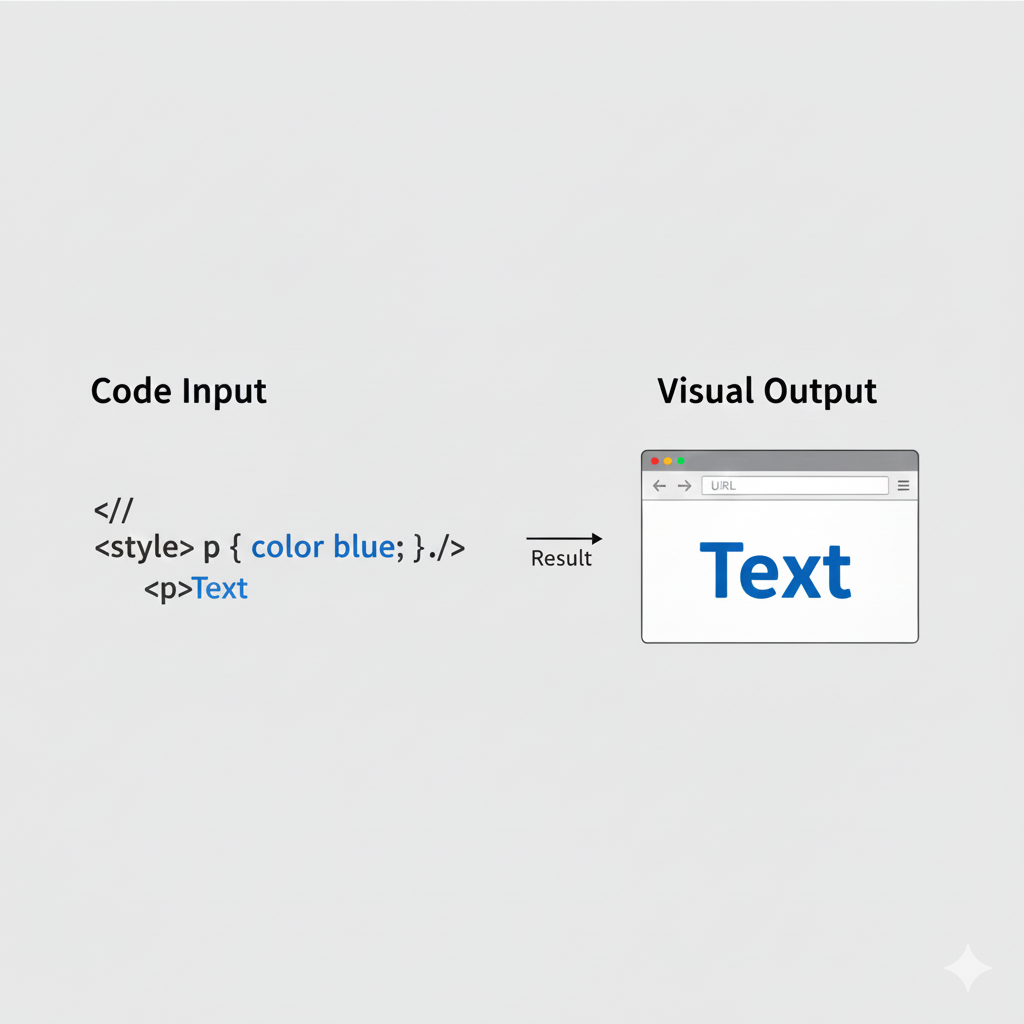
    The <style> tag is used to write CSS directly inside an HTML document.

    It changes the appearance and design of HTML elements such as:

    • Colors
    • Fonts
    • Backgrounds
    • Borders
    • Spacing

    The style tag is usually placed inside the <head> section.

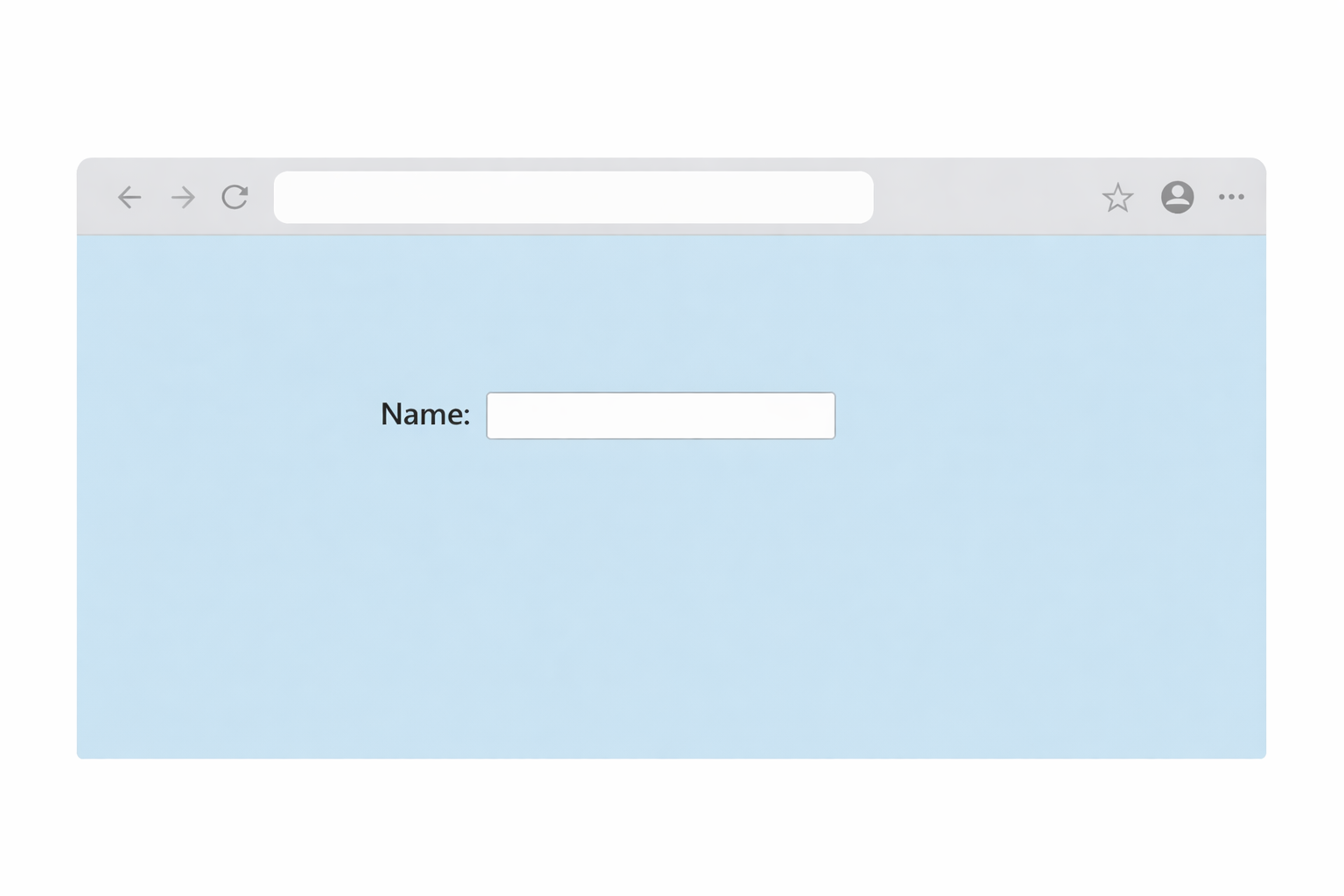
    <style>
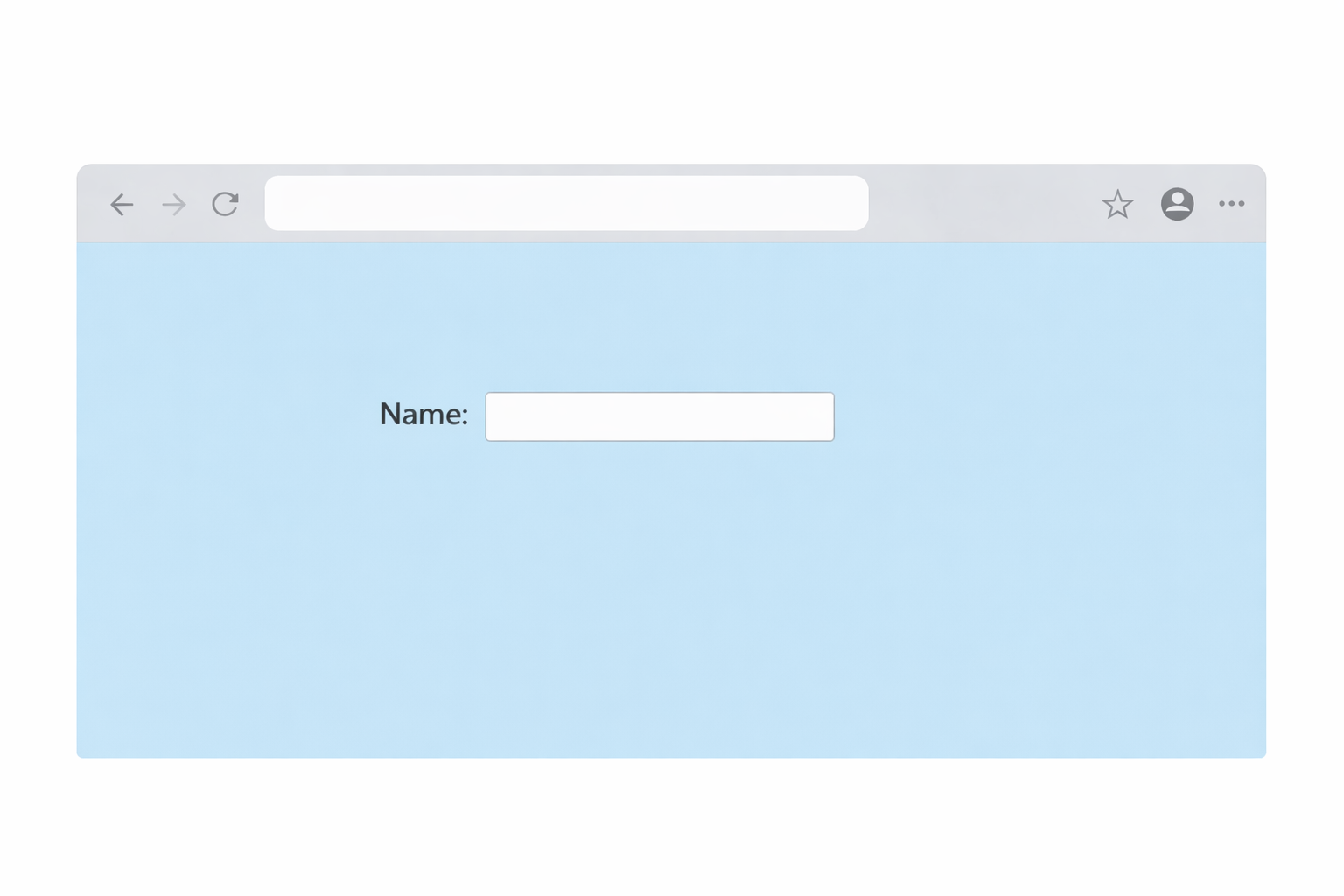
      body { background: lightblue; }
    </style>

    This is the output of the code

    ChatGPT Image

    Benefits of Style Tag

    • Quick styling inside one file
    • Useful for small projects
    • No need for external CSS file
    • Easy testing and practice

    Script

    What is script tag?

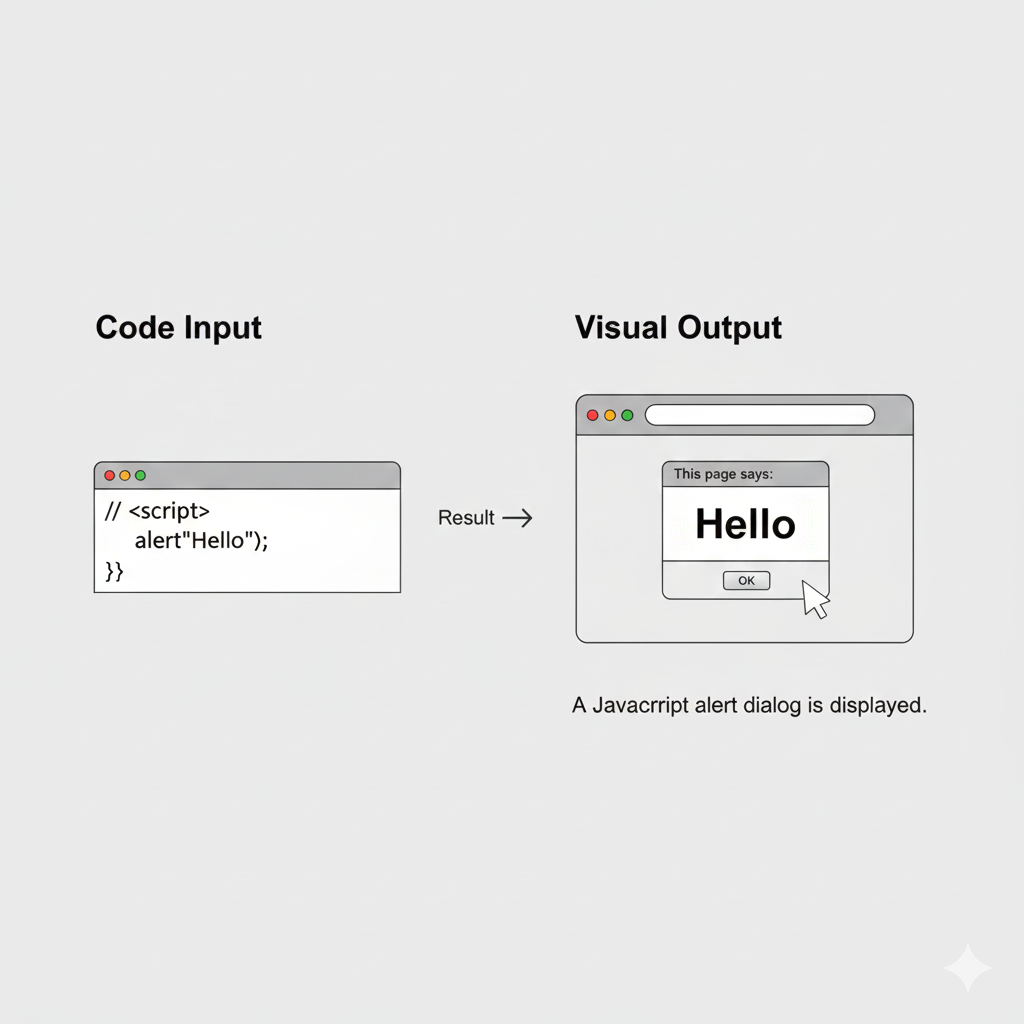
    The <script> tag is used to add JavaScript to a webpage.JavaScript makes webpages interactive and functional.

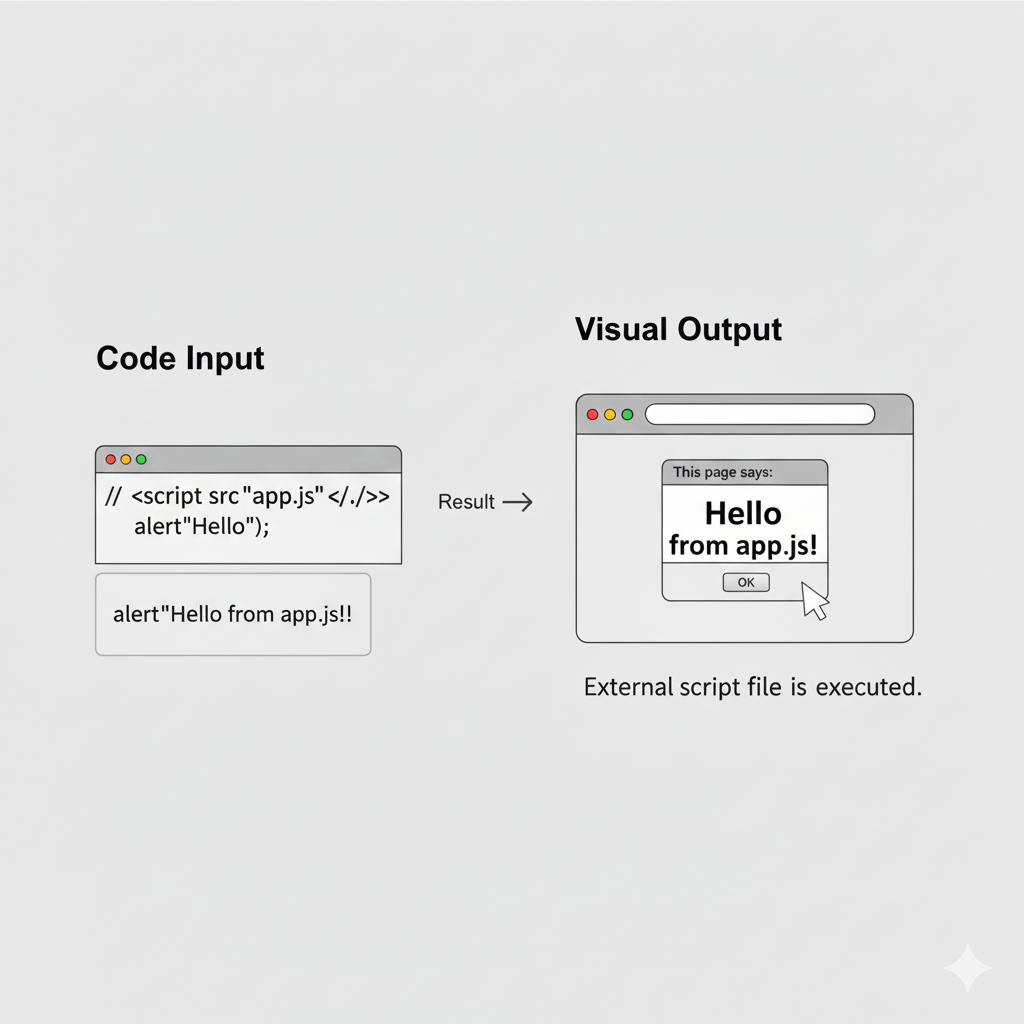
    With JavaScript, websites can:

    • Show alerts
    • Create animations
    • Validate forms
    • Handle button clicks
    • Build interactive games
    • Update content dynamically
    <script src="script.js"></script>

    This is the output of the code

    ChatGPT Image

    Explanation

    • Script → Adds JavaScript
    • src="script.js" → Connects external JavaScript file

    Benefits of Script Tag

    • Adds functionality to webpages
    • Makes websites interactive
    • Improves user experience
    • Helps create dynamic websites

    Base Tag

    What is base tag?

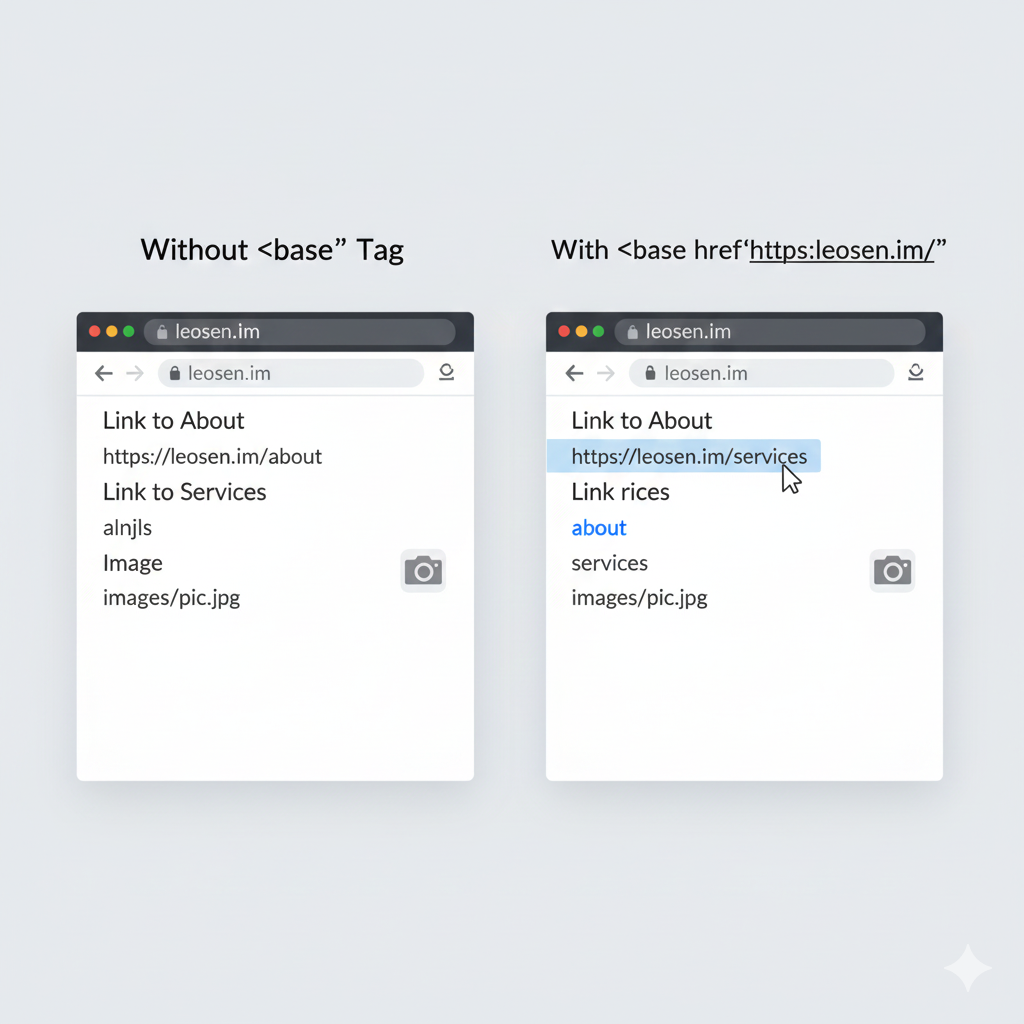
    The<base> tag tag defines a default URL or default target for all relative links on a webpage.It helps browsers understand the main base path of the website.

    <base href="https://example.com/">

    This is the output of the code

    ChatGPT Image

    Benefits of Base Tag

    • Simplifies relative links
    • Helps manage website paths
    • Useful for large websites
    • Reduces repeated URLs

    Important Note

    Only one <base> tag should normally be used in a webpage.

    Conclusion

    HTML head elements are very important because they control the webpage behind the scenes. They help define the webpage title, connect CSS files, add styles, include JavaScript functionality, and manage webpage links.

    Using head elements properly makes a website

    • More organized
    • Responsive
    • Interactive
    • Professional
    • SEO-friendly

    HTML Head Elements Quiz

    1. Where are head elements placed in an HTML document?

    2. Which tag is used to define the title of a document?

    3. Which tag is used to link an external CSS file?

    4. Which tag is used to define internal CSS?

    5. Which tag is used to link an external JavaScript file?

    HTML Graphics

    HTML supports graphics and drawings that help make webpages more interactive, attractive, and visually appealing.

    Using HTML graphics, developers can create:

    • Shapes
    • Animations
    • Charts
    • Icons
    • Games
    • Logos
    • Interactive designs

    The two most common technologies used for graphics in HTML are:

    • Canvas
    • SVG

    Canvas

    The <canvas> tag is used to draw graphics on a webpage using JavaScript.

    Canvas provides a blank drawing area where developers can create:

    • Lines
    • Circles
    • Rectangles
    • Animations
    • Games
    • Images
    • Interactive graphics

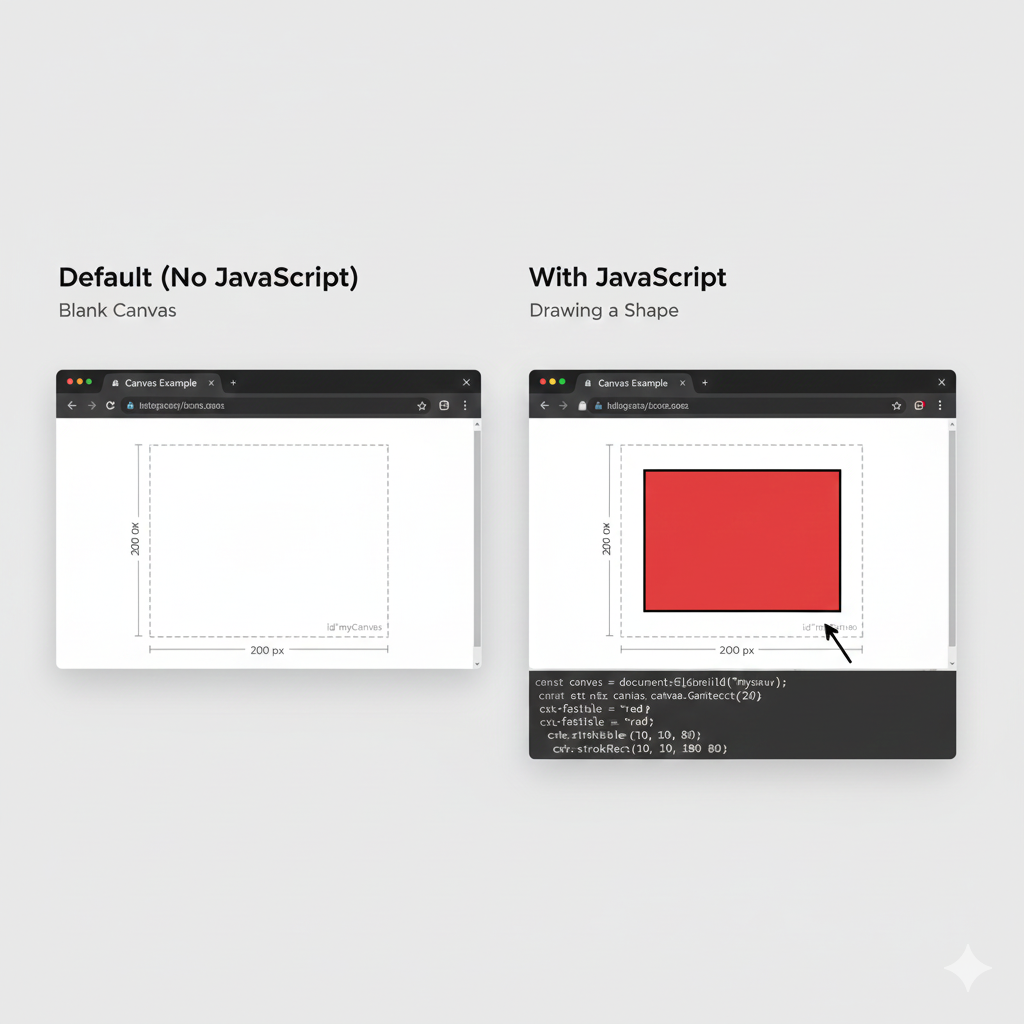
    Canvas itself only creates the drawing space.JavaScript is required to actually draw anything inside the canvas.

    <canvas id="myCanvas" width="200" height="100"></canvas>
    (Needs JavaScript)

    This is the output of the code

    ChatGPT Image

    Explanation

    • canvas → Creates drawing area
    • id="myCanvas" → Identifies the canvas
    • width="200" → Canvas width
    • height="100" → Canvas height

    What This Code Does

    • Creates a canvas
    • Uses JavaScript to access canvas
    • Draws a blue rectangle

    Features of Canvas

    • Fast rendering
    • Good for animations
    • Best for games
    • Supports real-time graphics
    • Works well for image editing tools

    Advantages of Canvas

    • High performance
    • Smooth animations
    • Great for game development
    • Suitable for complex graphics

    Disadvantages of Canvas

    • Needs JavaScript
    • Graphics are pixel-based
    • Shapes cannot be easily edited later

    SVG

    SVG stands for Scalable Vector Graphics.SVG is used to draw shapes, icons, logos, and graphics using HTML/XML code.Unlike Canvas, SVG graphics are vector-based, meaning they are created using mathematical shapes instead of pixels.SVG graphics stay clear and sharp even when zoomed in or resized.

    • Resolution independent
    • Scalable without losing quality
    • Easy to edit
    • Supports animation
    • Works with CSS and JavaScript

    Advantages of SVG

    • Best for logos and icons
    • Small file size
    • High-quality graphics
    • Easy customization

    Disadvantages of SVG

    • Not ideal for heavy game graphics
    • Can become slower with very complex designs

    Canvas vs SVG

    Canvas SVG
    Pixel-based (image made of small colored squares (pixels).) Vector-based(image made of shapes (not tiny dots).)
    JS required(“JS required” means you need JavaScript to make something work.) HTML based(works using only HTML tags (and sometimes CSS).)
    Fast for games(It means a technology can run games smoothly, quickly, and without lag.) Best for icons(It means which technology is most suitable for creating icons.)
    Faster for complex graphics Better for scalable graphics
    Difficult to edit individual shapes later Shapes can be edited separately
    Good for real-time rendering Good for responsive graphics
    Used in game development Used in web design and UI icons

    Conclusion

    HTML graphics help developers create modern, interactive, and visually attractive websites. The two main graphic technologies are Canvas and SVG.

    • Canvas is best for games, animations, and fast graphics rendering.
    • SVG is best for icons, logos, and scalable designs.

    Both technologies are very important in modern web development and are widely used in websites, applications, and interactive user interfaces.

    HTML Graphics Quiz

    1. Which HTML element is used for dynamic graphics?

    2. Which HTML element is used for vector graphics?

    3. What is Canvas based on?

    4. What is SVG based on?

    5. Does Canvas require JavaScript?

    HTML Accessibility

    HTML Accessibility means designing web pages so that everyone can use them easily, including people with disabilities. Accessibility helps users who may have difficulty seeing, hearing, moving, or understanding content. A good accessible website works properly with screen readers, keyboards, and other assistive technologies. Accessibility also improves the overall user experience for everyone.Web accessibility is important because the internet should be usable by all people. Proper accessibility makes websites easier to navigate, understand, and interact with on different devices and for different users.

    Alt Text

    What is alt text?

    Alt text (alternative text) is a short description added to an image. It helps screen readers explain the image to visually impaired users. Alt text is also useful if the image does not load properly because the browser will show the text instead.

    <img src="img.jpg" alt="Student studying">

    This is the output of the code

    ChatGPT Image

    Why Alt Text is Important?

    • Helps visually impaired users understand images
    • Improves website accessibility
    • Helps search engines understand images
    • Useful when images fail to load
    • Makes web pages more user-friendly

    Good Alt Text Tips

    • Keep descriptions short and clear
    • Describe the important part of the image
    • Avoid unnecessary words like “image of”
    • Write meaningful descriptions

    Labels for Inputs

    What is labels for inputs?

    Labels are text descriptions connected to form fields such as text boxes, checkboxes, radio buttons, and password fields. Labels tell users what information they need to enter.

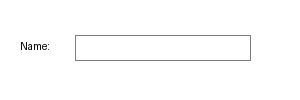
    <label>Name:</label>
    <input type="text">

    This is the output of the code

    ChatGPT Image

    Why Labels are Important?

    • Help users understand form fields clearly
    • Improve accessibility for screen reader users
    • Make forms easier to use
    • Increase user friendliness
    • Help users click labels to focus on inputs

    ARIA Attributes

    What aria attributes?

    ARIA stands for Accessible Rich Internet Applications. ARIA attributes help improve accessibility for users who use screen readers or assistive technologies. They provide extra information about elements on a webpage.

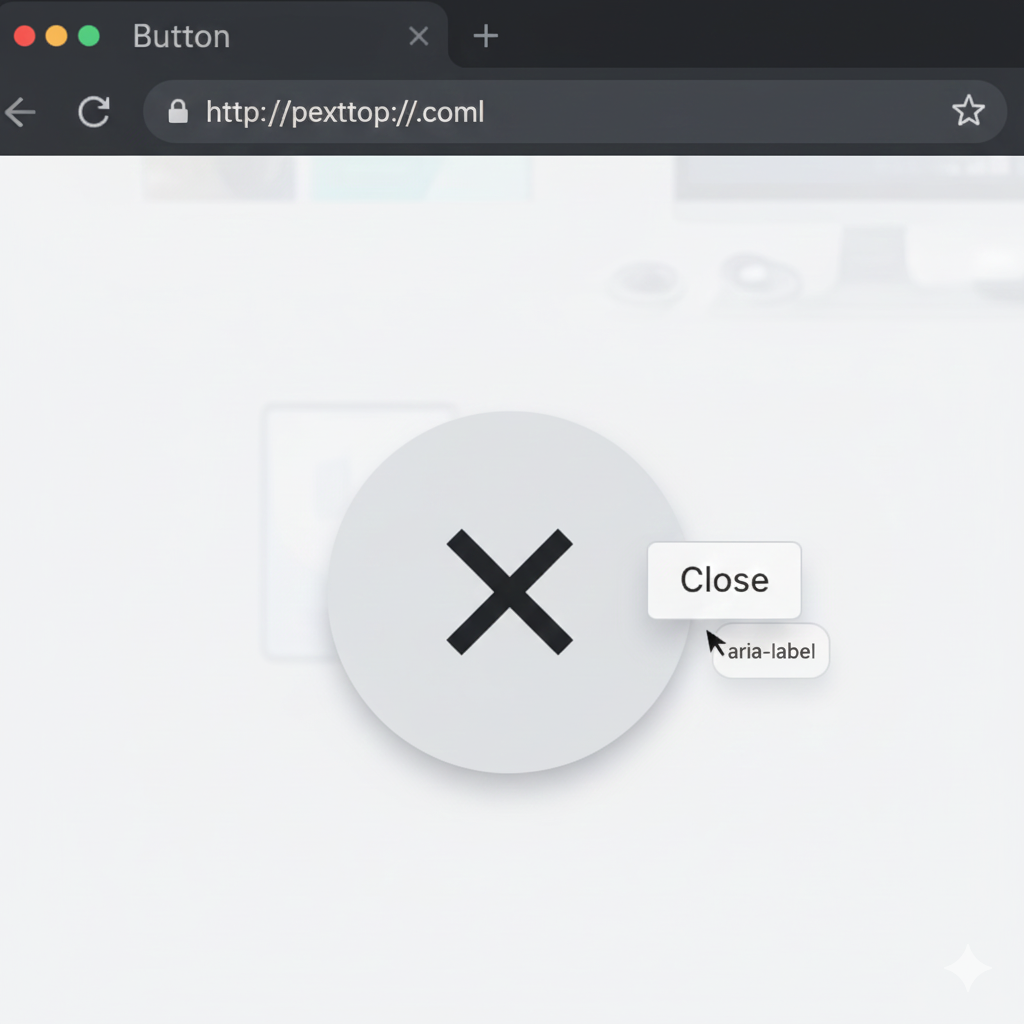
    <button aria-label="Close">X</button>

    Here, the screen reader will read “Close” instead of just saying “X”.

    This is the output of the code

    ChatGPT Image

    Common ARIA Attributes

    Attribute Purpose
    aria-label Gives an accessible label
    aria-hidden Hides content from screen readers
    aria-expanded Shows whether content is expanded
    aria-checked Indicates checked state
    role Defines the purpose of an element

    Why ARIA is Important?

    • Helps screen readers understand web elements
    • Improves accessibility of interactive content
    • Makes websites easier to navigate
    • Supports users with disabilities
    • Enhances user experience

    Keyboard Friendly Design

    A keyboard-friendly website allows users to navigate without using a mouse. Many users depend on keyboards or assistive devices to browse websites.

    Important Rules

    Use Buttons Instead of Divs

    Buttons are naturally keyboard accessible.

    Example

    <button>Submit</button>

    Buttons can be focused using the keyboard and activated with the Enter or Space key.

    Proper Tab Order

    Tab order is the order in which users move through elements when pressing the Tab key.

    Good Practices

    • Keep navigation order logical
    • Avoid random tab movement
    • Place important elements first
    • Use semantic HTML elements

    Additional Accessibility Tips

    Use Proper Headings

    Use Enough Color Contrast

    Add Captions to Videos

    Make Links Clear

    Example

    <a href="#">Download Notes</a>

    Clear links help users understand the purpose of the link.

    Conclusion

    HTML Accessibility is an important part of web development. Accessible websites are easier to use for everyone, including people with disabilities. By using alt text, labels, ARIA attributes, keyboard-friendly elements, proper headings, and clear navigation, developers can create websites that are inclusive, professional, and user-friendly.Accessibility is not only about following rules but also about making the internet available to all users equally.

    HTML Accessibility Quiz

    1. What is the purpose of HTML accessibility?

    2. Which attribute is used to provide alternative text for images?

    3. Which tag is used to label input fields?

    4. Which attributes are used for accessibility?

    5. Which of the following is a recommended practice for keyboard accessibility?

    HTML Responsive Design (Basics)

    HTML Responsive Design means creating websites that automatically adjust and look good on all screen sizes such as mobile phones, tablets, laptops, and desktop computers. A responsive website improves readability, user experience, and accessibility because users can easily use the website on any device without zooming or scrolling sideways.Today, most people browse websites using smartphones, so responsive design is very important in modern web development.

    Viewport Meta Tag

    What is viewport meta tag?

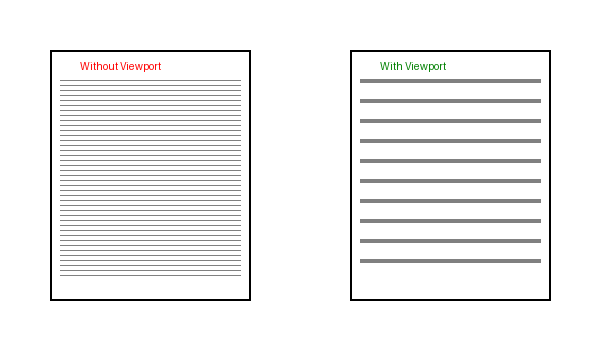
    The viewport meta tag tells the browser how to control the page’s size and scaling on different devices. It helps the webpage fit properly on mobile screens and prevents the page from appearing too zoomed out.Without the viewport tag, websites may look very small on phones because browsers try to display the full desktop-sized page.

    <meta name="viewport" content="width=device-width, initial-scale=1.0">

    This is the output of the code

    ChatGPT Image

    Explanation

    • width=device-width → Sets the width of the page according to the device screen width.
    • initial-scale=1.0 → Sets the initial zoom level when the page first loads.

    This tag should usually be placed inside the <head> section of the HTML document.

    Benefits of Viewport Meta Tag

    • Makes websites mobile-friendly
    • Improves readability on small screens
    • Helps responsive layouts work correctly
    • Prevents unnecessary zooming
    • Improves user experience

    Responsive Images

    What is responsive images?

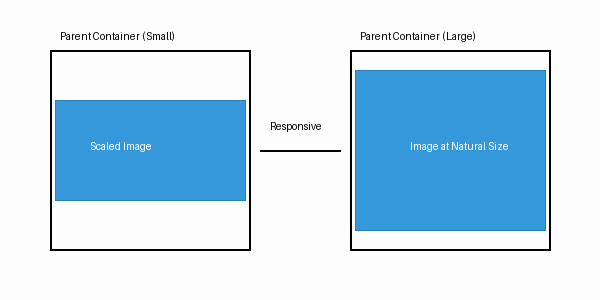
    Responsive images are images that automatically resize themselves according to the screen size of the device. They prevent images from overflowing outside the screen and help webpages look clean and professional.Responsive images are very useful because users open websites on many different screen sizes.

    <img src="img.jpg" style="max-width:100%; height:auto;">

    This is the output of the code

    ChatGPT Image

    Explanation

    • max-width:100% → Makes the image shrink when needed so it never becomes wider than its container.
    • height:auto → Maintains the correct image proportions.

    Advantages of Responsive Images

    • Images fit properly on all devices
    • Faster loading on smaller screens
    • Better user experience
    • Cleaner website layout
    • Prevents horizontal scrolling

    Mobile-Friendly Tips

    Creating a mobile-friendly website is an important part of responsive web design. A mobile-friendly website is easy to read, easy to navigate, and works smoothly on smaller screens.

    Common Mobile-Friendly Tips

    1. Use Percentage Width

    Instead of fixed widths like 500px, use percentages such as 100% so elements can resize automatically.

    Example

    <div style="width : 100%;">

    2. Avoid Fixed Sizes

    Avoid fixed heights and widths because they may not fit properly on small devices.

    3. Use Semantic Tags

    Semantic HTML tags make the structure of the webpage clearer for browsers, developers, and screen readers.

    4. Use Flexible Layouts

    Flexible layouts automatically adjust content according to screen size.

    Common methods:

    • Flexbox
    • CSS Grid
    • Media Queries

    5. Make Text Readable

    Use readable font sizes and enough spacing between elements.

    6. Optimize Buttons and Links

    Buttons should be large enough to tap easily on touchscreens.

    7. Test on Different Devices

    Always test the website on Mobile phones,Tablets,Laptops,Desktop computers

    Conclusion

    Responsive Design is an essential part of modern web development. By using viewport meta tags, responsive images, flexible layouts, and mobile-friendly techniques, developers can create websites that look attractive and work properly on every device. Responsive websites provide a better experience for users and help websites become more professional and accessible.

    HTML Responsive Design Quiz

    1. What is responsive design?

    2. Which meta tag is important for responsive design?

    3. Which of the following is a correct syntax for the viewport meta tag?

    4. How do you make images responsive?

    5. Which of the following is a mobile-friendly tip?

    HTML APIs

    HTML APIs are tools provided by the web browser that help developers perform powerful and interactive tasks using JavaScript. APIs make websites smarter, faster, and more user-friendly. With the help of APIs, websites can access device features, store information, create animations, handle multimedia, and much more.APIs are very important in modern web development because they allow websites to behave like real applications. Many popular websites and apps use APIs to improve user experience.

    Geolocation API

    What is Geolocation API ?

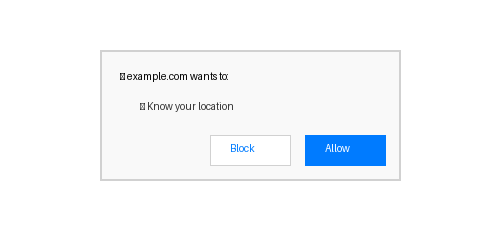
    The Geolocation API is used to get the current location of the user with their permission. It can detect the user's latitude and longitude using GPS, Wi-Fi, or mobile network information.

    This API is commonly used in:

    • Maps and navigation apps
    • Food delivery apps
    • Weather websites
    • Ride booking services
    • Nearby store finders

    Before accessing the location, the browser asks the user for permission to protect privacy and security.

    navigator.geolocation.getCurrentPosition();

    This is the output of the code

    ChatGPT Image

    Drag and Drop API

    What is drag and drop API?

    The Drag and Drop API allows users to drag an element and drop it into another place on a webpage. It helps make websites more interactive and user-friendly.

    Using this API, users can:

    • Move images
    • Rearrange items
    • Upload files by dragging
    • Create games and interactive apps
    • Build task management boards

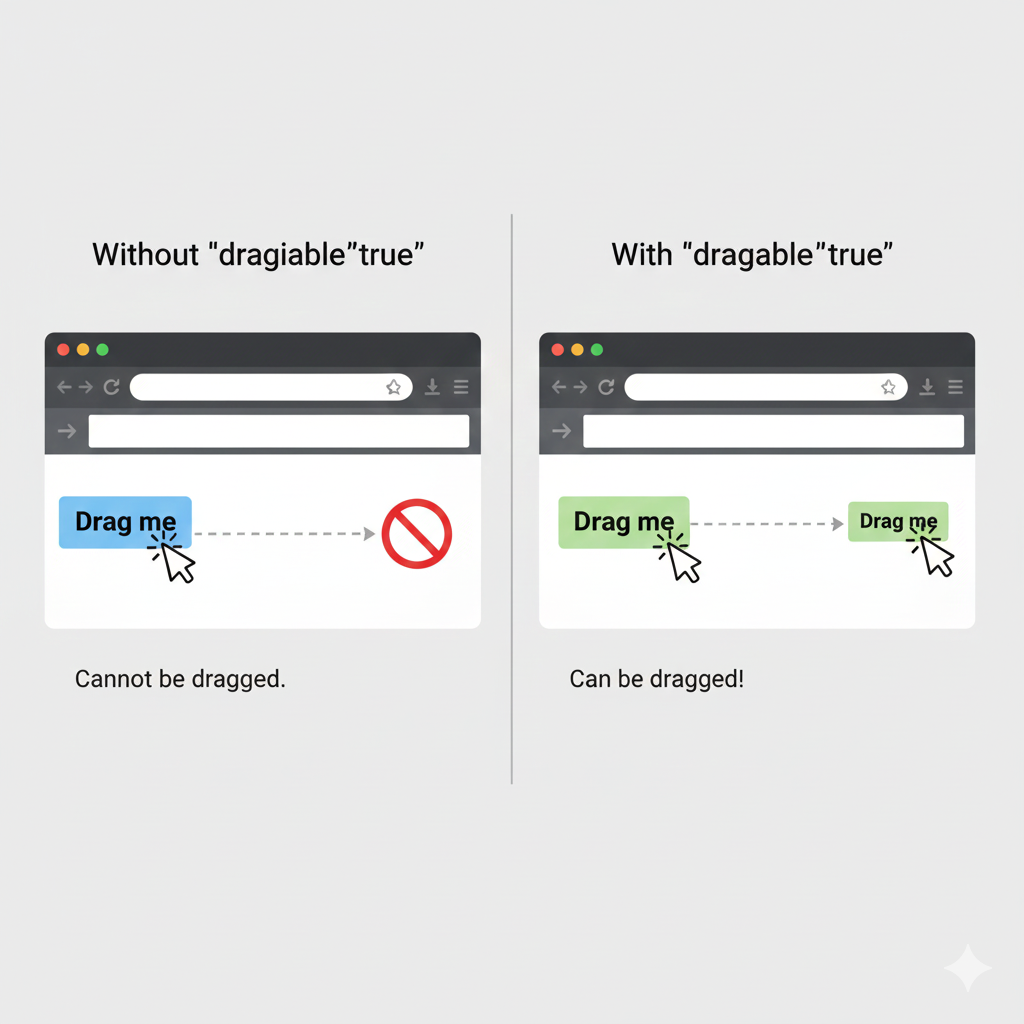
    The draggable="true" attribute is used to make an element draggable.

    draggable="true"

    This is the output of the code

    ChatGPT Image

    Web Storage API

    The Web Storage API allows websites to store data directly inside the browser. This helps websites remember information even after refreshing the page.

    There are two main types of Web Storage:

    • Local Storage
    • Local Storage

    Web storage is faster and easier than using cookies for storing small amounts of data.

    Local Storage

    What is local storage?

    Local Storage stores data permanently in the browser until the user removes it manually. Even if the browser is closed and reopened, the stored data remains available.

    It is commonly used for:

    • Saving user preferences
    • Dark mode settings
    • Remembering usernames
    • Storing game progress
    • Saving website settings
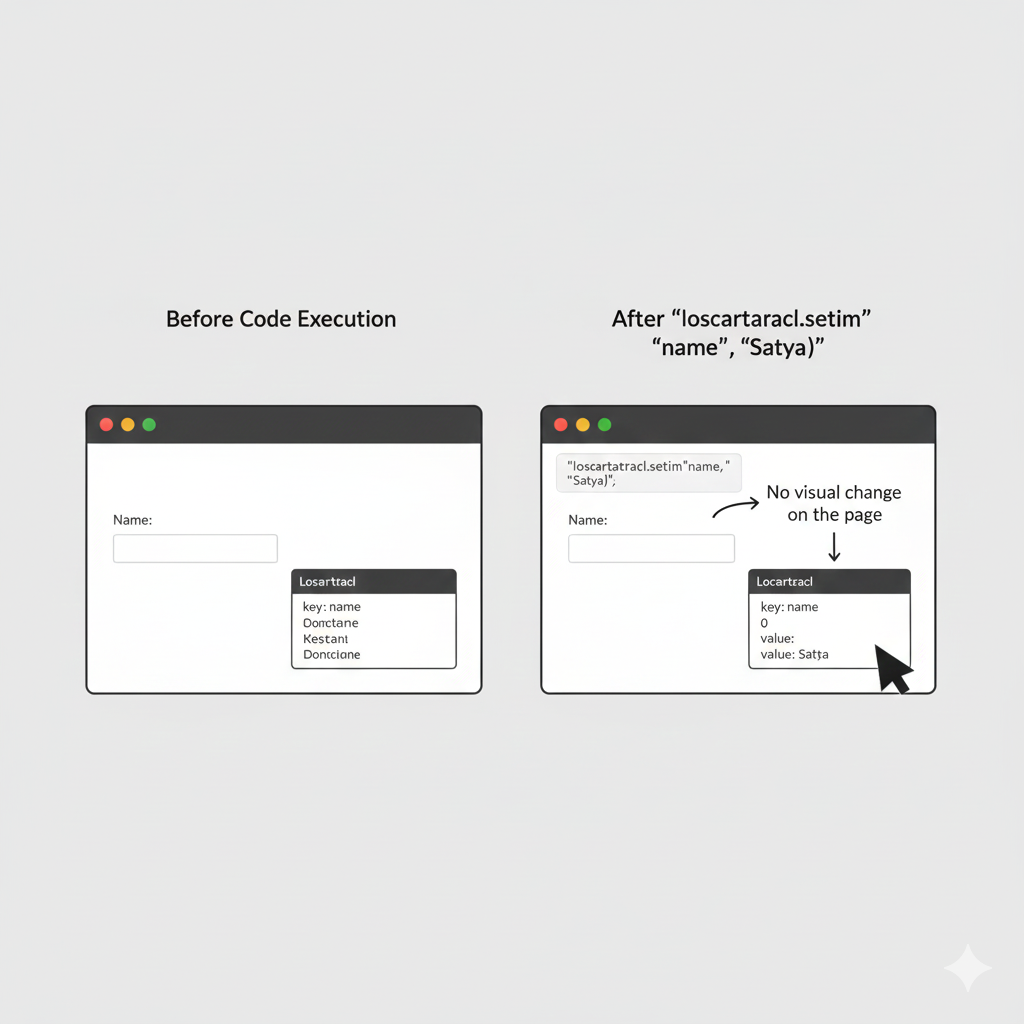
    localStorage.setItem("name", "Satya");

    This is the output of the code

    ChatGPT Image

    Session Storage

    What is session storage?

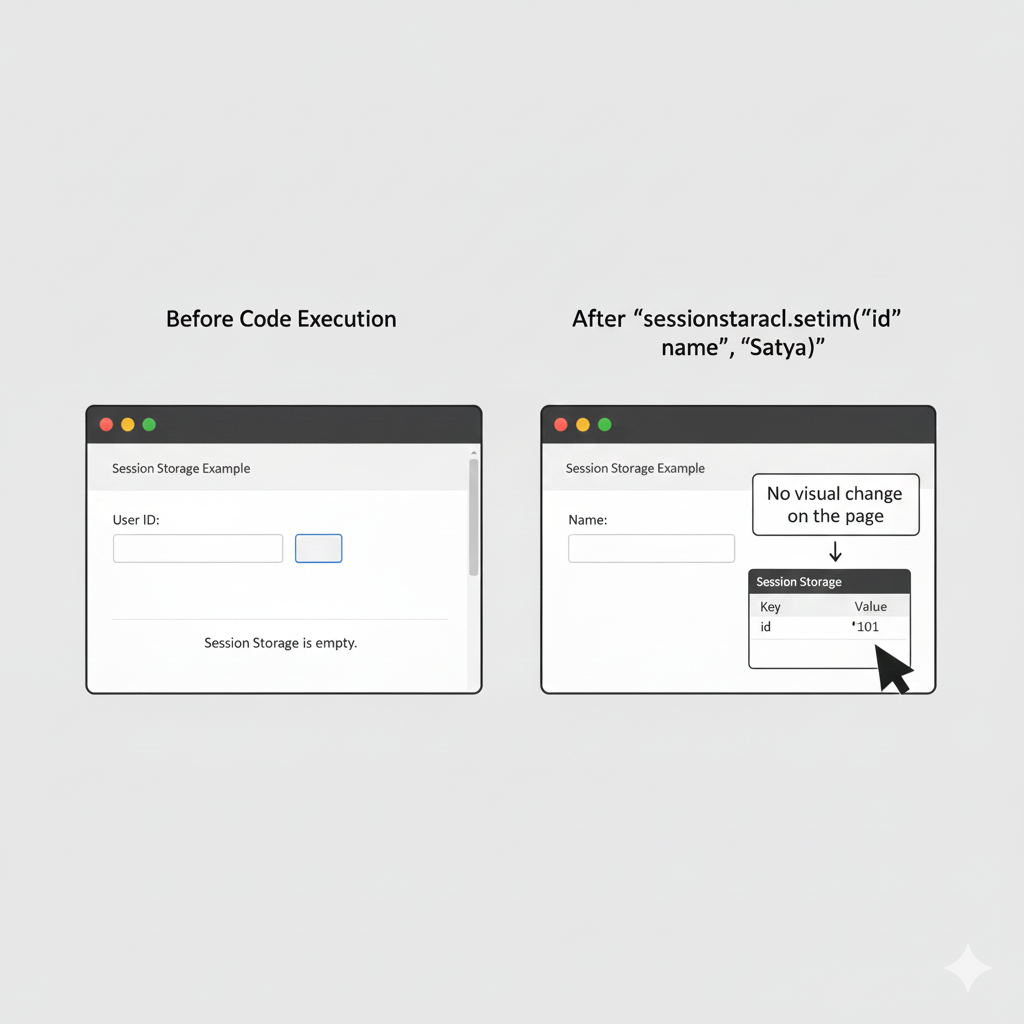
    Session Storage stores data temporarily while the browser tab is open. Once the tab or browser is closed, the stored data is automatically deleted.

    It is useful for:

    • Temporary login information
    • Form data
    • Shopping cart during a session
    • One-time website data

    Session storage is safer for temporary information because the data does not stay permanently.

    sessionStorage.setItem("id", "101");

    This is the output of the code

    ChatGPT Image

    Advantages of HTML APIs

    • Make websites interactive and modern
    • Help websites store and manage data
    • Improve user experience
    • Allow access to browser features
    • Used in real-world web applications

    Conclusion

    HTML APIs are powerful browser tools that help developers create advanced and interactive websites. APIs like Geolocation, Drag and Drop, and Web Storage are widely used in modern web development to improve functionality and user experience. Learning these APIs is an important step toward becoming a skilled web developer.

    HTML APIs Quiz

    1. What does Geolocation API do?

    2. Does Geolocation API require permission?

    3. Which attribute is used for the Drag and Drop API?

    4. Which API is used to store data?

    5. Which method is used to store data in Local Storage?

    HTML SEO Basics

    SEO stands for Search Engine Optimization. It is the process of improving a website so that it can rank higher on search engines like Google, Bing, and Yahoo. Good SEO helps more people find your website when they search for information online.

    SEO is very important because websites with better SEO usually get:

    • More visitors
    • Better visibility
    • Higher rankings
    • Improved user experience
    • Faster website growth

    HTML plays a very important role in SEO because search engines read HTML code to understand the content of a webpage.

    SEO Best Practices

    Use <h1> only once

    The <h1> tag is the main heading of the webpage. It tells search engines what the page is mainly about.

    Using only one <h1> tag helps search engines clearly understand the main topic of the page.

    Why It Is Important

    • Improves search engine understanding
    • Improves search engine understanding
    • Helps users quickly identify the topic

    2. Use Semantic Elements

    What are Semantic Elements?

    Semantic elements are HTML tags that clearly describe the meaning of the content inside them. These elements help both users and search engines understand the webpage structure better.

    Common semantic elements include:

    • <header>
    • <main>
    • <section>
    • <article>
    • <nav>
    • <footer>

    3. Add Meta Description

    What is a Meta Description?

    A meta description is a short summary of a webpage. Search engines often display this text in search results below the page title.

    A good meta description:

    • Explains the webpage content
    • Attracts users to click
    • Improves SEO performance

    4. Use Alt Text for Images

    What is Alt Text?

    Alt text (alternative text) is a description added to images using the alt attribute. It helps search engines understand images and also improves accessibility for visually impaired users.

    Benefits of Alt Text

    • Improves SEO
    • Helps screen readers
    • Displays text if image fails to load
    • Makes websites more accessible

    SEO-Friendly Structure

    What is SEO-friendly structure?

    SEO-friendly structure means organizing your website in a clean and understandable way so that search engines can easily read and rank the content.

    A properly structured website:

    • Loads faster
    • Is easier to navigate
    • Improves user experience
    • Helps search engines index pages correctly

    Search engines prefer websites that use proper HTML structure and semantic elements.

    <header>
    <main>
    <article>
    <footer>

    This structure clearly separates:

    • Header content
    • Main content
    • Articles
    • Footer information

    This helps both users and search engines understand the webpage easily.

    Conclusion

    HTML SEO Basics are important for creating websites that rank better on search engines and provide a good user experience. Using semantic elements, proper headings, meta descriptions, and alt text helps search engines understand webpages more effectively. Learning SEO basics is an important step in becoming a professional web developer and creating successful websites.

    HTML SEO Basics Quiz

    1. What is SEO?

    2. What does SEO help with?

    3. Which heading tag should be used only once?

    4. Which elements are recommended for SEO?

    5. Which meta tag is important for SEO?

    HTML Performance

    HTML Performance means making a website load fast and work smoothly on all devices. A fast website gives users a better experience and helps reduce loading time. Good performance is important because visitors may leave a website if it takes too long to open. Search engines like Google also prefer faster websites, which can improve SEO rankings.

    Why Performance is Important?

    • Faster websites improve user experience.
    • Pages open quickly even on slow internet connections.
    • Better performance can improve SEO rankings.
    • Reduces data usage on mobile devices
    • Makes websites smoother and more responsive.

    Best Practices for Better Performance

    Compress Images

    Large images slow down a website. Compressing images reduces their file size while keeping good quality.

    • Use JPG or WebP for photos.
    • Use PNG only when transparency is needed.
    • Resize images before uploading.

    Remove Unused Code

    Extra HTML, CSS, and JavaScript files can make a website slower. Remove unnecessary code and files that are not being used.

    Benefits:

    • Faster loading speed
    • Cleaner code
    • Easier maintenance

    Minimize HTML

    Minimizing HTML means removing unnecessary spaces, comments, and lines from the code to make the file smaller.

    Best Practices

    • Compress images
    • Remove unused code
    • Minimize HTML
    • Use lazy loading

    Example

    <p> hello world </p>

    Lazy Loading

    What is lazy loding?

    Lazy Loading means loading content (like images or videos) only when they are needed, not all at once. This improves website speed and saves internet data. It is especially useful for pages that contain many images.

    Without lazy loading:

    • All images load immediately.
    • Website becomes slower.
    • More internet data is used.

    With lazy loading:

    • Images load only when visible on the screen.
    • Faster initial page loading.
    • Better performance on mobile devices.
    <img src="img.jpg" loading="lazy">

    This is the output of the code

    ChatGPT Image

    Advantages of Lazy Loading

    • Improves website speed
    • Saves bandwidth and data
    • Reduces server load
    • Makes scrolling smoother
    • Improves user experience

    Conclusion

    HTML Performance is an important part of web development because it helps websites load faster and work smoothly on all devices. By using techniques like compressing images, removing unused code, minimizing HTML, and applying lazy loading, developers can improve website speed and user experience. A fast website keeps visitors happy, reduces loading time, saves internet data, and can even improve search engine rankings. Good performance makes a website more efficient, professional, and user-friendly for everyone.

    HTML Performance Quiz

    1. What does good performance mean?

    2. Which of the following is a performance best practice?

    3. Which of the following is a performance best practice?

    4. Which of the following is a performance best practice?

    5. Which of the following is a performance best practice?

    HTML Best Practices

    HTML Best Practices are guidelines that help developers write clean, organized, and easy-to-understand code. Following best practices improves website performance, readability, accessibility, and maintenance. Good coding habits also help teams work together more efficiently and reduce errors in web pages.

    Why Best Practices are Important?

    • Makes code easier to read and understand
    • Helps avoid coding mistakes
    • Improves website performance
    • Makes websites easier to maintain
    • Helps developers work faster and more efficiently

    Use Lowercase Tags

    HTML tags should be written in lowercase letters because it is the standard and improves consistency.

    Example:

    <h1>Heading</h1>
    <p>Paragraph</p>

    Write Clean Comments

    Comments are notes written inside the code to explain sections or remind developers about something important.

    <!-- Navigation Menu -->
    <nav>
    <a href="#">Home</a>
    </nav>

    Use External CSS & JavaScript

    Instead of writing all CSS and JavaScript inside the HTML file, it is better to keep them in separate files.

    Example

    <link rel="stylesheet" href="style.css">
    <script src="script.js"></script>

    Advantages:

    • Keeps HTML clean and organized
    • Improves website performance
    • Makes code reusable
    • Easier to update styles and scripts

    Conclusion

    Following HTML Best Practices helps developers create clean, fast, and professional websites. Proper indentation, closing tags, lowercase tags, clean comments, and external CSS & JavaScript files make the code easier to read, maintain, and improve. Good coding practices not only help developers but also provide a better experience for website users.

    HTML Best Practices Quiz

    1. Which of the following is an HTML best practice?

    2. Which of the following is an HTML best practice?

    3. Which of the following is an HTML best practice?

    4. Which of the following is an HTML best practice?

    5. Which of the following is an HTML best practice?

    Deprecated HTML Tags

    Some HTML tags are now considered deprecated, which means they are no longer recommended in modern web development. These tags may still work in some browsers, but developers should avoid using them because better and cleaner alternatives are available in HTML5 and CSS. Using modern methods helps websites look more professional, load faster, and become easier to maintain.

    Tag Reason
    <font> The <font> tag was used to change text size, color, and style directly in HTML. Modern websites use CSS instead because CSS gives better control over design and keeps the code clean and organized.
    <center> The <center> tag was used to place content in the middle of the page. Today, CSS properties like text-align: center are used because they are more flexible and work better for responsive web design
    <marquee> The <marquee> tag created moving or scrolling text on a webpage. It is outdated and not supported properly in modern web standards. CSS animations and JavaScript are now used to create smooth and attractive animations.
    <strike> The <strike> tag was used to display text with a line through it. Modern HTML uses the <dl> tag to show deleted text because it provides better meaning and semantic structure to the webpage

    Why Deprecated Tags Should Be Avoided

    • They make HTML code outdated and harder to maintain.
    • Modern browsers focus more on HTML5 and CSS standards.
    • CSS provides better styling options and cleaner design.
    • Websites become more responsive and mobile-friendly.
    • Semantic HTML improves accessibility and SEO performance.

    Why Deprecated Tags Should Be Avoided

    Using deprecated tags can create many problems in modern web development. Some of the major reasons are:

    1. Poor Code Structure

    Deprecated tags mix content and design together, making the code messy and difficult to understand.

    2. Difficult Website Maintenance

    If styling is written directly inside HTML tags, changing the design later becomes harder because every page must be edited manually.

    3. Not Mobile-Friendly

    Modern responsive websites need flexible layouts that work on phones, tablets, and desktops. Deprecated tags do not support responsive design properly.

    4. Reduced Accessibility

    Semantic and modern HTML improves accessibility for screen readers and users with disabilities. Deprecated tags do not provide meaningful structure.

    5. SEO Problems

    Search engines prefer websites built with modern HTML5 standards because they are cleaner and easier to understand.

    6. Browser Compatibility Issues

    Some deprecated tags may not work correctly in modern browsers and could stop working completely in future updates.

    Conclusion

    Deprecated HTML tags are old tags that are no longer recommended in modern web development. Although some browsers still support them, developers should avoid using them because they create outdated, messy, and less responsive websites. Modern HTML5 and CSS provide cleaner, faster, and more professional ways to design webpages. By using CSS for styling and semantic HTML for structure, developers can create websites that are easier to maintain, mobile-friendly, accessible, and optimized for search engines.

    Deprecated HTML Tags Quiz

    1. Which tag is deprecated in favor of CSS?

    2. Which tag is deprecated in favor of CSS?

    3. Which tag is considered outdated?

    4. Which tag is deprecated in favor of <del>?

    5. Why is the <font> tag deprecated?

    HTML with CSS

    CSS (Cascading Style Sheets) is used to style and design HTML webpages.HTML creates the structure of the webpage, while CSS makes the webpage look attractive and visually organized. Using CSS, developers can change colors, fonts, spacing, layouts, animations, and many other design elements. CSS helps websites look modern, responsive, and user-friendly on different devices like mobiles, tablets, and computers.

    Inline CSS

    What is Inline CSS?

    Inline CSS is used to apply styles directly inside an HTML element by using the style attribute.

    This method is useful when you want to style a single element quickly without creating a separate CSS file or writing styles in the <style> section.

    Inline CSS affects only the specific tag where the style is written. It is simple and easy for beginners, but it is not recommended for large websites because it makes the HTML code lengthy and difficult to manage.

    <p style="color:red;">Text</p>

    This is the output of the code

    ChatGPT Image

    Internal CSS

    What is intternal CSS?

    Internal CSS is used to apply styles inside the same HTML file using the <style> tag.

    <style>
      p { color: blue; }
    </style>

    This is the output of the code

    ChatGPT Image

    Explanation

    In this example, the paragraph text color becomes red because the color:red; property is written inside the style attribute.

    Advantages of Inline CSS

    • Easy to use for small changes
    • Useful for testing styles quickly
    • No separate CSS file needed

    Disadvantages of Inline CSS

    • Makes HTML code messy
    • Difficult to reuse styles
    • Not suitable for large projects

    External CSS (Best)

    What is external css?

    Internal CSS is used to apply styles inside the same HTML document using the <style> tag.

    The <style> tag is usually written inside the <head> section of the HTML file.

    This method is helpful when a single webpage needs unique styling. Internal CSS allows multiple HTML elements to share the same style rules, making the code cleaner than inline CSS.

    <link rel="stylesheet" href="style.css">

    This is the output of the code

    ChatGPT Image

    Explanation

    In this example, all paragraph (<p>) elements on the webpage will appear in blue color because the style rule is written inside the <style> tag.

    Advantages of Internal CSS

    • Keeps styling separate from HTML content
    • Easier to manage than inline CSS
    • Useful for single-page websites

    Disadvantages of Internal CSS

    • Styles cannot be reused across multiple pages
    • Large style sections can make the file bigger

    Conclusion

    CSS is an important part of web development because it improves the appearance and user experience of websites.Inline CSS is good for quick styling, Internal CSS is useful for single webpages, and External CSS is the best choice for professional and large websites because it keeps the code organized and reusable. By learning CSS with HTML, developers can create beautiful, responsive, and modern webpages easily.

    HTML with CSS Quiz

    1. What does CSS do?

    2. Which method of adding CSS is considered best?

    3. Which attribute is used for inline CSS?

    4. Which tag is used to define internal CSS?

    5. Which tag is used to link an external CSS file?

    HTML with JavaScript

    JavaScript is a programming language used to add functionality and interactivity to HTML webpages.While HTML creates the structure of a webpage and CSS designs it, JavaScript makes the webpage dynamic and interactive. Using JavaScript, developers can create buttons, forms, sliders, animations, pop-up messages, games, and many other interactive features.JavaScript is one of the most important technologies in web development because it helps websites respond to user actions and provide a better user experience.

    Script Tag

    What is script tag?

    The <script> tag is used to add JavaScript code directly inside an HTML document.This tag allows the browser to read and execute JavaScript code when the webpage loads.The <script> tag is usually placed inside the <head> section or at the end of the <body> section of an HTML file. Placing it at the bottom helps the webpage load faster.

    <script>
      alert("Hello");
    </script>

    This is the output of the code

    ChatGPT Image

    Explanation

    In this example, the alert() function displays a pop-up message saying “Hello” when the webpage opens.

    Advantages of Using Script Tag

    • Easy to write small JavaScript programs
    • Useful for testing code quickly
    • No separate file required

    Disadvantages of Using Script Tag

    • Makes HTML code lengthy
    • Difficult to manage large programs
    • Not suitable for large websites

    Common Uses of JavaScript in HTML

    • Showing alert messages
    • Validating forms
    • Changing webpage content
    • Creating animations
    • Responding to button clicks

    External JS

    What is external js?

    External JavaScript means writing JavaScript code in a separate file with a .js extension and linking it to the HTML document.This is the most recommended method for using JavaScript because it keeps the HTML file clean and organized.External JavaScript files can be reused across multiple webpages, which makes website development easier and faster.

    <script src="app.js"></script>

    This is the output of the code

    ChatGPT Image

    Explanation

    In this example, the HTML file connects to an external JavaScript file named app.js. All JavaScript code written inside app.js will run on the webpage.

    Advantages of External JS

    • Keeps HTML clean and readable
    • JavaScript code can be reused
    • Easier to maintain and update
    • Best for large and professional websites
    • Improves code organization

    Disadvantages of External JS

    • Requires a separate .js file
    • The script may not work if the file path is incorrect

    Example of app.js File

    alert("Welcome to JavaScript");

    Uses of External JavaScript

    • Creating interactive websites
    • Adding form validation
    • Building games and applications
    • Making webpages dynamic
    • Handling user events like clicks and typing

    Conclusion

    JavaScript is an essential part of modern web development because it adds functionality and interactivity to webpages.The <script> tag is useful for small programs and quick testing, while External JavaScript is the best method for large and professional websites because it keeps the code clean, reusable, and easy to manage. By combining HTML, CSS, and JavaScript, developers can create attractive, interactive, and powerful websites.

    HTML with JavaScript Quiz

    1. What does JavaScript do?

    2. Which tag is used to add JavaScript?

    3. Which attribute is used to link an external JavaScript file?

    4. Which of the following is a correct syntax for adding JavaScript?

    5. Which of the following is a correct syntax for linking an external JavaScript file?

    About Tagveda

    1. Website Introduction

    This website is created to help beginners learn HTML from scratch in a simple and practical way.

    2. Purpose of the Website

    Our goal is to make web development easy for students by providing clear explanations, examples, and practice exercises.

    3. Who Can Use This Website

    This website is designed for:

    • School students
    • Beginners in coding
    • Anyone who wants to learn HTML for free

    4. What You Will Learn

    Our comprehensive HTML course covers:

    1. Introduction to HTML
    2. HTML Basics
    3. HTML Elements
    4. HTML Attributes
    5. Text Formatting Tags
    6. HTML Lists
    7. HTML Links
    8. HTML Images
    9. HTML Tables
    10. HTML Forms
    11. HTML Input Types
    12. HTML Media
    13. HTML Semantic Elements
    14. HTML Layout
    15. HTML Iframes
    16. HTML Entities & Symbols
    17. HTML Meta Tags
    18. HTML Head Elements
    19. HTML Graphics
    20. HTML Accessibility
    21. HTML Responsive Design
    22. HTML APIs
    23. HTML SEO Basics
    24. HTML Performance
    25. HTML Best Practices
    26. Deprecated HTML Tags
    27. HTML with CSS
    28. HTML with JavaScript

    5. Features of Your Website

    Our website offers:

    • Easy language explanations
    • Practical examples
    • Mobile-friendly design
    • Free learning
    • Certificate after completion

    6. Certificate Information

    After completing all lessons and tests, learners will receive a certificate of completion.

    7. About the Creator

    Name of website founder

    Saksham Satyadev Mishra

    Saksham Mishra

    Role / Identity

    • Student & Web Development Learner
    • Aspiring Software Engineer
    • HTML Educator

    Skills or Focus Area

    • HTML & basic web development
    • Frontend learning
    • Website design

    Reason for Creating the Website

    I created this website to help beginners learn HTML in an easy and practical way.

    Experience Level

    Beginner-friendly teaching approach

    Final Quiz

    Test your knowledge of all HTML topics with this comprehensive quiz!

    You need to score at least 80% to pass and receive your certificate.

    HTML Final Quiz

    Certificate of Achievement

    HTML Mastery Course

    This is to certify that

    John Doe

    has successfully completed HTML Mastery Course with distinction

    demonstrating comprehensive knowledge of HTML from basics to advanced concepts

    Date: January 1, 2023

    Tagveda Instructor

    Saksham Mishra